
Kit (formerly ConvertKit)
Kit (formerly ConvertKit)

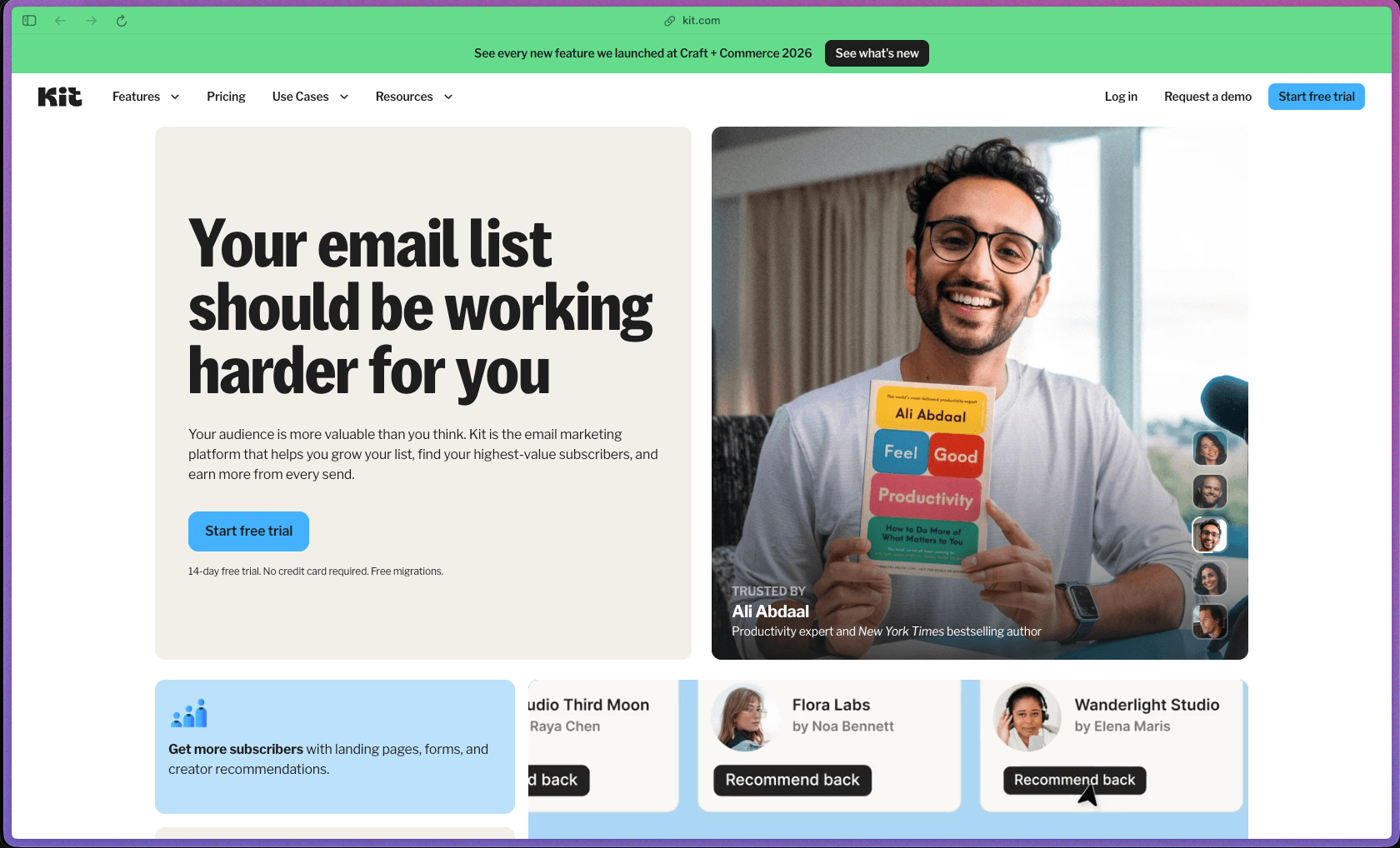
Kit occupies an interesting spot in the email marketing category—it's built around creators rather than e-commerce or enterprise teams, which shows in specific features like the Recommendations network (cross-promote with other newsletters to grow your list passively), built-in digital product and subscription selling, and a free plan that scales to 10,000 subscribers. The visual automation builder is genuinely well-regarded for its clarity compared to the rule-heavy automation editors in competing tools, and the platform's deliverability record—reported at 99.8%—is a meaningful metric for anyone whose business depends on consistent inbox placement. It's a practical fit for creators who want email, automation, and direct revenue from the same platform without stitching together separate tools.
Kit uses a freemium subscription model—the free Newsletter Plan supports up to 10,000 subscribers with unlimited email sends and basic automation, while paid plans (Creator and Creator Pro) unlock advanced automations, third-party integrations, and additional monetization features. Paid plans are billed monthly or annually, with pricing scaling based on subscriber count.
Kit offers a free Newsletter Plan (not a time-limited trial) that supports up to 10,000 subscribers with unlimited email sends, unlimited landing pages, and basic automation—no credit card required—so you can use a meaningful slice of the product indefinitely before deciding to upgrade. Refund policy for paid subscriptions is not prominently detailed on the official pricing page; buyers should review Kit's terms of service or contact support directly to confirm billing and cancellation terms.
Kit is "mature/established"—originally launched as ConvertKit in 2013, the platform has been operating for over 12 years, has served hundreds of millions of subscribers, and has gone through consistent product evolution including a full rebrand to Kit in 2024 alongside significant feature expansion. The platform has invested in recent additions including a Model Context Protocol (Kit MCP) integration for AI tools, Subscriber Signals for engagement-based automation, advanced A/B testing, collaborative editing, and Paid Recommendations—suggesting the product is actively keeping pace with how creators build businesses in 2025–26. The Capterra and G2 review histories spanning multiple years, combined with active third-party coverage from email-focused review publications like EmailToolTester and EmailVendorSelection, are consistent with a platform that has a large, engaged long-term user base.
- Rated 4.6 out of 5 on Capterra from 241 verified reviews, with an 80% likelihood-to-recommend score and strong ratings across ease of use, customer support, and features.
- Rated by over 217 reviewers on G2, with reviewers consistently citing ease of setup, reliable deliverability, and strong automation clarity as primary positives.
- Kit reports 587 million+ subscribers served across its customer base and has been supporting creators for over a decade since its founding as ConvertKit in 2013.
- Kit published a 2025 year-in-review noting 60+ new features shipped during the year, signaling active development investment across automations, monetization, and recommendations.
- The platform is widely discussed in creator-focused communities—r/Emailmarketing, Indie Hackers, and creator-niche blogs—indicating strong organic presence among its target audience.
- The email broadcast editor lets you write, design, and send one-off newsletters or announcements to your full list or a filtered segment, with a clean text-forward editor that prioritizes readability over design complexity.
- Email sequences let you pre-write a series of emails that automatically send to new subscribers at defined time intervals—useful for onboarding new subscribers, delivering a lead magnet, or running an evergreen email course.
- Unlimited landing pages and opt-in forms are included on all plans—including the free tier—so you can build subscriber capture pages without needing a separate landing page tool or website.
- Subscriber tagging and segmentation lets you label contacts based on their actions, interests, or purchase history, so you can send highly targeted emails to specific portions of your list without creating separate lists.
- The visual automation builder presents your email workflows as a flowchart—showing exactly what happens at each step—which makes it easier to build and audit complex sequences compared to text-based rule editors.
- Conditional email content lets you include or exclude specific sections of an email for different subscriber segments within a single send, reducing the need to create multiple separate campaigns for different audiences.
- A/B split testing on email subject lines (Standard plan and above) lets you test two subject line variants and automatically deliver the better-performing version to the rest of the list.
- The resend-to-unopened feature automatically resends a broadcast with an alternative subject line to subscribers who didn't open the original send, increasing reach without duplicating work.
- RSS campaigns let you automatically email your list each time you publish a new blog post by pulling content directly from your site's RSS feed—useful for bloggers who want automatic email distribution without manually writing a newsletter.
- The Creator Profile (newsletter feed and mini-website) gives you a public-facing page on Kit that aggregates your newsletter content, creating a discoverable web presence for your newsletter without a separate website.
- Digital product selling is built into Kit, allowing you to create checkout pages for one-time digital downloads, online courses, and recurring subscription memberships—keeping the entire creator business pipeline inside one platform.
- Paid newsletters let you charge subscribers a recurring fee for premium content delivered by email, managed entirely within Kit without requiring a separate membership platform.
- Virtual tip jars let subscribers make voluntary one-time payments to support your work, offering a low-friction way to accept contributions without setting up a separate payment tool.
- Newsletter sponsorships (Creator Pro) allow you to manage and sell sponsored placements within your newsletter directly through Kit, adding an advertising revenue stream alongside product sales.
- 100+ direct app integrations are available on paid plans, covering e-commerce (Shopify, WooCommerce), course platforms (Teachable, Podia, Thinkific), membership tools, webinar software, and CRMs—allowing subscriber data to sync across your creator tech stack.
- API access is available on all plans (including free), and Kit's API documentation allows developers to build custom integrations; Zapier and Make connections extend integration options further for tools not covered by native integrations.
- Kit MCP (Model Context Protocol) support lets AI tools connect to Kit's data directly, enabling AI-assisted workflows that reference your subscriber list and campaign data.
- Facebook Custom Audiences integration (paid plans) lets you sync your Kit subscriber list to Facebook for targeted paid advertising campaigns, enabling ad retargeting and lookalike audience building based on your email list.
- WordPress plugin and Squarespace integrations allow embedding opt-in forms and landing pages within existing websites without manual coding.
- The visual automation builder lets you create multi-step, branching automation workflows triggered by subscriber actions—form submissions, link clicks, purchases, tag assignments, or custom events—displaying the entire logic as a navigable flowchart.
- Automation rules allow trigger-action pairs for simpler, single-step automations (e.g., tag a subscriber when they click a specific link) that don't require building a full visual workflow.
- Subscriber Signals (Creator Pro) surface engagement-based behavioral data about individual subscribers, allowing automations to respond to deeper patterns in how contacts interact with your emails—beyond simple opens and clicks.
- Abandon checkout automation (paid plans) triggers a follow-up email to subscribers who started but didn't complete a product purchase, recovering potential sales without manual outreach.
- Scheduling emails in the subscriber's local timezone delivers campaigns at the same local hour for each contact, regardless of where they are geographically, improving open rate consistency across international audiences.
- The Insights dashboard provides campaign-level and list-level performance data including open rates, click-through rates, unsubscribes, and revenue generated from digital product sales, giving you a consolidated view of email and business performance in one place.
- List growth reporting tracks subscriber acquisition over time—showing which forms, landing pages, and sources are driving new signups—useful for identifying which list-building efforts are working and which to prioritize.
- Deliverability reporting (paid plans) provides detailed data on email delivery performance, including bounce rates and spam complaints, helping you maintain healthy list hygiene and understand deliverability issues before they compound.
- Subscriber engagement scoring assigns an engagement rating to individual contacts based on their email interaction history, making it easy to identify and target your most active subscribers—or filter out inactive ones for re-engagement campaigns.
- A custom tracking domain (paid plans) lets you use your own domain for click tracking links rather than Kit's shared domain, which can improve deliverability and removes the Kit branding from tracked URLs in your emails
- The unsubscribe page builder lets you create a custom-branded unsubscribe experience that matches your newsletter's look and tone, rather than defaulting to a generic system page.
- Custom email templates can be created and saved for reuse across future campaigns, allowing you to establish a consistent design pattern for your newsletter without rebuilding the layout each time.
- Content snippets let you save reusable blocks of email content—such as standard sign-offs, sponsor disclosures, or navigation links—and insert them into any email without retyping.
- Collaborative editing (Creator Pro) allows multiple team members to work on the same email draft simultaneously, useful for creator teams with editors or assistants involved in content production.
- Edit links in sent broadcasts (Creator Pro) allows you to update hyperlinks in already-sent emails after delivery—useful if you discover a broken link after a campaign has gone out.
- Kit reports an industry-standard 99.8% email delivery rate and average open rates above 40%, supported by dedicated deliverability infrastructure that maintains sender reputation on the platform's behalf.
- A custom tracking domain option (paid plans) lets you route link tracking through your own domain rather than a shared Kit domain, reducing the risk of your emails being flagged due to shared-domain reputation issues.
- All subscriber data handling is managed under Kit's standard privacy and data security practices; specific compliance certifications (SOC 2, GDPR certifications) are not prominently detailed on the public-facing product pages—buyers with compliance requirements should consult Kit's privacy documentation directly.
- Independent newsletter writers with 1,000–50,000 subscribers who need a dedicated email platform with audience segmentation and growth tools built around text-forward newsletters rather than e-commerce.
- Course creators, coaches, and educators who sell digital products and want to manage their email list and product checkout in one place without paying for separate tools like Gumroad or Podia alongside an email platform.
- Bloggers and content creators launching a monetized newsletter who want to start free, grow their subscriber base, and layer in paid subscriptions or sponsorships as revenue grows—without migrating platforms at each stage.
- Podcasters, YouTubers, and social media creators who want to build an owned email audience and automate subscriber nurturing sequences without needing a technical background or email marketing expertise.
- Authors (fiction and nonfiction) who want to grow a reader mailing list, deliver pre-publication content to fans, and sell books or reader bonuses directly through email-connected checkout pages.
- Use it for building and monetizing a paid newsletter when you want to charge subscribers a recurring fee for premium email content without standing up a separate membership platform.
- Use it for automating a welcome sequence when you offer a free lead magnet and want new subscribers to automatically receive a series of onboarding emails over the first 7–14 days without manual sending.
- Use it for selling digital downloads (e-books, templates, presets, courses) when you want buyers to be automatically added to a segment of your email list at the point of purchase for post-sale follow-up.
- Use it for growing your email list passively when you want to cross-promote newsletters with other creators in your niche through Kit's Recommendations network—earning new subscribers without paid ads.
- Use it for segmenting a mixed subscriber list when your audience includes different reader profiles (e.g., free subscribers vs. paid customers vs. new leads) and you want each group to receive different email content automatically.
- Use it for newsletter sponsorship management when your newsletter has reached a scale where you want to sell and manage ad placements directly inside your email platform without a separate sponsorship tool.
- Cloud-hosted SaaS platform accessible via web browser—no installation required; works on any modern browser on Mac, Windows, or Linux.
- No native desktop or mobile app is listed on the official site; account management is web-only, though emails can be reviewed and basic account actions taken via mobile browser.
- 100+ direct app integrations available on paid plans across e-commerce, course, membership, CRM, and webinar platforms; API access is available on all plans including free for custom integrations.
- WordPress plugin available for embedding Kit opt-in forms and landing pages directly on WordPress sites.
- Kit MCP (Model Context Protocol) support connects Kit's subscriber data to AI tools and LLM-based workflows.
- Payment processing for digital product sales is handled through Kit's built-in commerce infrastructure; Stripe is used as the underlying payment processor for product transactions.
Kit sits between general-purpose email marketing tools (Mailchimp, ActiveCampaign) and pure newsletter platforms (Substack, Beehiiv)—it offers more automation depth and segmentation capability than Substack while being more creator-focused and easier to learn than ActiveCampaign. The key differentiator is the combination of email marketing and built-in creator commerce (digital products, paid newsletters, tip jars, sponsorships) on a single platform—a setup that typically requires multiple separate tools from competing providers. Kit's free plan standing out at up to 10,000 subscribers with unlimited sends also makes it meaningfully more generous at the free tier than Mailchimp (500 contacts free) or most alternatives at the same stage.
- Support is available via email and live chat; Capterra reviewers rate customer support at 4.5 out of 5, and support responsiveness is consistently cited as a positive in third-party reviews.
- Kit maintains an extensive help center at help.kit.com with detailed articles covering every feature category—automations, products, landing pages, deliverability, integrations—plus a regularly updated product blog and creator-focused resource library.
- The creator community around Kit is active across Reddit (r/Emailmarketing), niche blogging communities, and YouTube—with substantial third-party tutorial content available for common use cases like automation setup, list growth, and digital product creation.
- The email editor is intentionally minimal and text-forward—it works well for creator newsletters but offers less visual design flexibility than tools like Mailchimp or Klaviyo for teams who want heavily branded HTML email layouts.
- Visual automations and third-party integrations are locked behind paid plans; the free Newsletter Plan supports only one basic automation and one email sequence, which limits utility for creators who need multi-step workflows before committing to a paid tier.
- Trustpilot reviews for ConvertKit/Kit skew negative (rated 2–3 stars from a smaller sample), with recurring themes around support quality changes and billing concerns following the 2024 rebrand—buyers should factor this alongside the more positive G2 and Capterra signals when evaluating.
- Pricing scales by subscriber count rather than features, meaning a creator with a large free list will pay proportionally more as they grow even without unlocking new capabilities—a common pain point flagged by Capterra reviewers on fixed income.
Related Products
Recently Added!
Wrike

Recently Added!
TimeDoctor

Recently Added!
RingCentral

Recently Added!
Retable

Recently Added!
Parallels Desktop

Recently Added!
Pabbly Connect

Recently Added!
Nuelink

Recently Added!
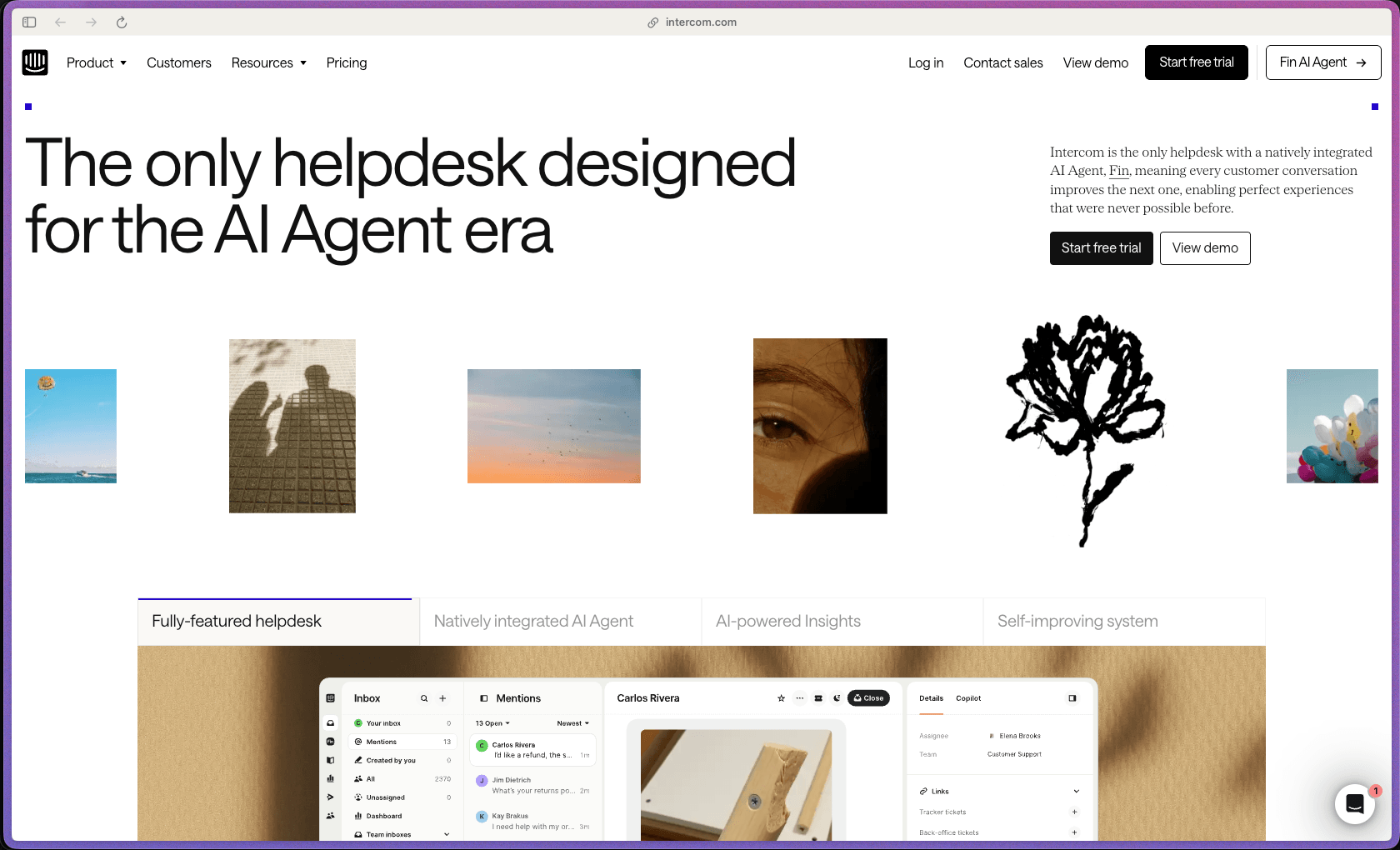
Intercom
Recently Added!
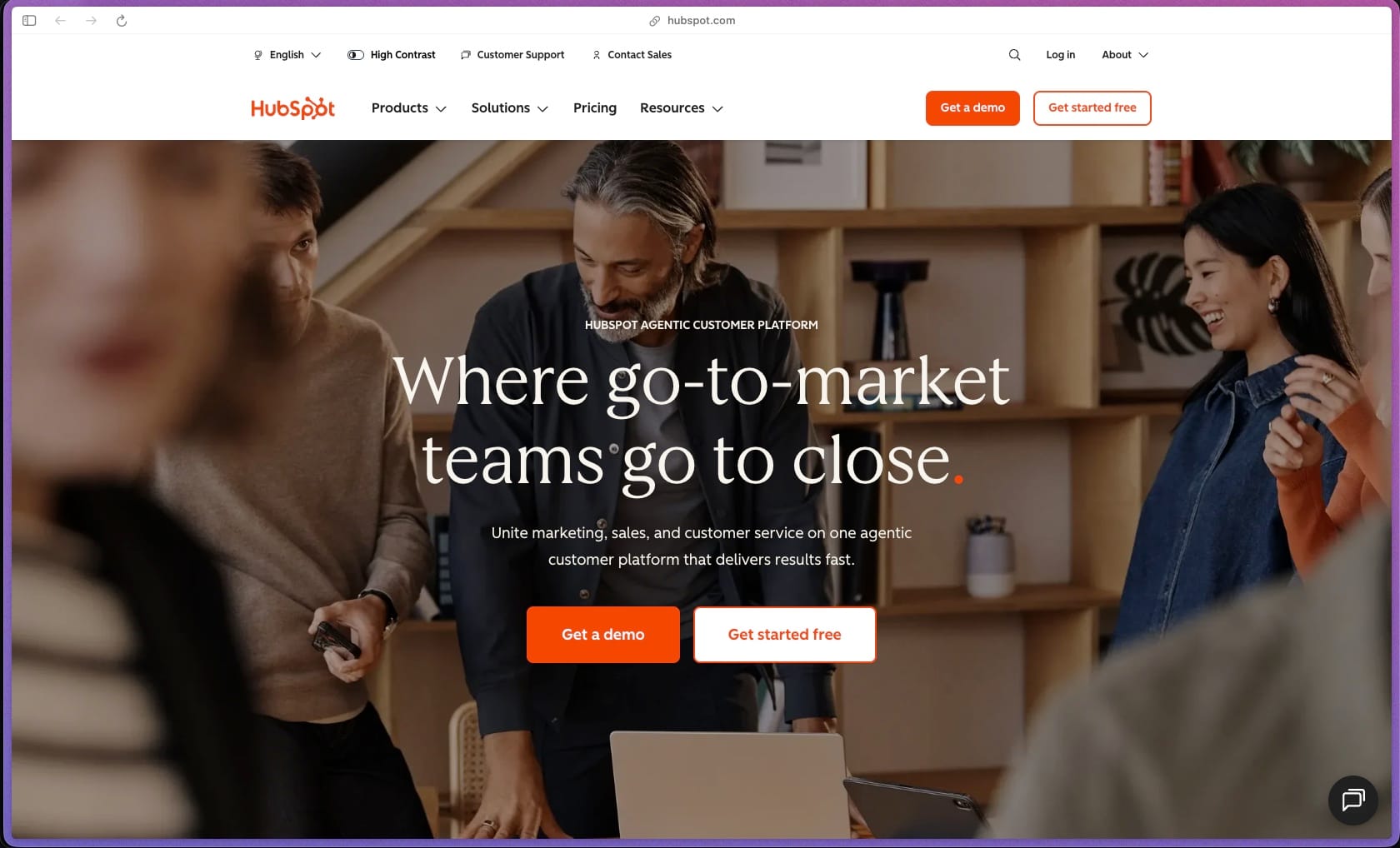
HubSpot
Products With Lifetime Deals
Recently Added!
FluentForms

Recently Added!
Divi Theme

Recently Added!
ConvertPro

Recently Added!
CartFlows

Recently Added!
Bullet Proof Security

Recently Added!
WP Booking Calendar

Recently Added!
BeaverBuilder

Recently Added!
Avada

Recently Added!
Independent Analytics

You Recently Viewed These
Recently Viewed
BitFlows

Recently Viewed
Amelia

Recently Viewed
Dynamic.ooo

Recently Viewed
Microthemer & Amender

Recently Viewed
LifterLMS

Recently Viewed
Masteriyo

Recently Viewed
Zynith SEO

Recently Viewed
Wrike
Recently Viewed
WPMU Dev

Recently Viewed
wpDataTables

Recently Viewed
WP Booking Calendar
Recently Viewed
Webflow
