
Cloudways
Cloudways
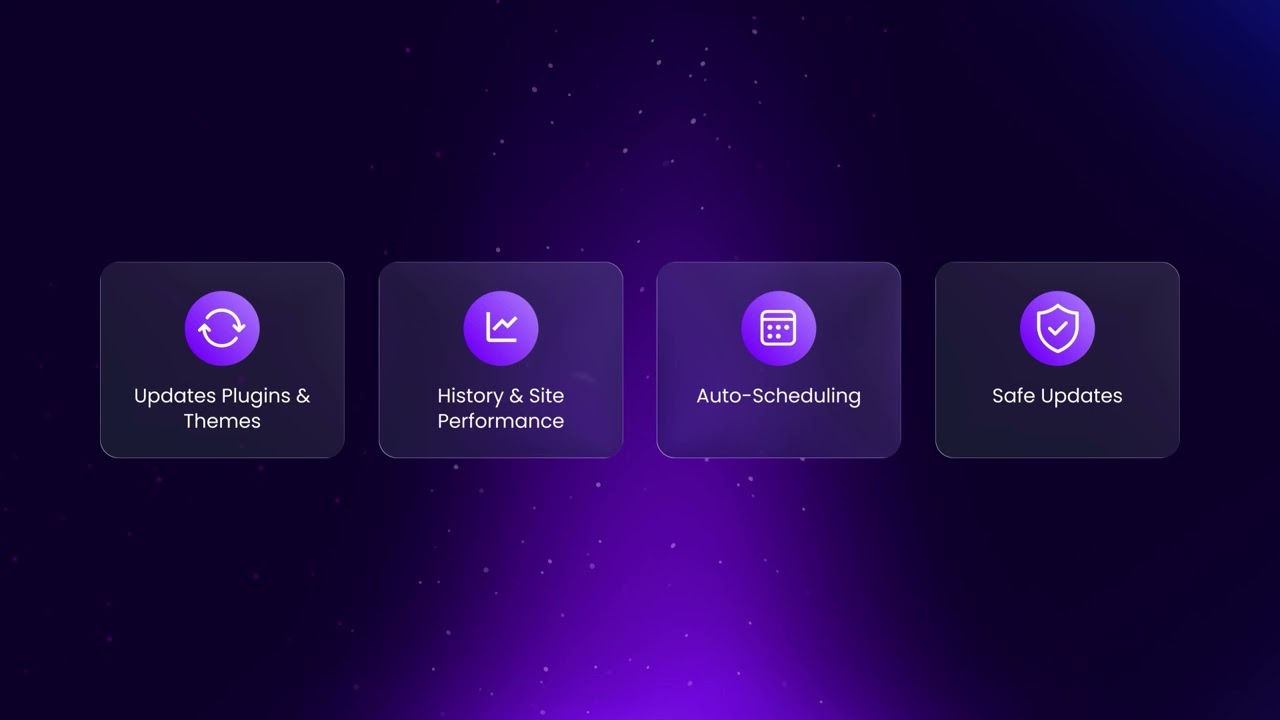
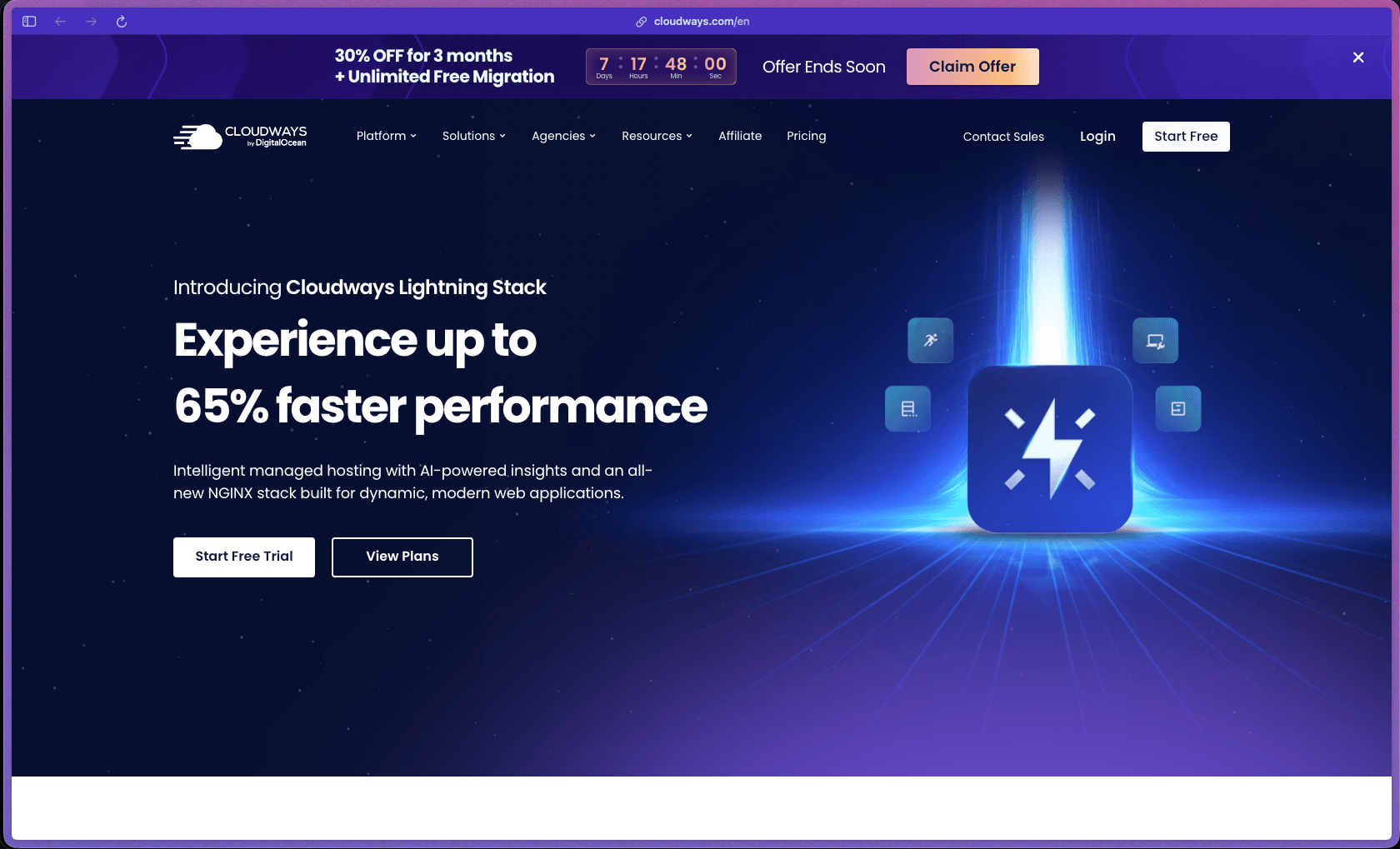
Cloudways solves a specific gap in the hosting market—teams that want the performance of cloud infrastructure (AWS, Google Cloud, DigitalOcean) without the complexity of managing it themselves, and without paying for dedicated DevOps support. It's been doing this since 2012, currently serves 70,000+ customers hosting 500,000+ websites, and has maintained a 4.8/5 rating on G2—ranking #2 on G2's 2026 Best Software Award list for Web Hosting based entirely on verified customer reviews. The pay-as-you-go model means you're not locked into an annual plan at a fixed server size, which is a meaningful flexibility advantage for agencies managing variable client workloads.
Cloudways uses a pay-as-you-go hourly billing model where you pay for the server size and cloud provider you choose, with costs scaling up or down based on the resources you actually run—there are no long-term contracts and no flat annual fees required. An optional Cloudways Autonomous plan specifically for WordPress uses a separate monthly subscription structure with autoscaling built in.
Cloudways offers a 3-day free trial that does not require a credit card, giving new users a risk-free way to test the platform, deploy a server, and evaluate the dashboard and support before committing. Refund policy for paid usage beyond the trial is not specified on the official site—buyers should confirm billing and cancellation terms directly with Cloudways, noting that the hourly pay-as-you-go model means charges stop when a server is deleted.
Cloudways is "mature/established"—founded in 2011 and in active commercial operation for over 13 years, it's one of the most widely used managed cloud hosting platforms in the SMB and agency segment with 70,000+ customers and a substantial base of long-term users evidenced by community forum activity, Reddit discussions, and third-party review depth. Cloudways was acquired by DigitalOcean in 2022, adding infrastructure backing and organizational stability to the platform while it has continued to operate as a distinct product with its own roadmap. The platform is in active development, with a Cloudways Autonomous plan (Kubernetes-based autoscaling WordPress hosting) launched as a newer offering, and a public product roadmap available at cloudways.com/en/roadmap.php for tracking upcoming features.
- Rated 4.8 out of 5 on G2 from 1,000+ verified reviews, ranked #2 on G2's 2026 Best Software Awards list in the Web Hosting category.
- Cloudways hosts 70,000+ active customers across 500,000+ websites globally as of a 2025 press release.
- BuiltWith identifies 432,000+ live websites currently running on Cloudways infrastructure, with over 794,000 known current and historical customers in their tracking database.
- G2 reviewers highlight Cloudways' live chat support with an average response time cited as under 90 seconds—a consistently mentioned factor in positive reviews.
- Forbes Advisor covered Cloudways in a dedicated review and noted it as a recognized option for managed cloud hosting among businesses that need flexible, scalable infrastructure without in-house server management.
- Third-party uptime monitoring tracked by HostAdvice showed 100% uptime during their 30-day test period, consistent with Cloudways' stated 99.99% uptime commitment.
- Managed server provisioning lets you launch a cloud server on DigitalOcean, AWS, Google Cloud, Vultr, or Linode in minutes through Cloudways' dashboard—with the cloud provider's server running behind Cloudways' managed layer so you never need to touch the provider's own control panel.
- Unlimited applications per server means you can host as many WordPress sites, WooCommerce stores, or PHP apps as your server resources will support, with no per-site licensing fees.
- One-click staging environments let you test theme updates, plugin changes, or code deployments on a full copy of your live site before pushing changes to production—available for every application on every plan.
- Vertical server scaling lets you increase RAM, CPU, or storage on a running server in one click with no migration required, making it practical to scale up before a traffic spike and down afterward.
- Cloudways Autonomous is a separate WordPress-specific plan built on Google Kubernetes that automatically scales resources in response to traffic, with built-in load balancers and no manual scaling required.
- Automated backups are configurable on an hourly or daily schedule and can be restored with a single click from the Cloudways dashboard without contacting support.
- Free migration assistance is offered for moving existing websites from other hosts to Cloudways, with the Cloudways migration plugin available for WordPress sites.
- Server cloning creates an exact copy of an entire server or application—useful for launching new projects based on an existing setup or creating development environments that mirror production.
- Git deployment supports pushing code from GitHub, GitLab, or Bitbucket directly to a Cloudways application, enabling developer workflows that deploy on code push without manually transferring files.
- The application management dashboard provides a unified view of all hosted apps, server resources, team members, SSH credentials, database access, and service toggles (Apache, Nginx, MySQL, Redis) from a single interface.
- Object Cache Pro is included on Cloudways Autonomous plans as a built-in Redis-based WordPress object cache, reducing database load for high-traffic WordPress and WooCommerce sites.
- Built-in Cloudflare Enterprise CDN integration delivers website content through Cloudflare's 200+ edge locations—available as an add-on on standard Flexible plans, included with Autonomous plans.
- Rackspace Email is available as a managed add-on for teams that need hosted email tied to their Cloudways account, as Cloudways itself does not provide email sending natively.
- WP-CLI and Composer come pre-installed on all servers, allowing developers to manage WordPress installations, run database operations, and handle PHP dependencies via command line without additional setup.
- SSH and SFTP access gives developers full server access for advanced configurations, custom deployments, and direct file management beyond what the dashboard UI exposes.
- Full REST API is available for teams who need to automate server and application management—provisioning, scaling, and monitoring via code rather than the dashboard.
- Automated security patch application keeps server operating systems and core packages updated without manual intervention or maintenance windows.
- Scheduled backup automation runs on a configurable interval without any manual action, with retention settings managed from the dashboard.
- Cloudways Bot sends real-time notifications about server health, performance alerts, and resource usage—available in the dashboard and as a messaging integration for staying informed without actively monitoring logs.
- Auto-renewal of Let's Encrypt SSL certificates is handled by the platform, so HTTPS never lapses on hosted sites due to an expired certificate.
- The Cloudways Autonomous plan handles autoscaling automatically in response to traffic, spinning up additional capacity during peak loads and reducing it afterward—removing the need for manual scaling decisions.
- Server monitoring dashboards display real-time and historical CPU, RAM, disk, and bandwidth usage per server, giving teams visibility into resource consumption and when a server upgrade may be needed.
- Application-level analytics show response times, traffic patterns, and error rates per hosted app, helping identify which sites on a server are consuming the most resources.
- Uptime monitoring with automated alerts notifies account holders when a site or server goes down, reducing the time between an incident starting and being addressed.
- Multi-cloud provider choice lets teams select which cloud infrastructure runs behind their managed environment—DigitalOcean for cost-efficiency, AWS or Google Cloud for enterprise-grade infrastructure, or Vultr and Linode for alternative options—based on performance or geographic requirements.
- Role-based team access allows account owners to add unlimited team members with defined permission levels per server or application, supporting agency workflows where different people manage different client projects.
- Server ownership transfer allows full transfer of a server and all its applications to another Cloudways account—useful for agencies handing off completed client projects.
- Support for multiple PHP versions and PHP configuration settings (PHP-FPM settings, OPcache, memory limits) can be adjusted per application through the dashboard without editing configuration files manually.
- Dedicated firewall protection operates at both OS and application levels on every server, blocking malicious traffic before it reaches hosted applications.
- Imunify360 integration provides server-level malware scanning, automated vulnerability alerts, and intrusion detection on Cloudways servers.
- Two-factor authentication (2FA) is available for Cloudways account login, adding a second verification layer beyond username and password.
- IP whitelisting allows teams to restrict database and SSH access to specific IP addresses only, reducing the attack surface for sensitive server operations.
- Free one-click Let's Encrypt SSL certificates are included for every application, with automatic renewal handled by the platform.
- Advanced DDoS mitigation and WAF protection are available through the Cloudflare Enterprise CDN add-on, providing enterprise-grade bot filtering and attack protection beyond the base server-level defenses.
- Digital agencies managing 10–50 client WordPress or WooCommerce sites who want a single managed platform where they can host unlimited sites on scalable servers, with role-based team access and one-click staging for each client.
- Freelance WordPress developers who build and hand off sites to clients and want server cloning, staging environments, and ownership transfer without needing to set up a new infrastructure for each project.
- E-commerce businesses running WooCommerce stores that outgrow shared hosting and need consistent server performance, autoscaling for seasonal traffic spikes, and Redis object caching—without hiring a server administrator.
- SaaS founders running PHP or Laravel applications who want cloud infrastructure performance (AWS, Google Cloud) without the complexity of configuring and maintaining those providers' native environments themselves.
- Developers and technical founders who are comfortable with SSH and command-line tools but don't want to spend time on server provisioning, security patching, and backup management when those tasks add no value to their product.
- Use it for managing multiple client WordPress sites at an agency when you need unlimited apps per server, role-based team access, one-click staging, and server ownership transfer all from a single dashboard.
- Use it for hosting a high-traffic WooCommerce store when you need Redis object caching, vertical scaling before sales events, and Cloudflare Enterprise CDN without a dedicated DevOps resource on your team.
- Use it for migrating from shared hosting to cloud infrastructure when your WordPress site is hitting shared hosting limits and you want DigitalOcean or AWS performance without learning to configure those platforms directly.
- Use it for deploying a PHP or Laravel application when you want Git-based deployments, SSH access, and Composer pre-installed on a managed server without spending time provisioning and hardening the environment manually.
- Use it for hosting a content site or blog that needs high availability when you want Cloudways Autonomous's autoscaling Kubernetes infrastructure to handle traffic spikes without manually monitoring server resources.
- Cloud-hosted SaaS platform managed through a web dashboard (cloudways.com) and a mobile companion app; no software installation required on your own machine.
- Servers run on your choice of five cloud infrastructure providers: DigitalOcean, AWS, Google Cloud, Vultr, and Linode—Cloudways manages the server layer on top of whichever provider you select.
- Supported application types include WordPress, WooCommerce, Magento, Laravel, PHP, Drupal, Joomla, and other PHP-based applications.
- Pre-installed server stack includes Nginx, Apache, Varnish, Memcached, Redis, MySQL/MariaDB, PHP (multiple versions), WP-CLI, and Composer—configured and managed by Cloudways.
- Git integration supports GitHub, GitLab, and Bitbucket for code deployment workflows.
- A full REST API is available for programmatic server and application management for teams who want to automate provisioning and scaling outside the dashboard.
Cloudways occupies the space between shared/managed WordPress hosting (like WP Engine, Kinsta, or SiteGround) and raw cloud infrastructure (AWS EC2, Google Compute Engine, DigitalOcean Droplets)—giving teams cloud server flexibility and choice of provider without the technical overhead of managing servers from scratch. Compared to managed WordPress hosts like Kinsta or WP Engine, Cloudways supports a wider range of PHP applications beyond WordPress and allows teams to choose their underlying cloud provider and server size independently—often at a lower monthly cost for comparable resources. The trade-off is that Cloudways is not a pure hands-off managed host: teams still interact with server-level settings, and some advanced configurations require reaching out to support rather than being self-service in the dashboard.
- 24/7 live chat and ticket-based support are available to all customers—free live chat support is included on all plans, with G2 reviewers and a Business Wire press release citing an average first-response time under 90 seconds for live chat.
- Cloudways documentation (support.cloudways.com) covers server management, application deployment, security configuration, and troubleshooting with written guides and tutorials; Forbes Advisor noted it as a strong resource for self-service support.
- An active community forum and a publicly shared product roadmap (cloudways.com/en/roadmap.php) allow users to track upcoming features and engage with other customers and the Cloudways team.
- Email hosting is not included—Cloudways does not provide email accounts or SMTP sending natively; teams need to use a third-party email service (Google Workspace, any SMTP provider) or purchase the Rackspace Email add-on.
- Advanced Cloudflare Enterprise CDN features (WAF, advanced DDoS protection, bot management) are an add-on cost on standard Flexible plans and not included in the base server pricing—teams expecting enterprise CDN protection should account for this additional line item.
- Some advanced server configuration options (custom Nginx rules, certain performance tuning changes) require opening a support ticket rather than being self-service through the dashboard—a friction point for teams that want full configuration control without support involvement.
- Cloudways applies a markup over the underlying cloud provider's raw infrastructure pricing to cover the managed layer, meaning per-GB RAM costs are higher than running an equivalent DigitalOcean or AWS server directly—an expected trade-off for managed service that reviewers consistently note when comparing total cost at scale.
Related Products
Recently Added!
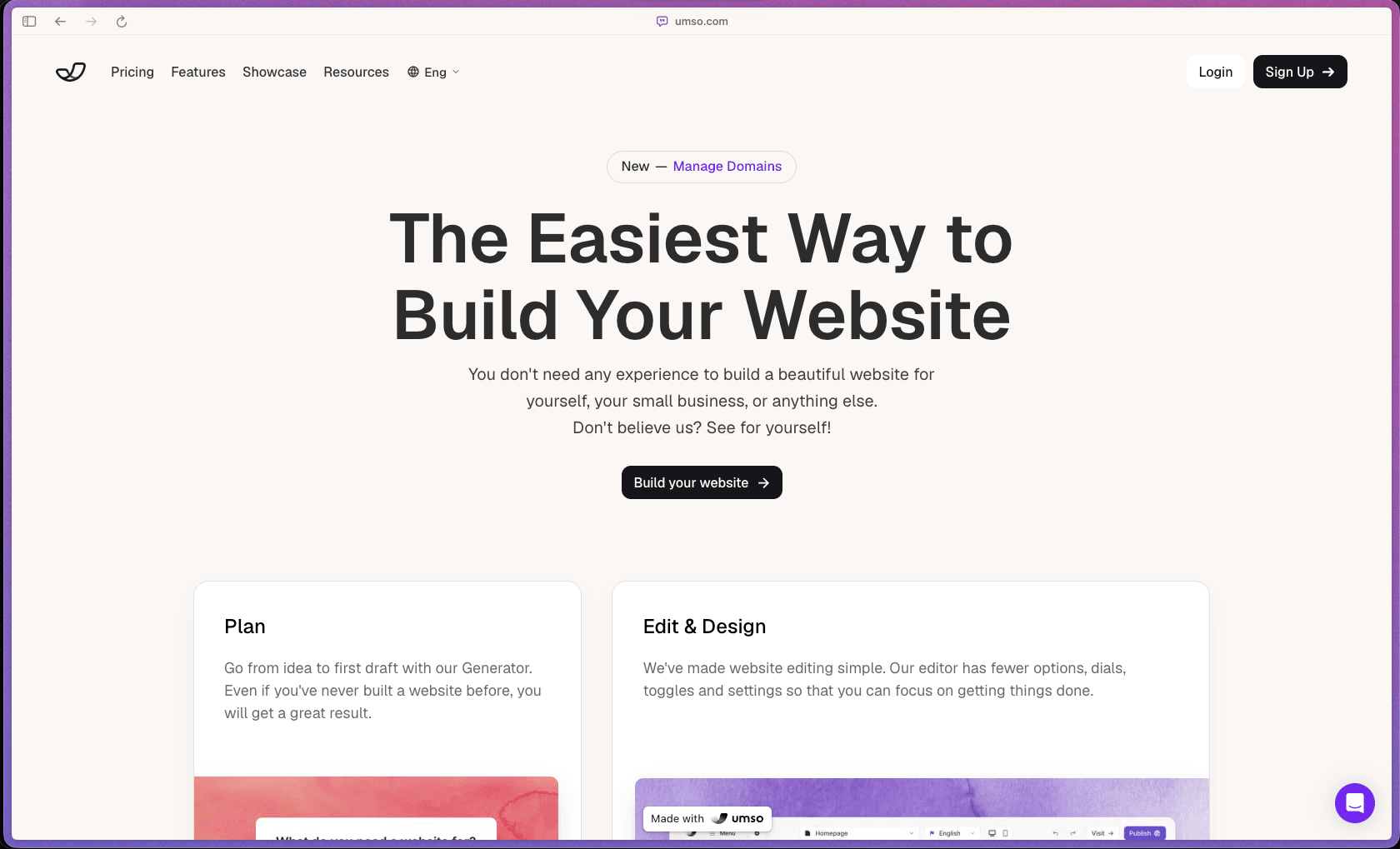
Umso - Website Builder
Recently Added!
Porkbun

Recently Added!
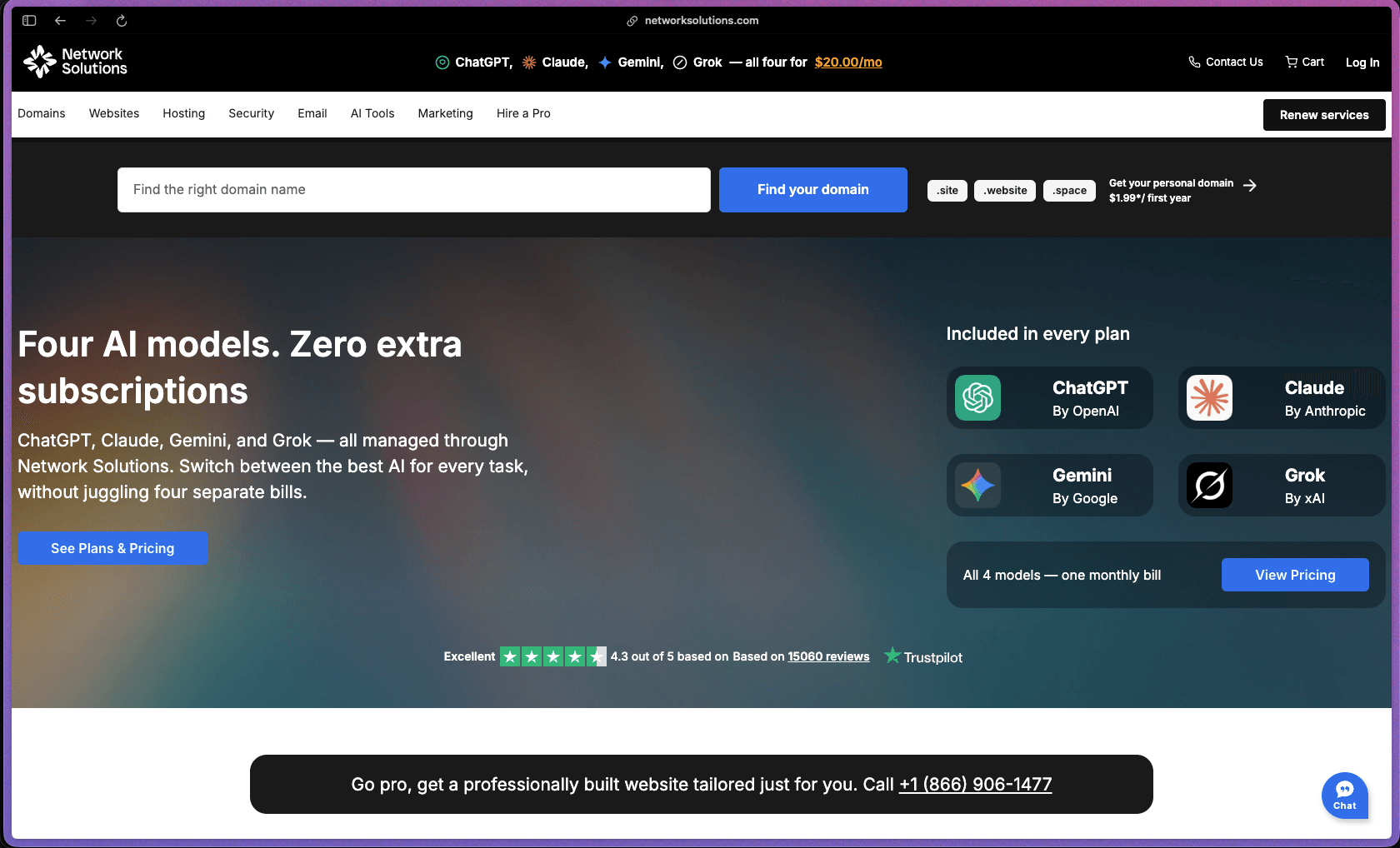
Network Solutions
Recently Added!
Namecheap

Liquid Web

Recently Added!
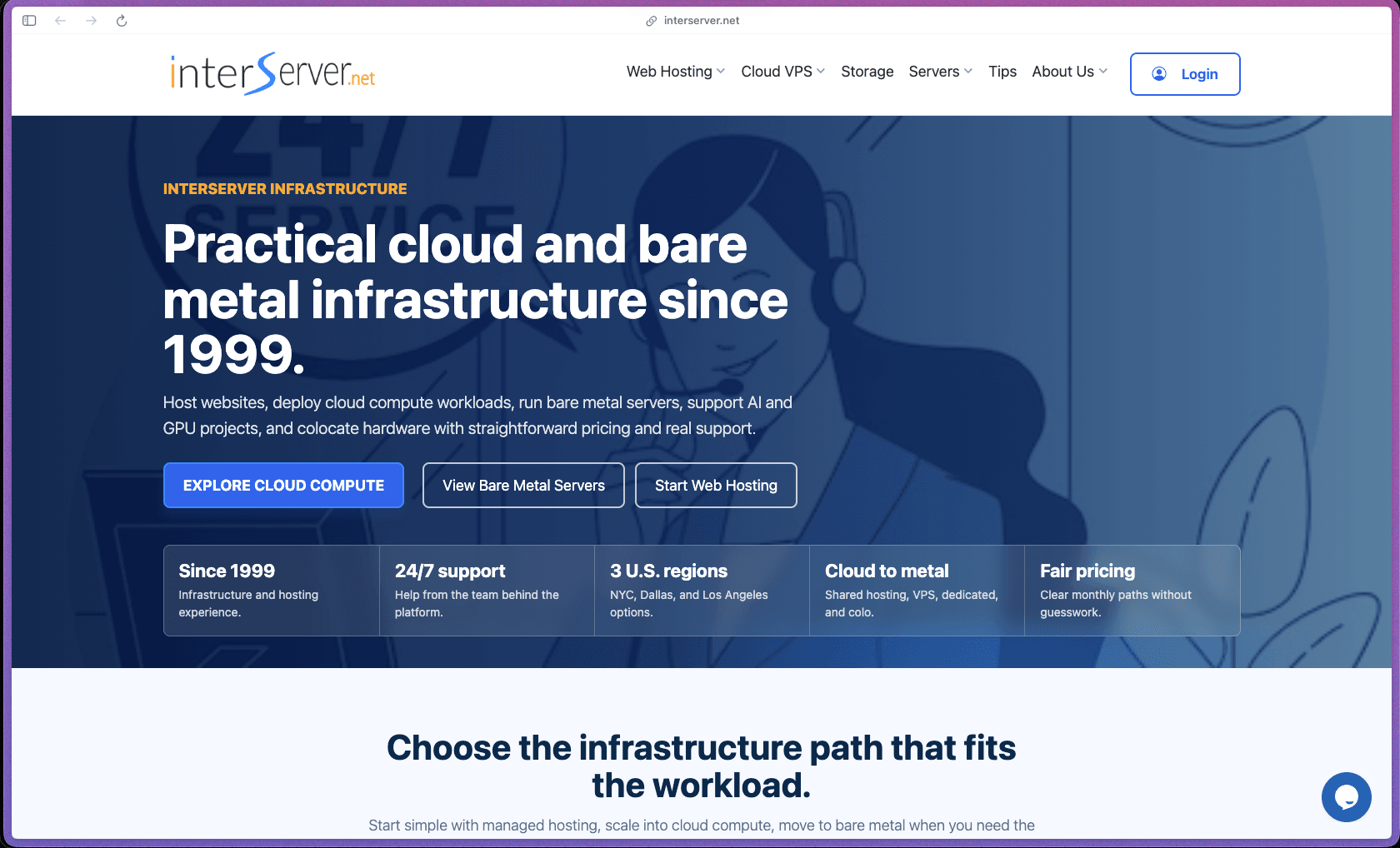
InterServer
Recently Added!
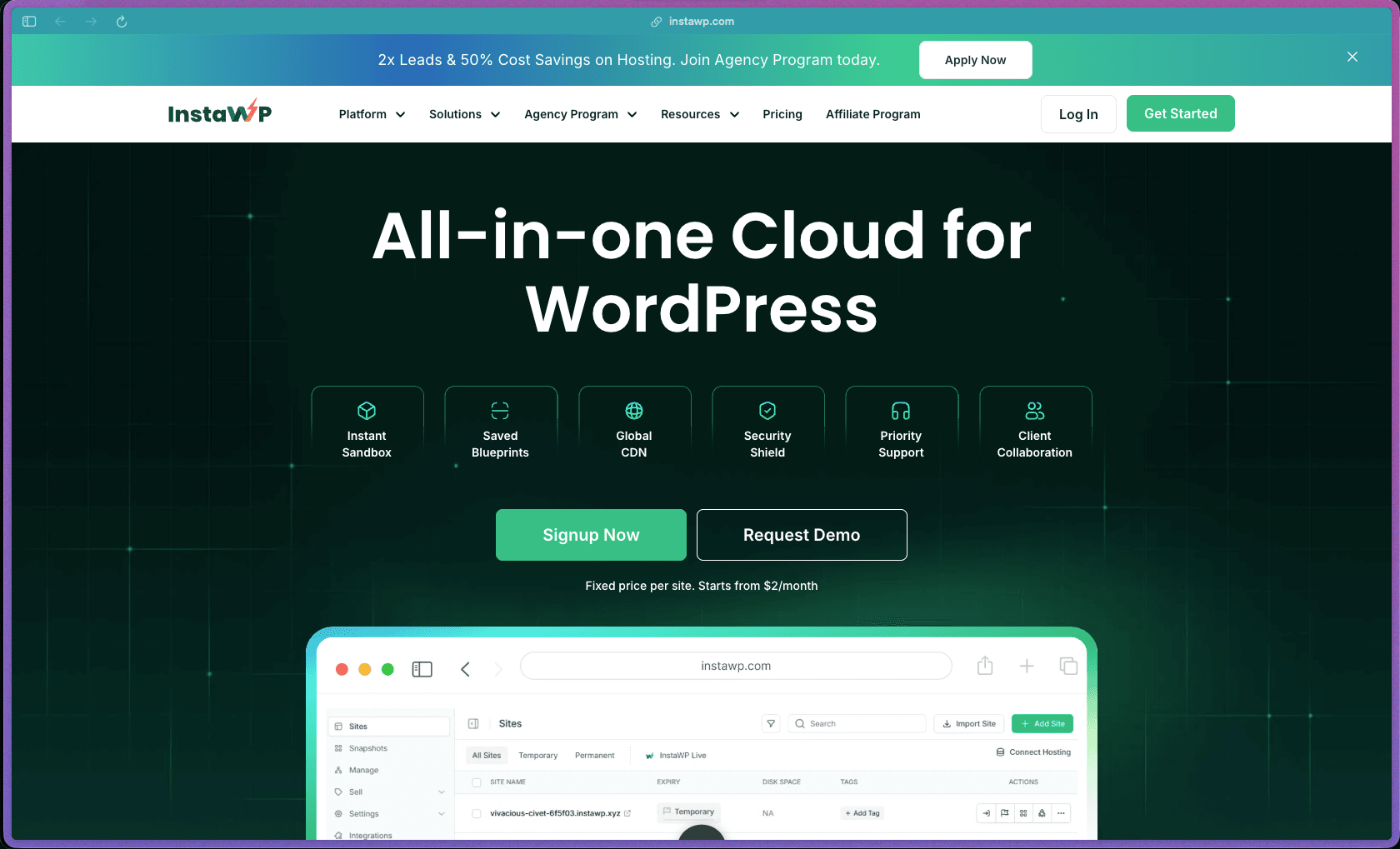
InstaWP
Recently Added!
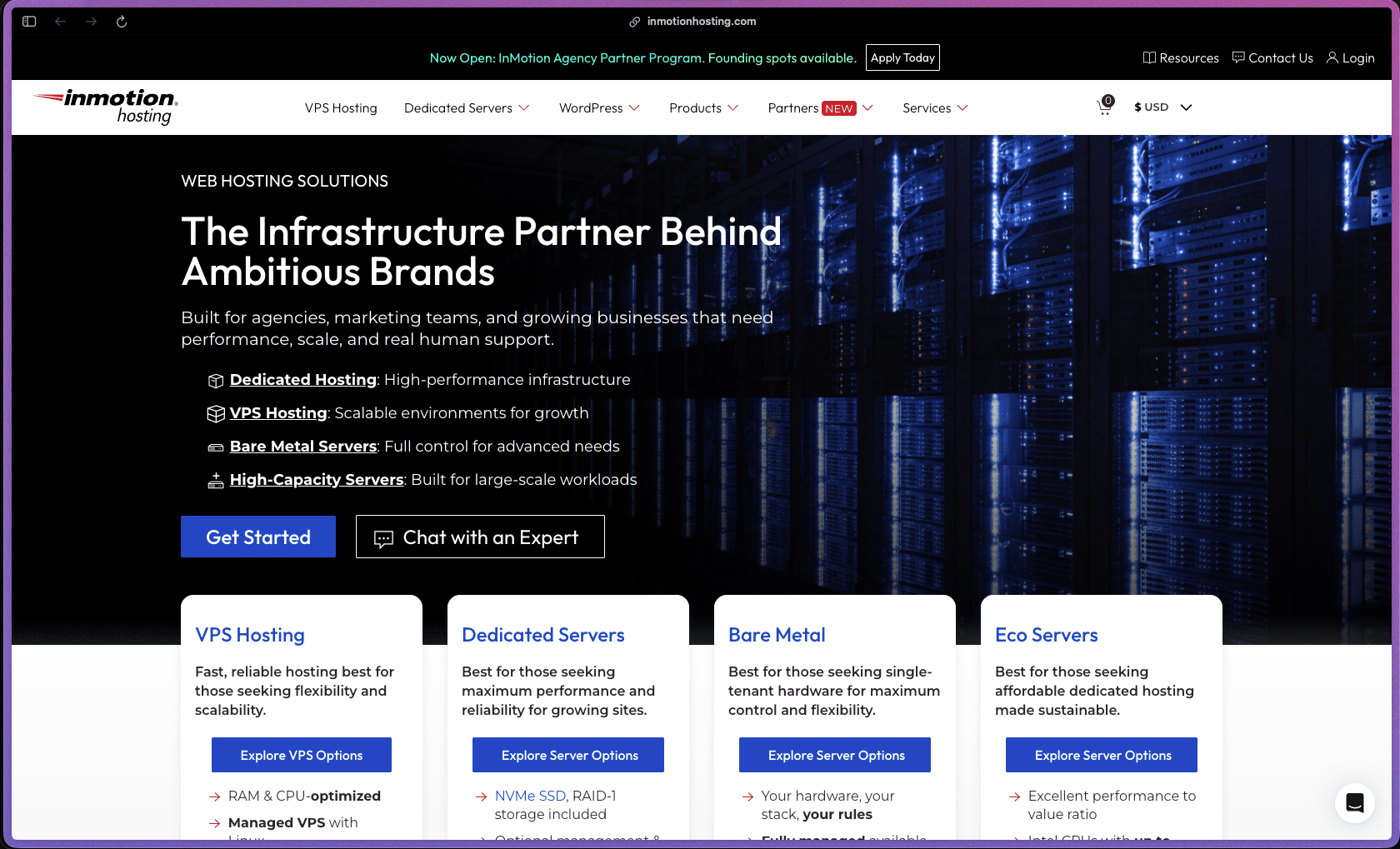
InMotion Hosting
Recently Added!
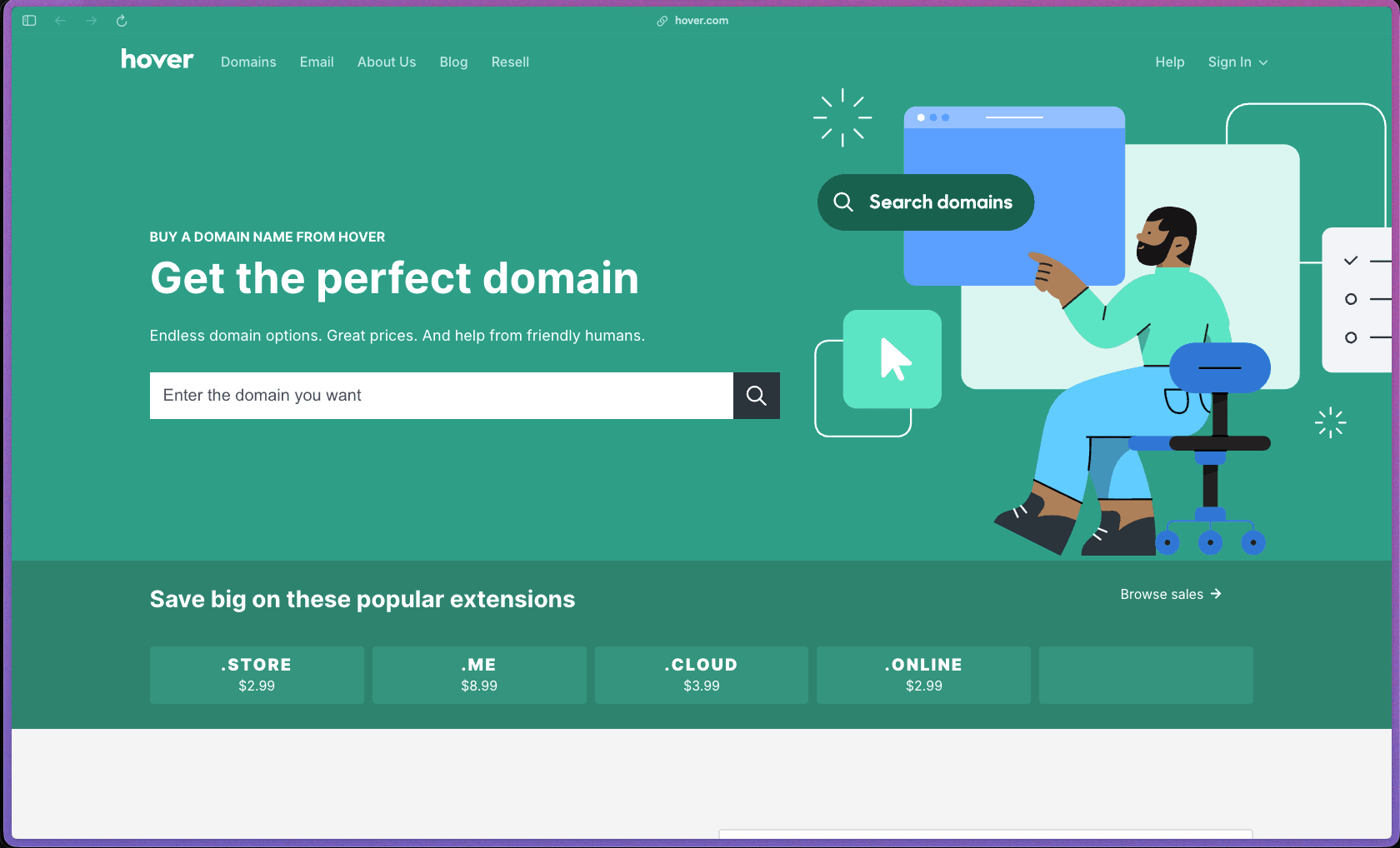
Hover
Products With Lifetime Deals
Recently Added!
FluentForms

Recently Added!
Divi Theme

Recently Added!
ConvertPro

Recently Added!
CartFlows

Recently Added!
Bullet Proof Security

Recently Added!
WP Booking Calendar

Recently Added!
BeaverBuilder

Recently Added!
Avada

Recently Added!
Independent Analytics

You Recently Viewed These
Recently Viewed
BitFlows

Recently Viewed
Amelia

Recently Viewed
Dynamic.ooo

Recently Viewed
Microthemer & Amender

Recently Viewed
LifterLMS

Recently Viewed
Masteriyo

Recently Viewed
Zynith SEO

Recently Viewed
Wrike

Recently Viewed
WPMU Dev

Recently Viewed
wpDataTables

Recently Viewed
WP Booking Calendar
Recently Viewed
Webflow
