Umso - Website Builder
Umso - Website Builder

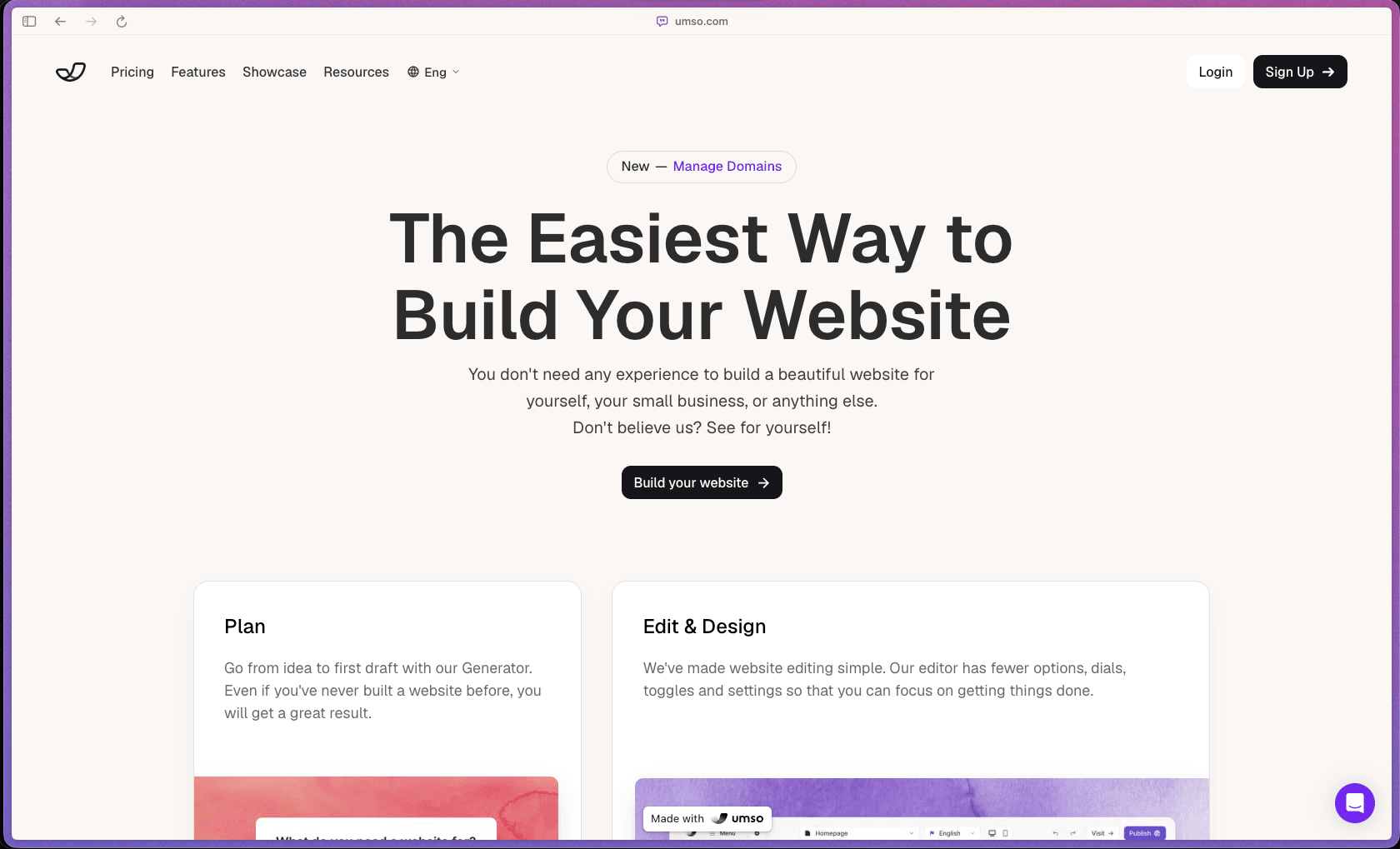
Umso stands out by deliberately limiting design options — fewer toggles and settings mean founders can go from idea to published site quickly, without getting stuck fine-tuning pixels. Its AI generator, built-in analytics, forms, blog, and translation tools are included at no extra cost rather than sold as separate add-ons, which keeps the total cost predictable. With a 4.8/5 rating across G2, Trustpilot, and Product Hunt, it has a consistent reputation for being fast and easy to use for small business and startup sites.
Umso uses a freemium subscription model with a free plan for a homepage-only site, plus paid per-site monthly plans for more pages and features. Billing is site-based rather than seat-based, so cost scales with the number of websites you run rather than the number of team members.
Monthly subscriptions are eligible for a refund within 14 days of the subscription starting, and yearly subscriptions can be refunded within 14 days of either the initial start date or a renewal date. Refunds can be requested directly through self-service after cancelling a subscription, without needing to contact support. The Free plan requires no payment at all, so you can try Umso's builder before committing to any paid tier.
Umso is a growing, stable product with a multi-year track record — Capterra and GetApp reviews reference customers using the platform consistently for 2+ years, and the company has published technical blog content on its AI website generator since at least 2017. Its self-service refund system, introduced in April 2024, and continued activity across G2, Trustpilot, and Product Hunt suggest an actively maintained product rather than an early-stage experiment. The founder-led positioning and consistent multi-platform ratings in the high 4s point to a stable, if still relatively small-scale, business.
- Rated 4.8/5 on Trustpilot with an "Excellent" TrustScore, based on 119 customer reviews.
- Rated 4.8/5 on Product Hunt based on 41 reviews, in the website builder for startups category.
- Rated 4.9/5 on GetApp based on 10 verified reviews, with users reporting 2+ years of consistent weekly use.
- G2 reviewers consistently highlight the easy-to-use interface and quick turnaround for creating professional-looking sites.
- Capterra reviews describe the tool as reliable for 2+ years of ongoing use among small business and freelance customers.
- The AI-powered Generator turns a short description of your business into a complete first-draft website, removing the blank-page problem for people who've never built a site before.
- The visual editor is intentionally simplified, with fewer settings and toggles than typical builders, so you can focus on finishing your site rather than tweaking every design detail.
- One-click publishing takes your site live instantly once you're satisfied with the design, without a separate deployment or hosting setup step.
- A built-in blog engine with SEO-friendly architecture lets you publish content directly from the same dashboard used to manage your website.
- Multilingual support allows you to manage and serve your site content in multiple languages from a single account.
- Domain management is built directly into Umso, letting you find a new domain, transfer an existing one, or connect a domain you already own — all from one place.
- Built-in forms let you collect leads or messages directly on your site without needing a separate form plugin or third-party embed.
- The AI Generator can automatically write text for your entire site based on your business description, cutting down the time needed to draft copy for every page section.
- AI-assisted image selection finds suitable pictures for your project automatically when your chosen content includes visual elements.
- Structured section selection uses your generator answers to automatically choose and assemble the best pre-designed sections for your specific use case.
- Basic analytics are included on every plan, including the free tier, giving you visibility into site traffic without a separate analytics subscription.
- More detailed analytics are available on paid plans, helping growing sites track visitor behavior and page performance in more depth.
- Color and font presets, curated by professional designers rather than generated by AI, let you adjust your site's visual theme while maintaining consistent quality control.
- Page limits scale by plan — from a homepage-only free tier up to unlimited pages on the Pro plan — letting you expand your site as your needs grow.
- Pre-designed, fully responsive sections form the visual building blocks of every site, ensuring consistent layout quality across devices without manual responsive design work.
- First-time website builders and non-technical founders who find most builders overwhelming and want a simple path from idea to published site.
- Solo consultants and freelancers who need a professional-looking landing page or portfolio site without hiring a designer or developer.
- Early-stage startups that want to test multiple website versions quickly without investing weeks in custom design work.
- Artists and creatives who need an image-first portfolio site with built-in blogging and SEO, without managing a complex CMS.
- Small business owners who want built-in analytics, forms, and a blog included in their plan rather than paying for separate tools.
- Agencies or individuals managing multiple small client sites who want per-site, predictable pricing rather than seat-based billing.
- Use it for launching a startup landing page quickly when you need to test a business idea without investing in custom development.
- Use it for building a homepage on a $0 budget when you're just getting started and want a simple, professional-looking presence online.
- Use it for publishing a business blog when you want built-in SEO-friendly blogging without adding a separate CMS to your stack.
- Use it for creating a multilingual site when your audience spans multiple language markets and you want translation handled within the same builder.
- Use it for testing multiple website versions when you're running early-stage experiments and don't want to rebuild from scratch each time.
- Use it for building a portfolio site when you're a freelancer or artist who needs an image-first design with minimal setup effort.
- Cloud-hosted SaaS website builder, accessed entirely through a web browser with no local installation required.
- Domain registration, transfer, and connection are handled natively within Umso, without needing a separate registrar account.
- Built-in analytics, forms, blog, and translation tools are all part of the core platform rather than third-party plugins.
- The AI Generator (accessible at app.umso.com/generator) can be tried without creating an account, making evaluation friction-free.
- No CLI, API, or developer-focused integration options are documented on the official site — Umso is positioned as a no-code, browser-based tool.
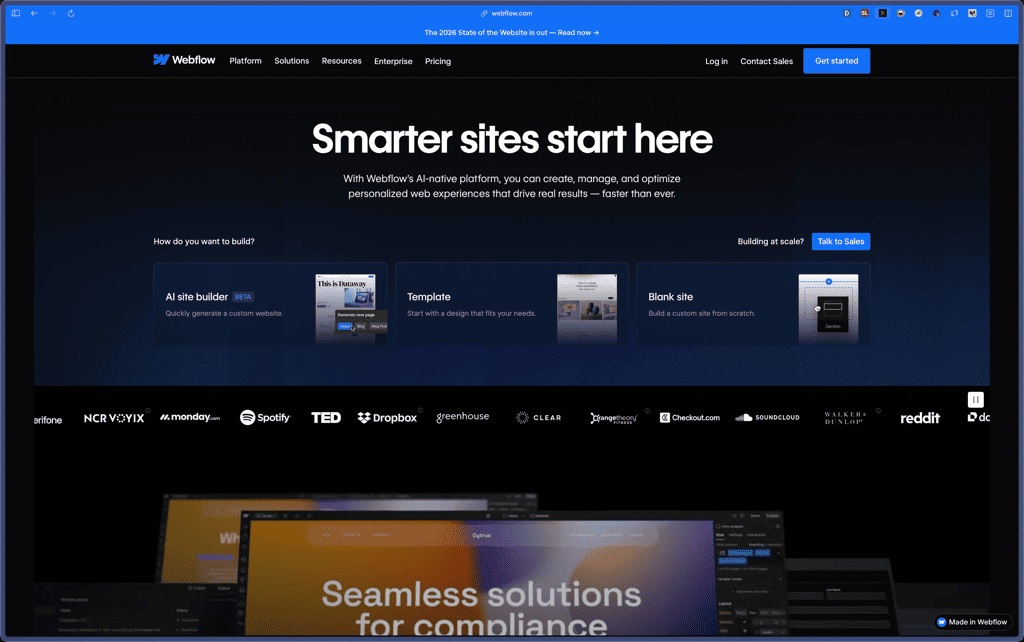
Umso competes with website builders like Webflow, Carrd, and Framer, but deliberately trades away deep customization for speed and simplicity. Where Webflow offers near-limitless design control aimed at designers and agencies, Umso strips down the options so founders without design experience can go from idea to published site in far less time. This makes it a better fit for people who want "good enough, fast" over "perfect, eventually."
- Chat and email support are included on the free plan, giving all users — not just paying customers — access to direct help.
- A dedicated help center (help.umso.com) documents policies like refunds clearly, with self-service instructions rather than requiring a support ticket for routine requests.
- Multiple third-party reviews across G2 and Product Hunt specifically cite helpful, responsive support as a strength of the platform.
- The free plan is limited to a homepage only — anyone needing multiple pages must upgrade to a paid plan.
- No native e-commerce functionality is described on the official site, so store owners will likely need a different platform or a workaround.
- There is no documented public API or developer integration layer, which may limit fit for teams wanting custom technical workflows.
- Design customization is intentionally limited compared to more flexible builders like Webflow, so users wanting granular pixel-level control may find Umso restrictive.
Related Products
Recently Added!
Porkbun

Recently Added!
Network Solutions
Recently Added!
Namecheap

Liquid Web

Recently Added!
InterServer
Recently Added!
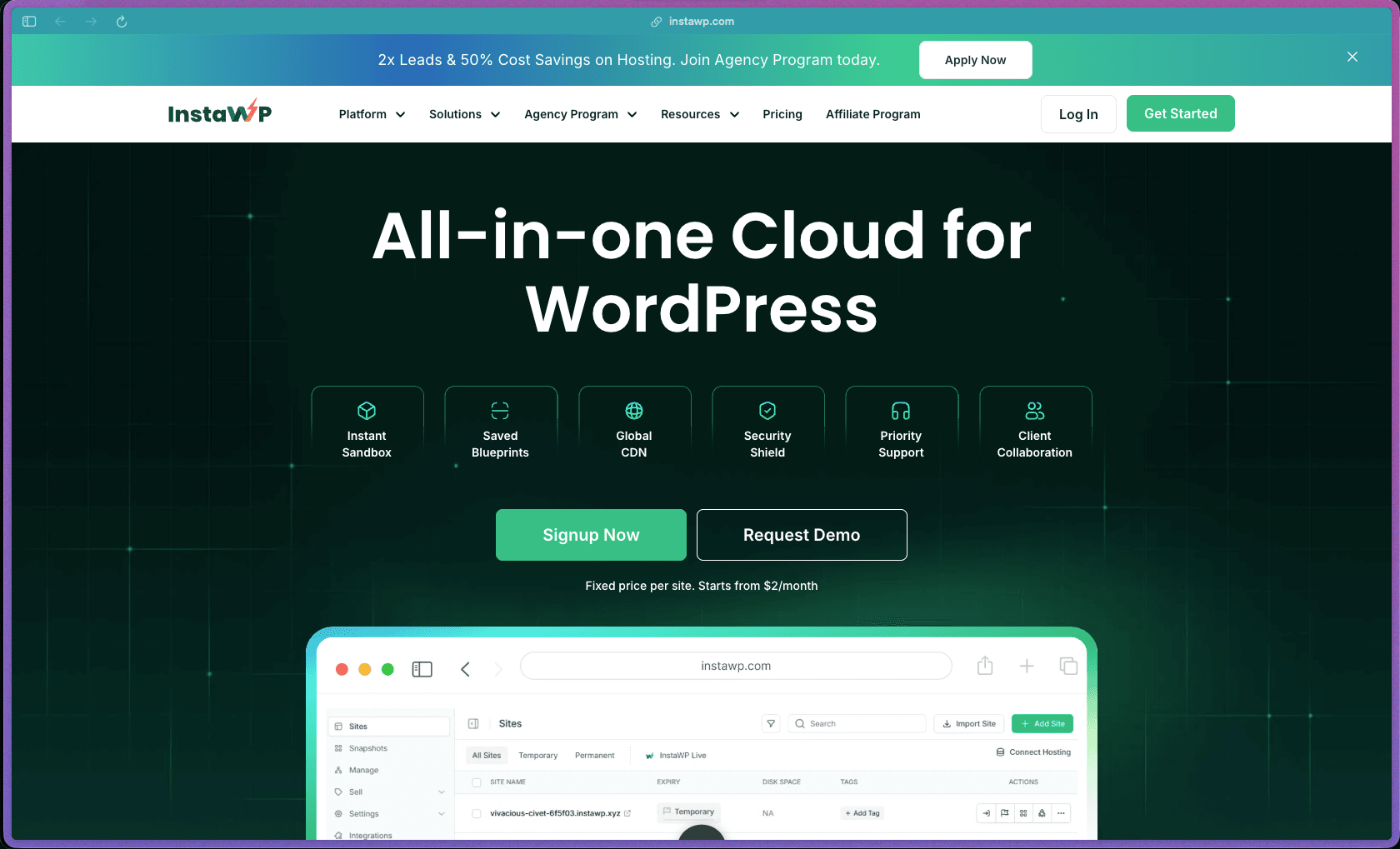
InstaWP
Recently Added!
InMotion Hosting

Recently Added!
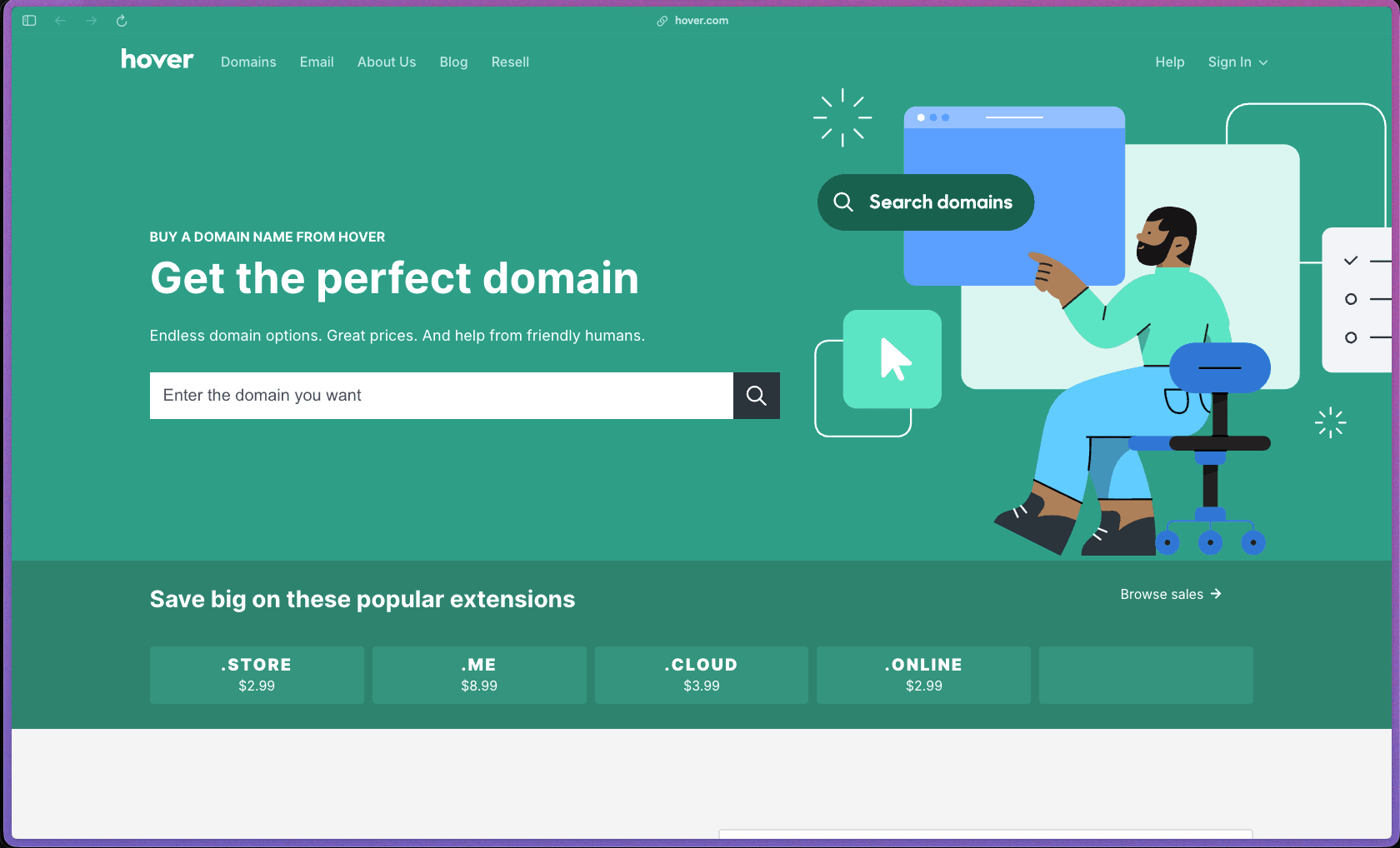
Hover
Recently Added!
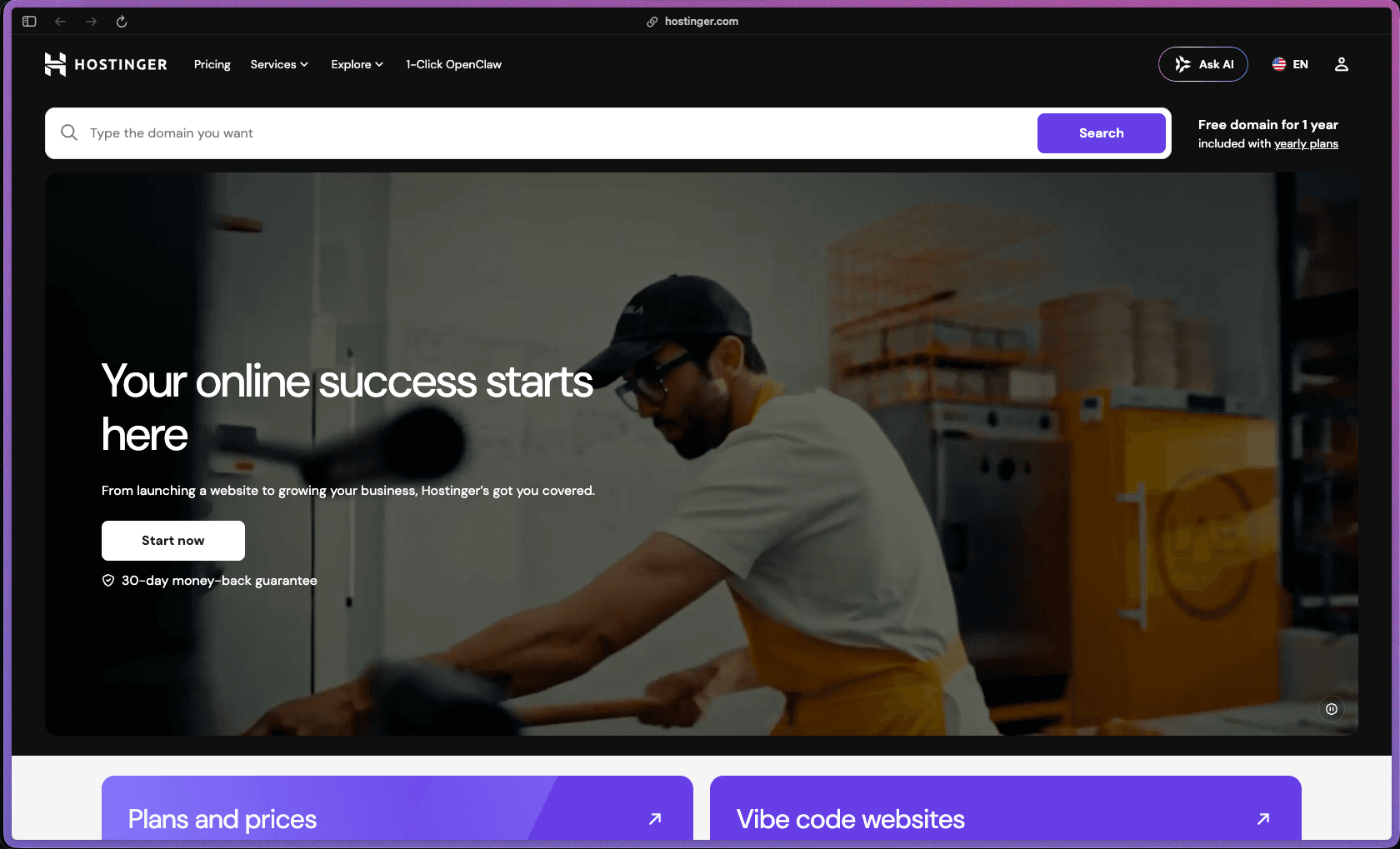
Hostinger
Products With Lifetime Deals
Recently Added!
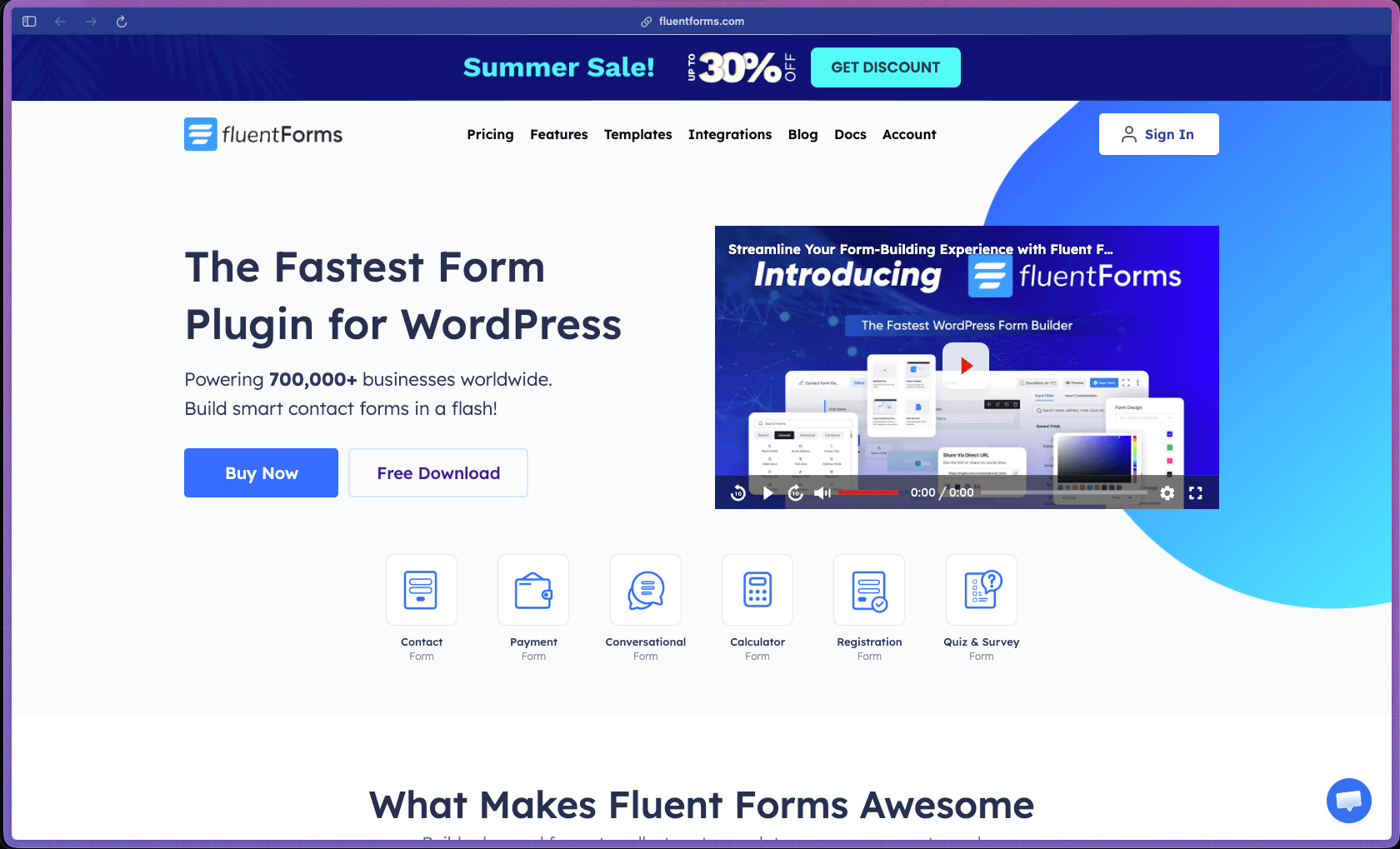
FluentForms
Recently Added!
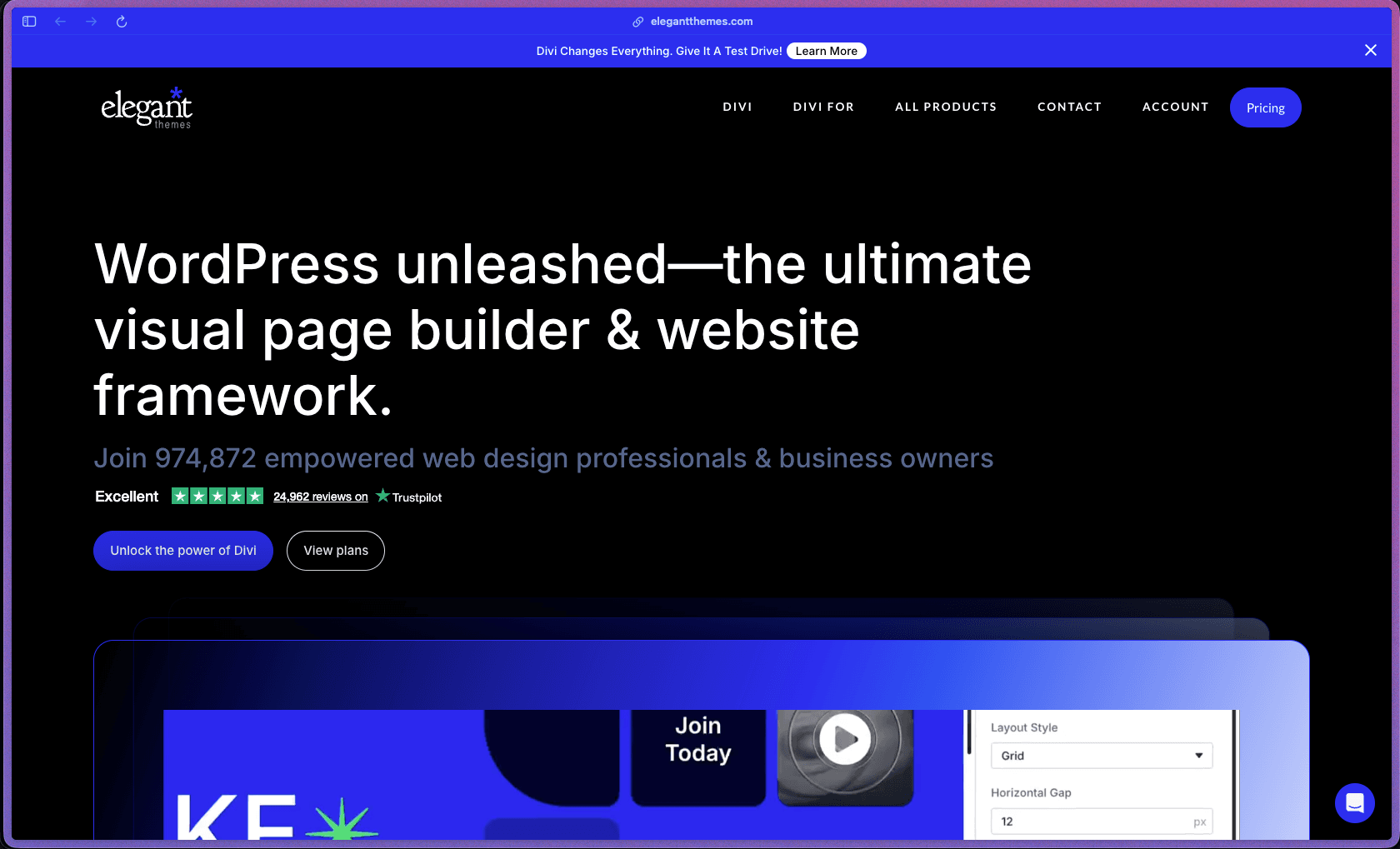
Divi Theme
Recently Added!
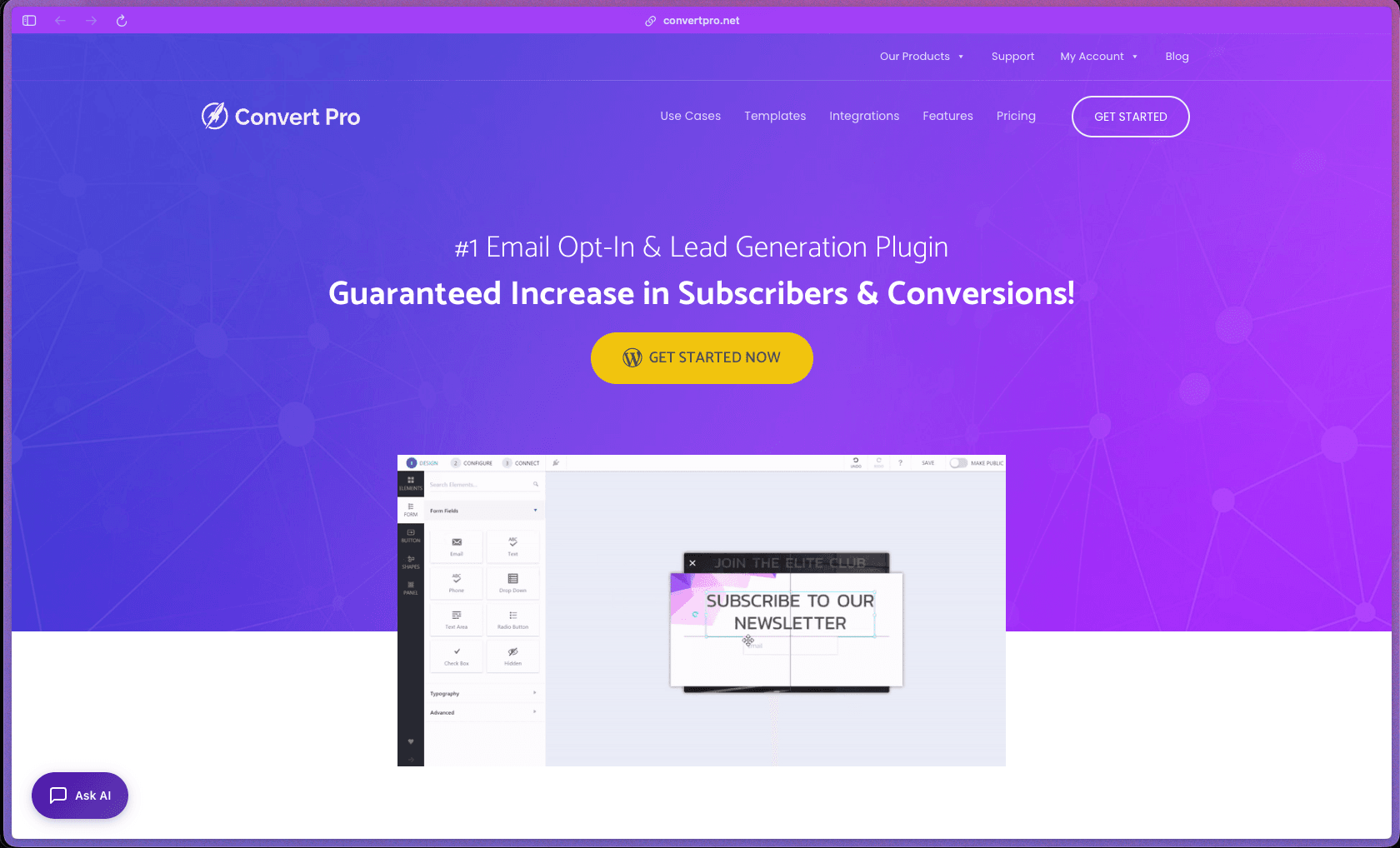
ConvertPro
Recently Added!
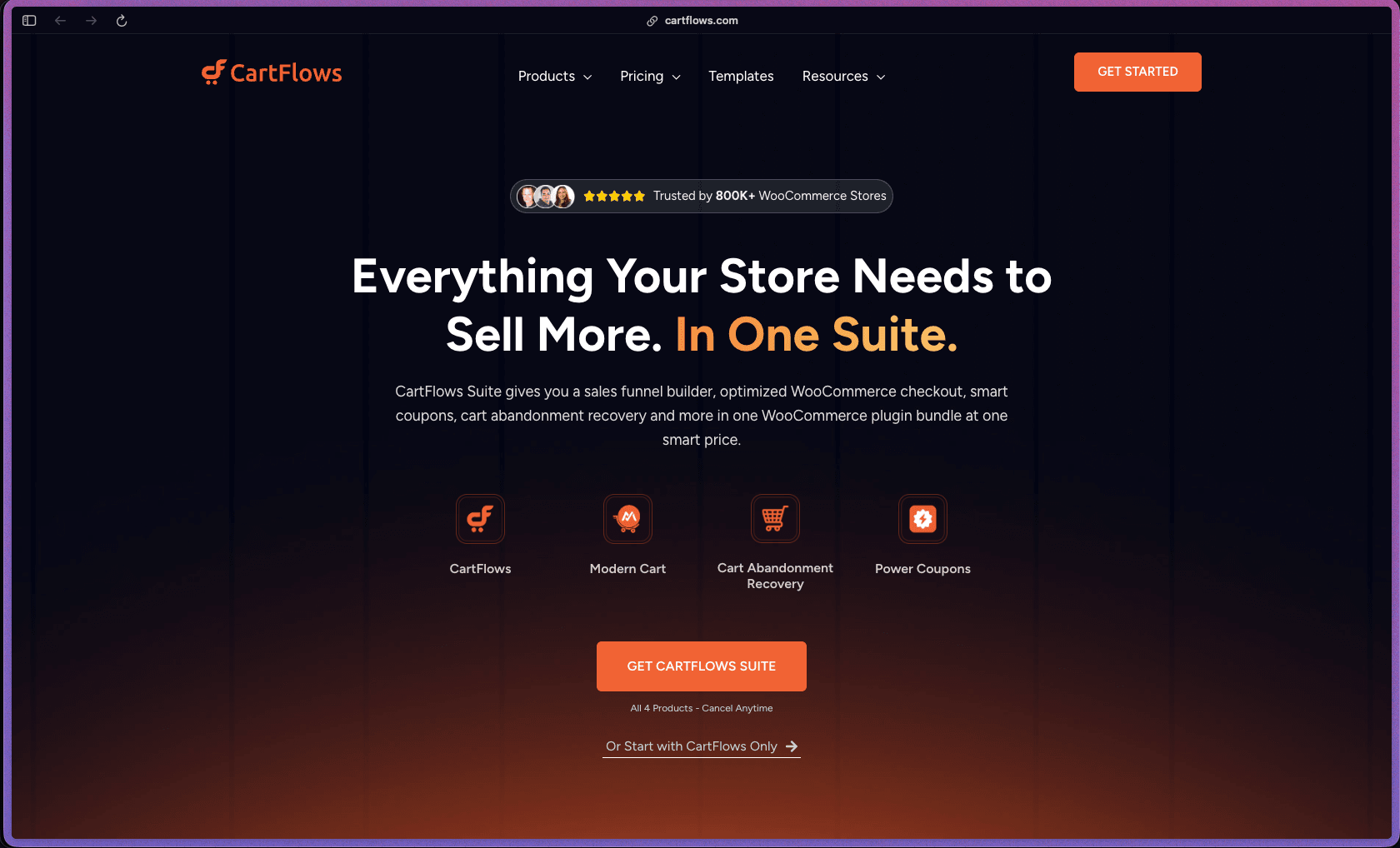
CartFlows
Recently Added!
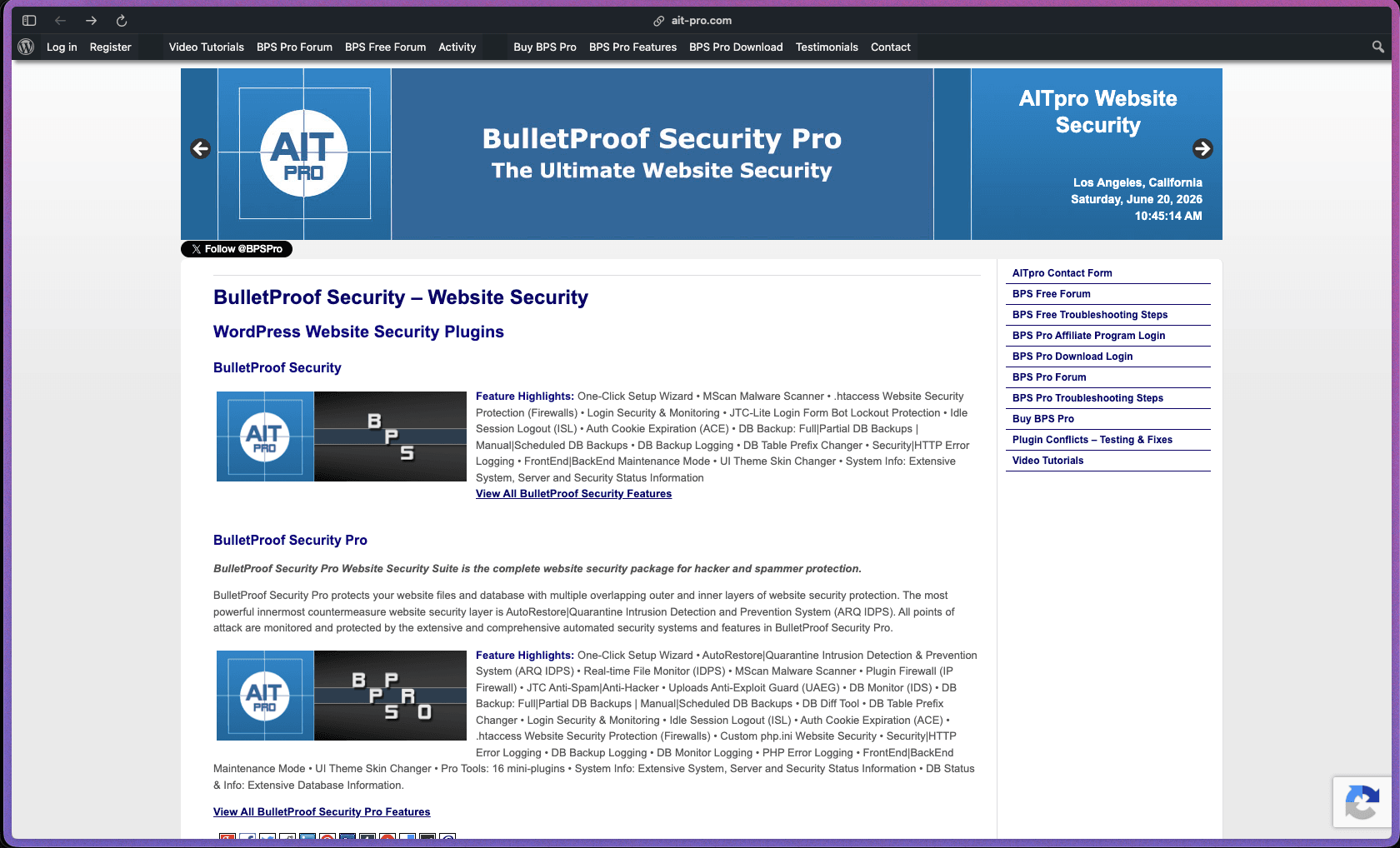
Bullet Proof Security
Recently Added!
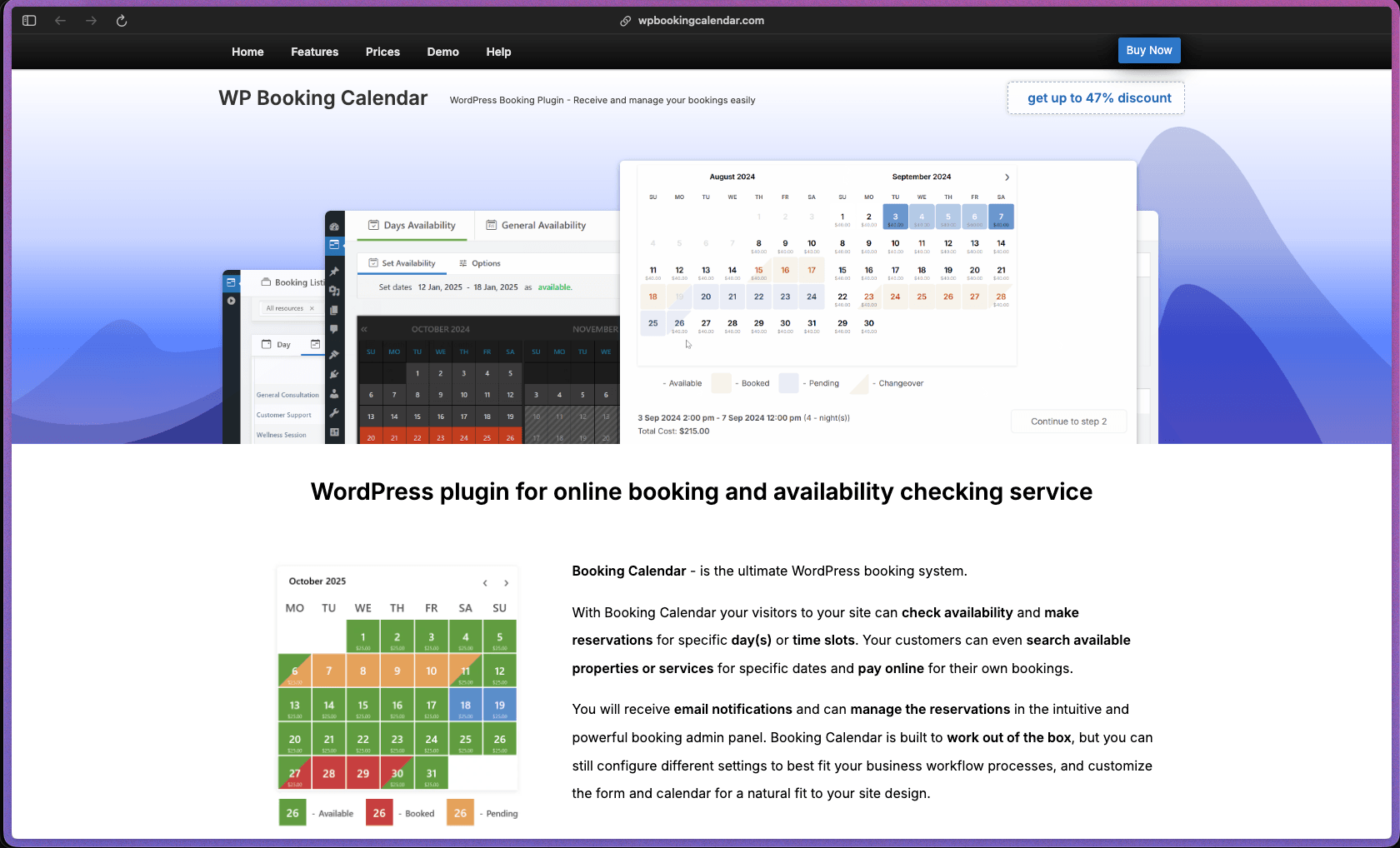
WP Booking Calendar
Recently Added!
BeaverBuilder
Recently Added!
Avada
Recently Added!
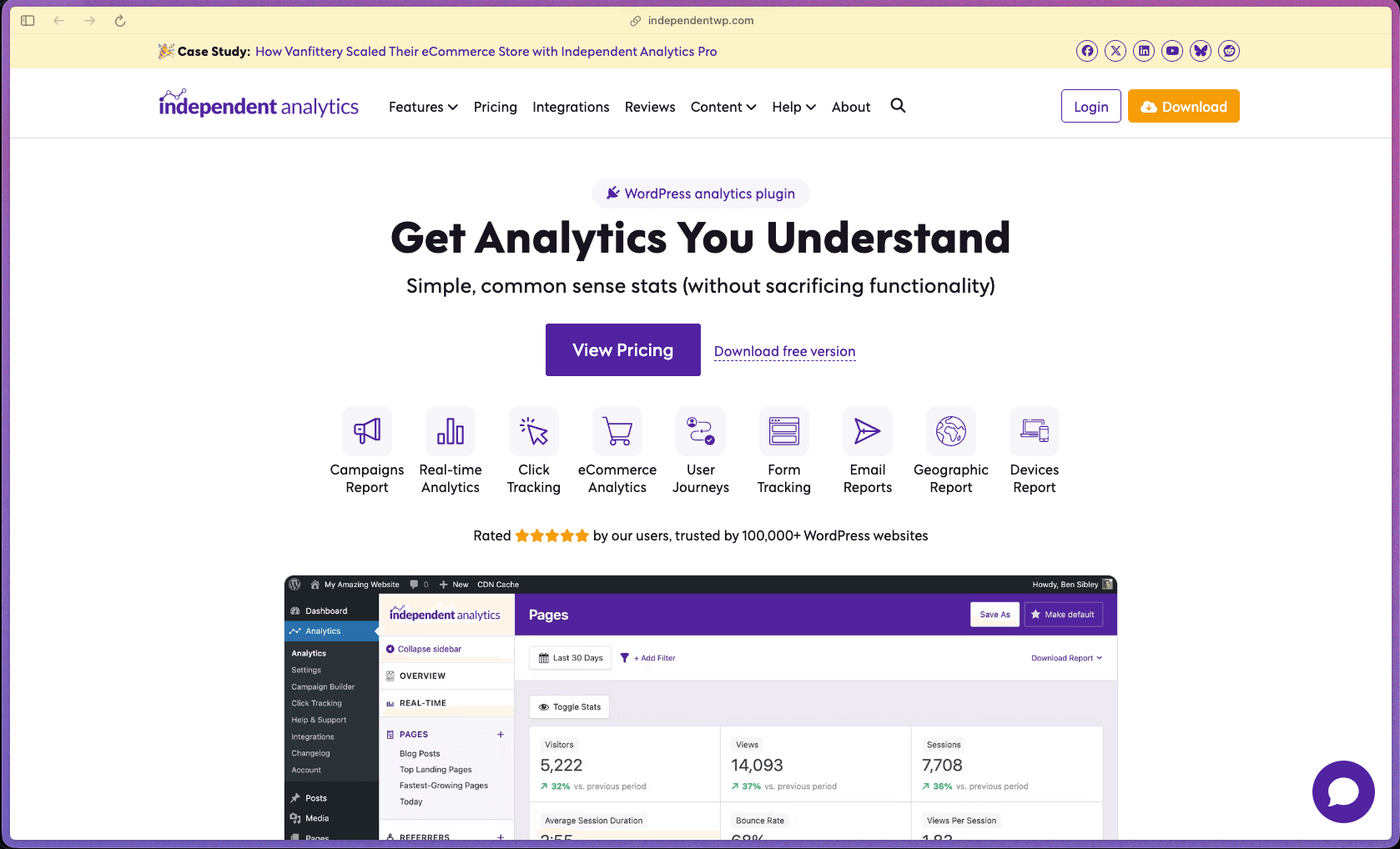
Independent Analytics
You Recently Viewed These
Recently Viewed
BitFlows

Recently Viewed
Amelia
Recently Viewed
Dynamic.ooo

Recently Viewed
Microthemer & Amender

Recently Viewed
LifterLMS

Recently Viewed
Masteriyo

Recently Viewed
Zynith SEO
Recently Viewed
Wrike
Recently Viewed
WPMU Dev
Recently Viewed
wpDataTables
Recently Viewed
WP Booking Calendar
Recently Viewed
Webflow