
InstaWP
InstaWP

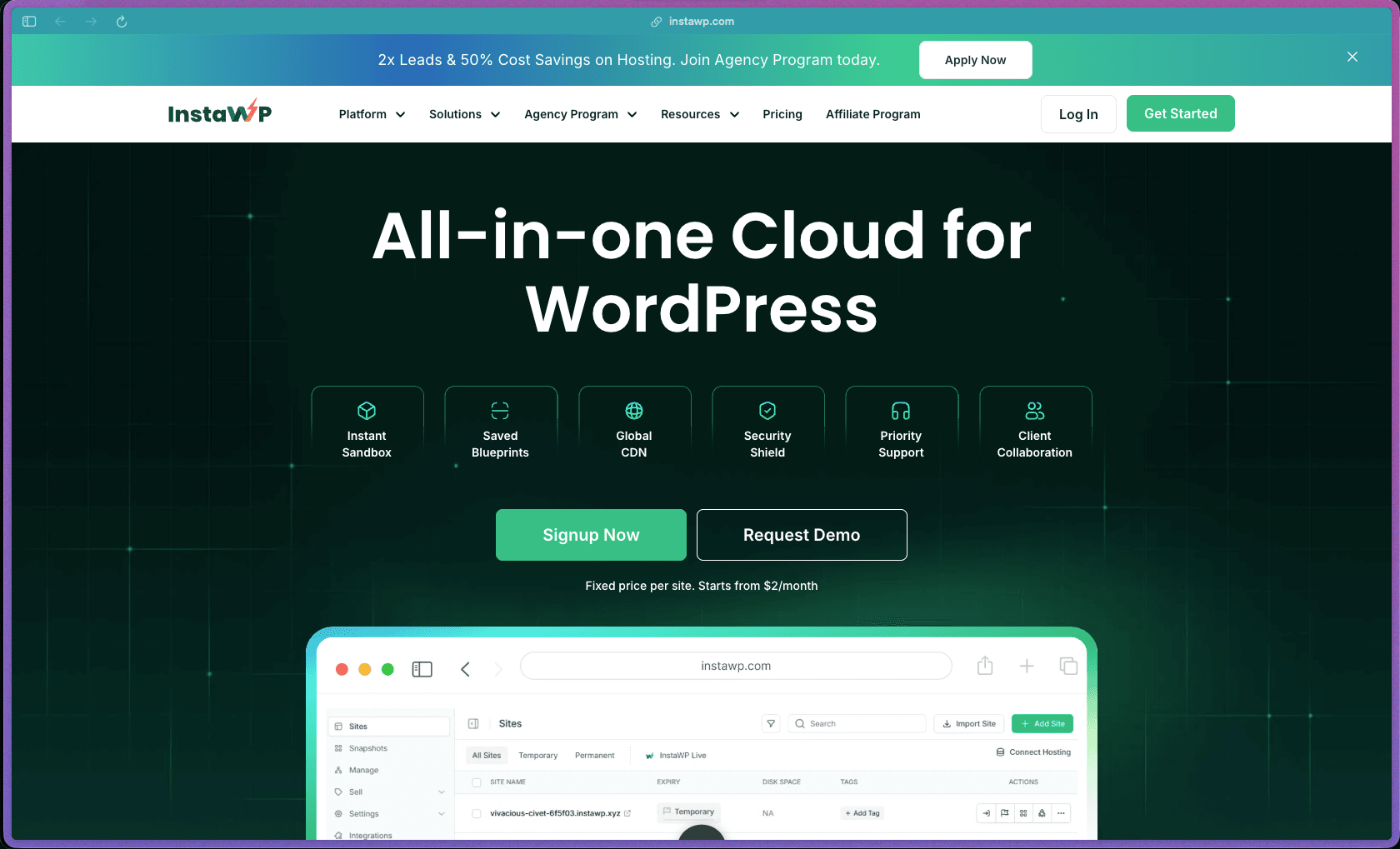
InstaWP stands out by combining the full WordPress site lifecycle — sandbox, staging, production, and management — into a single cloud platform rather than stitching together separate tools for each phase. Its per-site pricing model means you only pay for what you actually use, which works well for agencies managing a rotating roster of client projects. The white-label capability and built-in Agency Program make it a practical choice for freelancers who want to present a polished, branded experience to clients.
InstaWP uses a freemium model with a free tier included — no credit card required to get started — plus paid per-site subscription plans billed monthly. Add-ons like migrations, staging sync, and white-label branding are priced separately on a usage or monthly basis.
InstaWP offers a 14-day, no-questions-asked full refund for first-time users who are not satisfied with the service. Refund requests must be submitted within 14 days of purchase via the official ticketing system or by email, and the refund is processed back through the original payment method within 3–5 business days. The free tier is available without a credit card, so you can explore the platform before committing to any paid plan.
InstaWP is in the growing/stable stage — the platform has been operating for several years, with user reviews dating back to 2022 and a customer base that has grown past 120,000 users. Active development is evident, with the product site referencing multiple annual releases and a documented history of feature additions. The company's WordPress.org presence, documented case studies, and established Agency Program all point to a product that has moved past early-adopter territory into a more mature phase.
- Rated 4.9/5 on Trustpilot based on 175+ customer reviews, with an "Excellent" TrustScore.
- Rated 4.9/5 by 150+ reviews as displayed on the InstaWP product site.
- Over 120,000 users trust the platform according to the InstaWP homepage.
- Rated 5.0/5 on Product Hunt based on 23 verified reviews.
- The InstaWP Connect WordPress plugin has 10,000+ active installs on WordPress.org.
- Notable customers include StellarWP, Barn2 Plugins, Mijndomein, and Sparkitive, with documented case studies available on the product site.
- Sandbox environments let you spin up a fully functional WordPress site in seconds without any server configuration, so you can start building or testing immediately.
- Blueprint snapshots let you save a preconfigured WordPress setup — plugins, themes, content, and settings — and relaunch it instantly for any new project.
- One-click conversion from sandbox to production means you can build in a safe environment and go live without migrating manually.
- Staging site creation from a live production site lets you test updates, plugin changes, or theme edits safely before applying them to the real site.
- A central dashboard gives you a single place to access, monitor, and manage all your WordPress sites — including logins, updates, and backups — without switching between tools.
- The InstaWP Connect WordPress plugin bridges the cloud platform with existing self-hosted WordPress installs, enabling staging creation, management, and migration from within any WordPress site.
- Git operations support allows developers to connect their sites to version-controlled codebases, making InstaWP compatible with modern dev workflows using tools like GitHub or GitLab.
- WP-CLI access is available on hosted sites, so developers can run command-line operations directly through the InstaWP dashboard without needing SSH credentials each time.
- Local IDE integration is supported, letting developers connect their local development environment to InstaWP for managing AI-assisted or code-driven workflows.
- Site updates, backups, and vulnerability scans can be automated from the central dashboard, reducing the manual maintenance workload across large site portfolios.
- The InstaWP Connect plugin enables staging site creation directly from inside WordPress with a guided flow, removing the need to switch contexts to a separate tool.
- Content sync between staging and production handles the transfer of changes back to live automatically, rather than requiring a manual push or re-migration.
- New sites can be pre-built from templates or blueprints, cutting setup time on recurring project types like agency builds, WooCommerce stores, or portfolio sites.
- Uptime monitoring runs minute-level availability checks across all managed sites and sends alerts when issues are detected, so you're not waiting on client complaints to find out a site is down.
- Branded client-ready reports can be generated from the dashboard, covering site performance, plugin/theme update history, and security status — useful for agencies offering monthly care plans.
- Access logs and server-level monitoring are visible through the central dashboard, giving teams an audit trail of activity across managed sites.
- White-label support lets agencies and hosting resellers brand sandboxes, staging environments, and site management views with their own domain and logo — clients see your brand, not InstaWP's.
- Role-based access controls let you assign different permission levels to team members and clients, so everyone sees only what they need to.
- Shareable preview links with configurable expiry timers make it easy to share client demos without exposing live site credentials or admin access.
- InstaShield (available on paid plans) provides an enterprise-grade web application firewall (WAF) with real-time monitoring and AI-based threat detection, configured automatically with no manual setup.
- A plugin and theme vulnerability scanner detects security risks before they cause downtime, running automated checks across sites managed through the platform.
- Automatic SSL is included across all hosted sites, covering HTTPS setup without requiring any manual certificate configuration.
- Automatic backups are matched to the plan tier — monthly on entry-level, daily on higher tiers — and are stored without requiring manual scheduling.
- WordPress agencies managing 20–200+ client sites who want to standardize their build, staging, and maintenance workflow across all projects from one dashboard.
- Freelance WordPress developers who build new client sites regularly and want to launch from saved blueprints instead of configuring fresh setups every time.
- WordPress plugin and theme developers who need fast, repeatable sandbox environments for testing their products across different configurations without affecting live sites.
- SaaS companies with WordPress-based products who need to spin up demo or onboarding environments quickly for customer success and sales workflows.
- Web hosting resellers who want to offer managed WordPress hosting under their own brand, powered by InstaWP's infrastructure and white-label tooling.
- Solo developers or small teams who want a staging and deployment workflow that doesn't require maintaining a separate local dev setup, staging server, and production environment independently.
- Use it for instant WordPress sandbox creation when you need to test a plugin, theme, or configuration change without touching a live site.
- Use it for standardizing your agency's site build process when you find yourself repeatedly setting up the same plugins, theme, and settings for each new client project.
- Use it for creating client demo environments when you want to show a prospect a working WordPress site without building on a live server.
- Use it for staging and deploying updates when you manage WordPress maintenance care plans and need a safe way to test changes before pushing to production.
- Use it for migrating existing WordPress sites when you're consolidating client sites under a single managed hosting platform and want the process handled without manual file transfers.
- Use it for white-labeling WordPress tools when you're an agency or reseller who wants clients to interact with a branded environment rather than a third-party platform.
- Cloud-hosted SaaS platform — no server setup or local installation required; everything is managed through a web-based dashboard.
- The InstaWP Connect WordPress plugin is available on WordPress.org and connects existing self-hosted WordPress installs to the InstaWP cloud platform.
- Git operations are supported for version-controlled deployments, making InstaWP compatible with GitHub and GitLab-based development pipelines.
- A global CDN with 119 Points of Presence (PoPs) is included on Plus-tier plans and above, enabling fast delivery to international audiences.
- SSH, SFTP, WP-CLI, and local IDE integration are available on paid site plans, covering standard developer access methods.
- The platform is designed for WordPress only — it is not a general-purpose hosting or site building tool for non-WordPress projects.
InstaWP occupies a distinct space between traditional WordPress hosting providers and local development tools like LocalWP or DevKinsta. Unlike conventional managed WordPress hosts that focus only on serving live traffic, InstaWP covers the entire site lifecycle from first sandbox to production deployment and ongoing maintenance — all from one cloud dashboard. This makes it especially practical for developers and agencies who currently use three or four separate tools for building, testing, deploying, and managing WordPress sites.
- Live chat and email support are available 24/7, with multiple customer reviews specifically highlighting fast response times and technical depth from the support team.
- Documentation covers sandbox creation, staging workflows, migration steps, the Connect plugin, white-labeling, and developer tools, accessible from the InstaWP website.
- An Agency Program provides priority support and dedicated assistance for agencies and hosting resellers managing large site portfolios, including migration support.
- The platform is built exclusively for WordPress — it cannot be used to build, host, or manage sites on other CMS platforms or custom stacks.
- The free tier limits sandboxes to 48-hour sessions with 512MB storage each, which is enough for quick testing but not suited for longer-running development projects.
- The 14-day money-back guarantee applies only to first-time users — repeat purchases or plan upgrades are not covered under the same refund terms.
- Some advanced features — including content sync between staging and production, Git operations, and white-label branding — are priced as separate add-ons rather than included in base site plans.
Related Products
Recently Added!
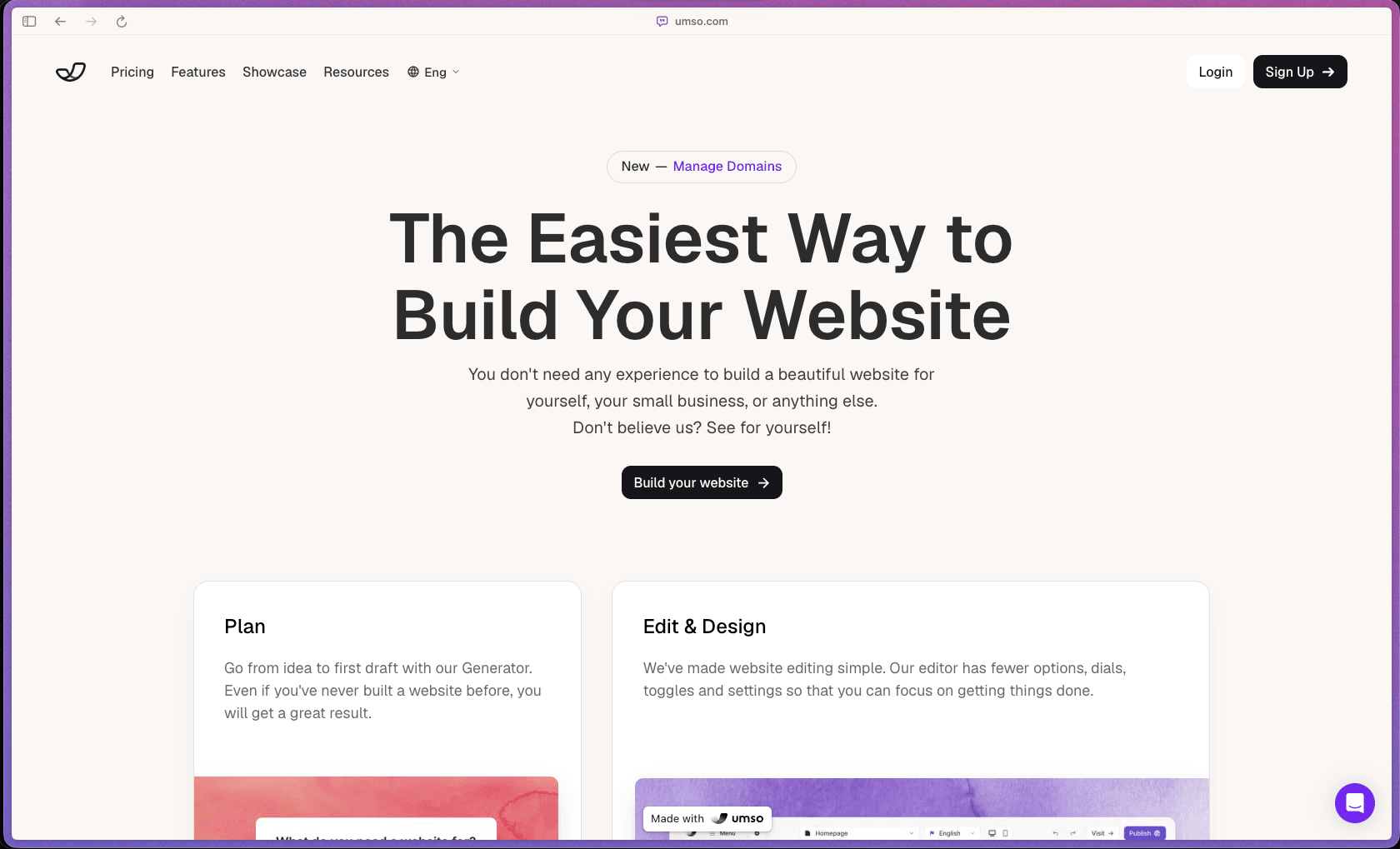
Umso - Website Builder
Recently Added!
Porkbun

Recently Added!
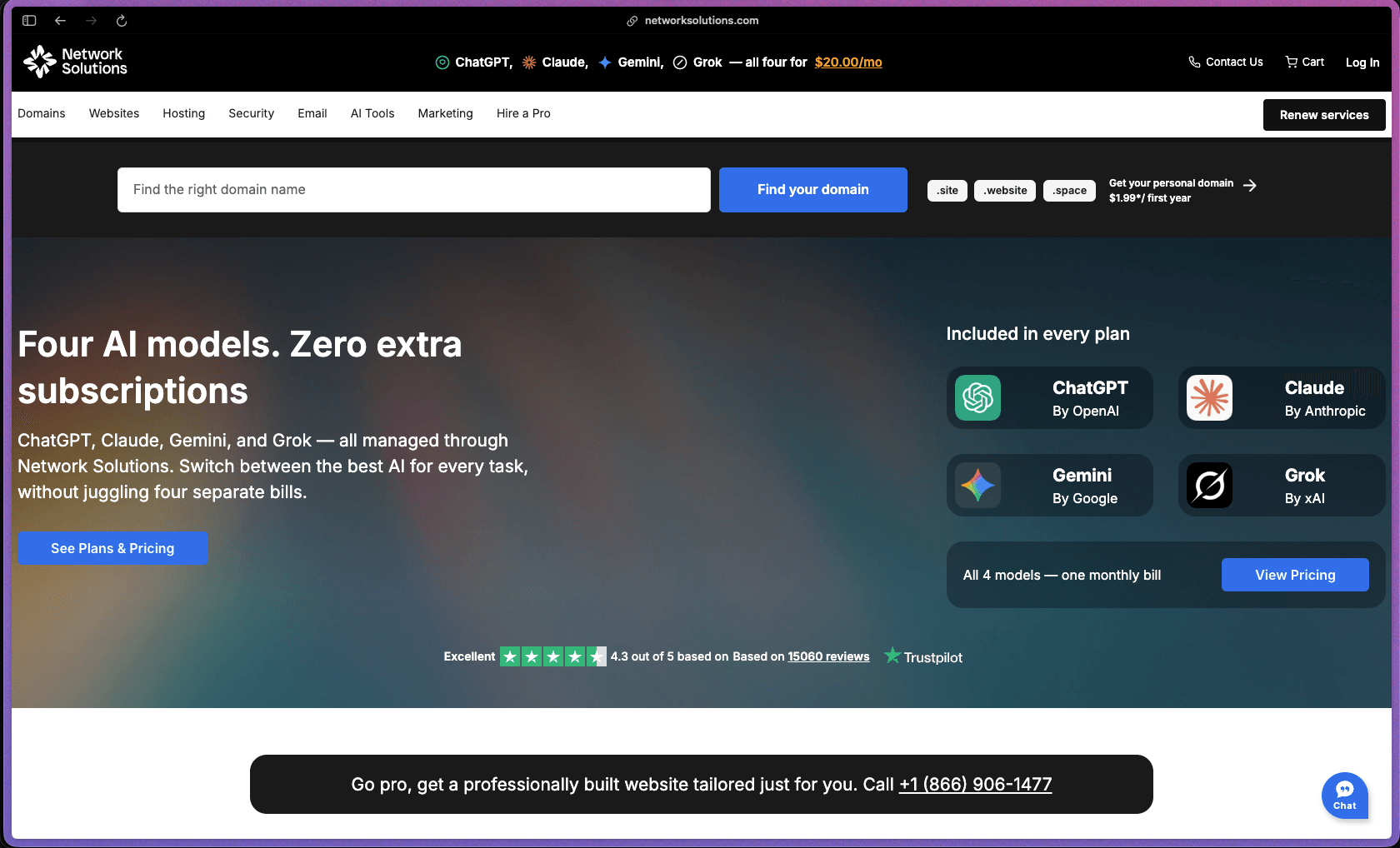
Network Solutions
Recently Added!
Namecheap

Liquid Web

Recently Added!
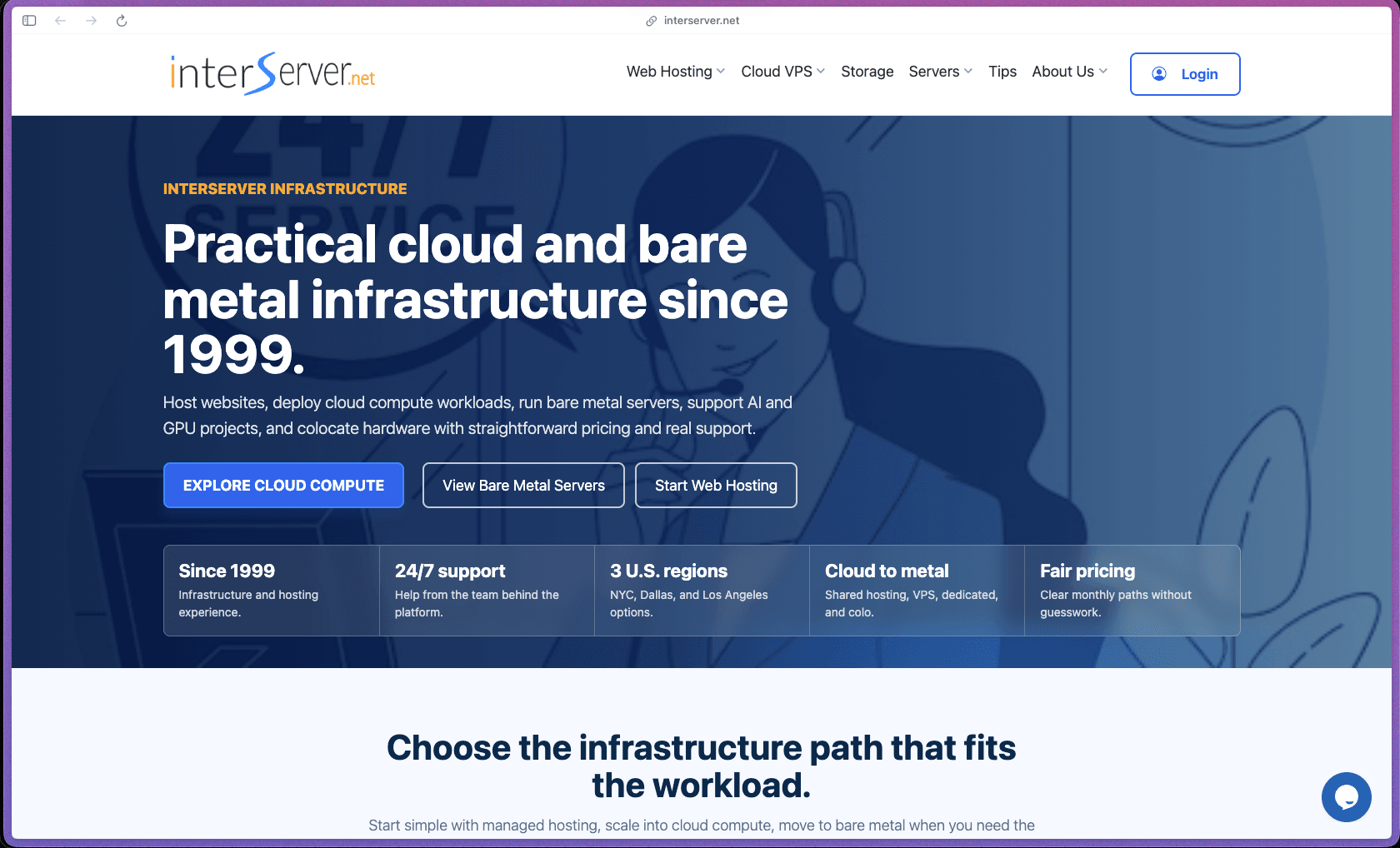
InterServer
Recently Added!
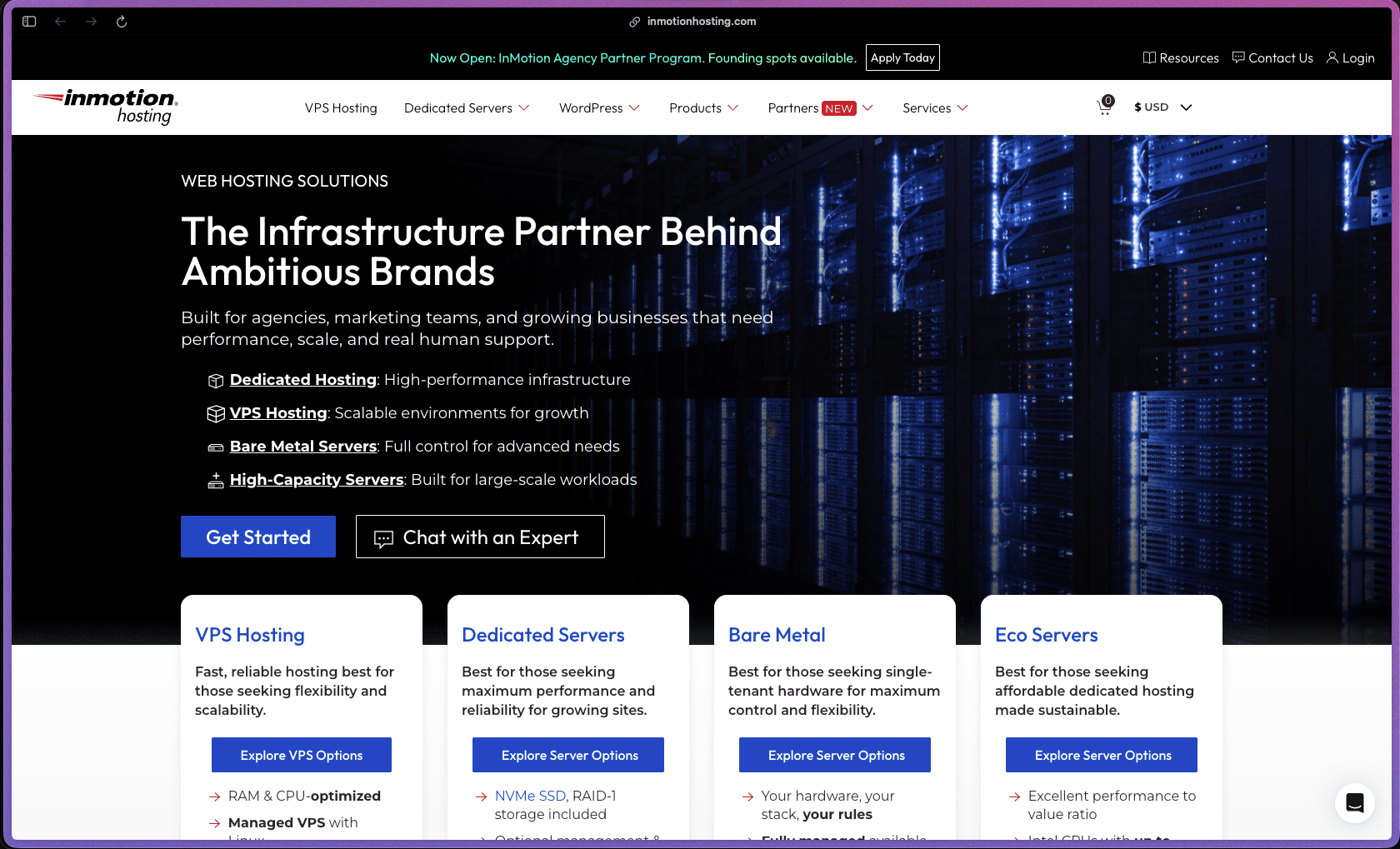
InMotion Hosting
Recently Added!
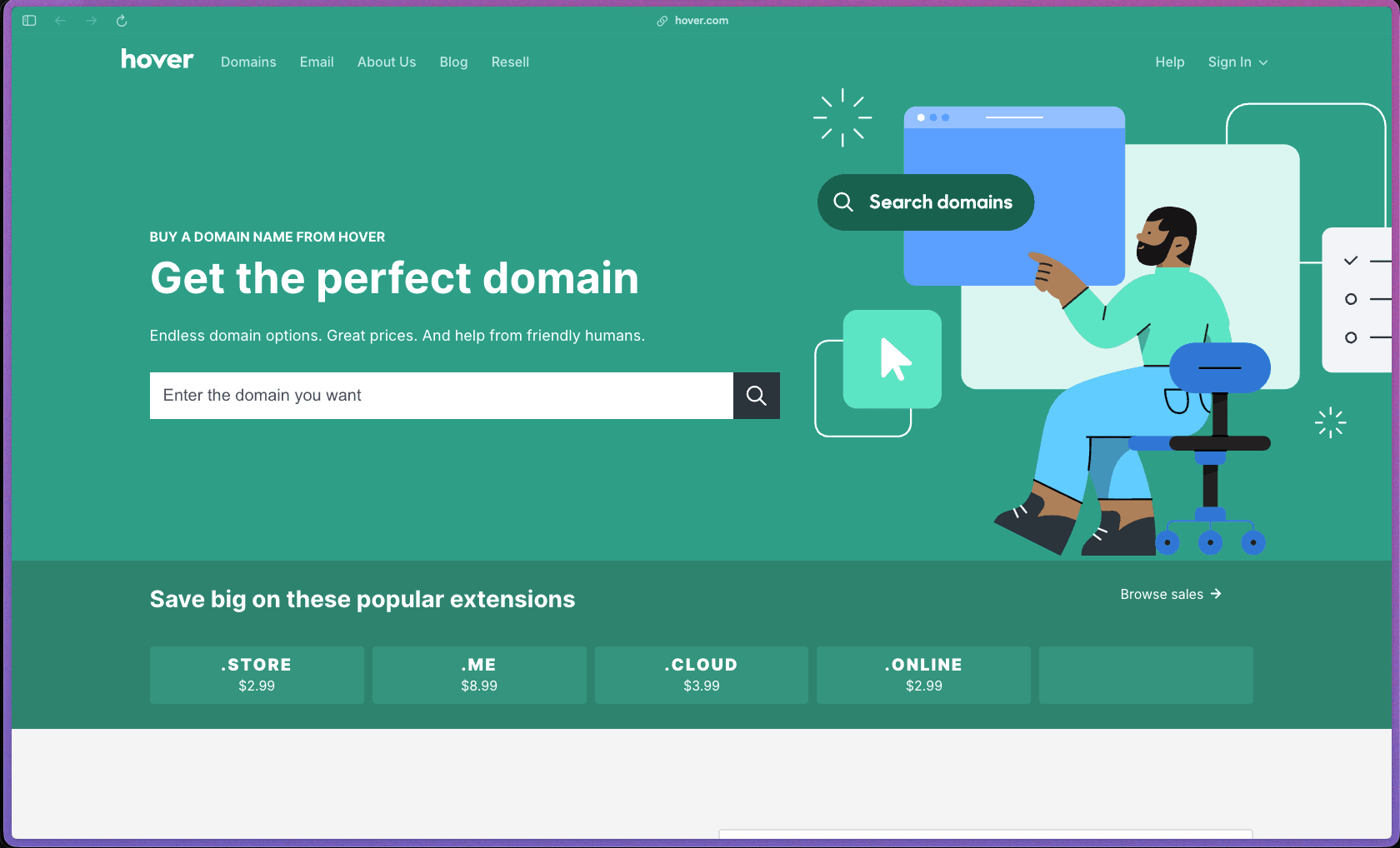
Hover
Recently Added!
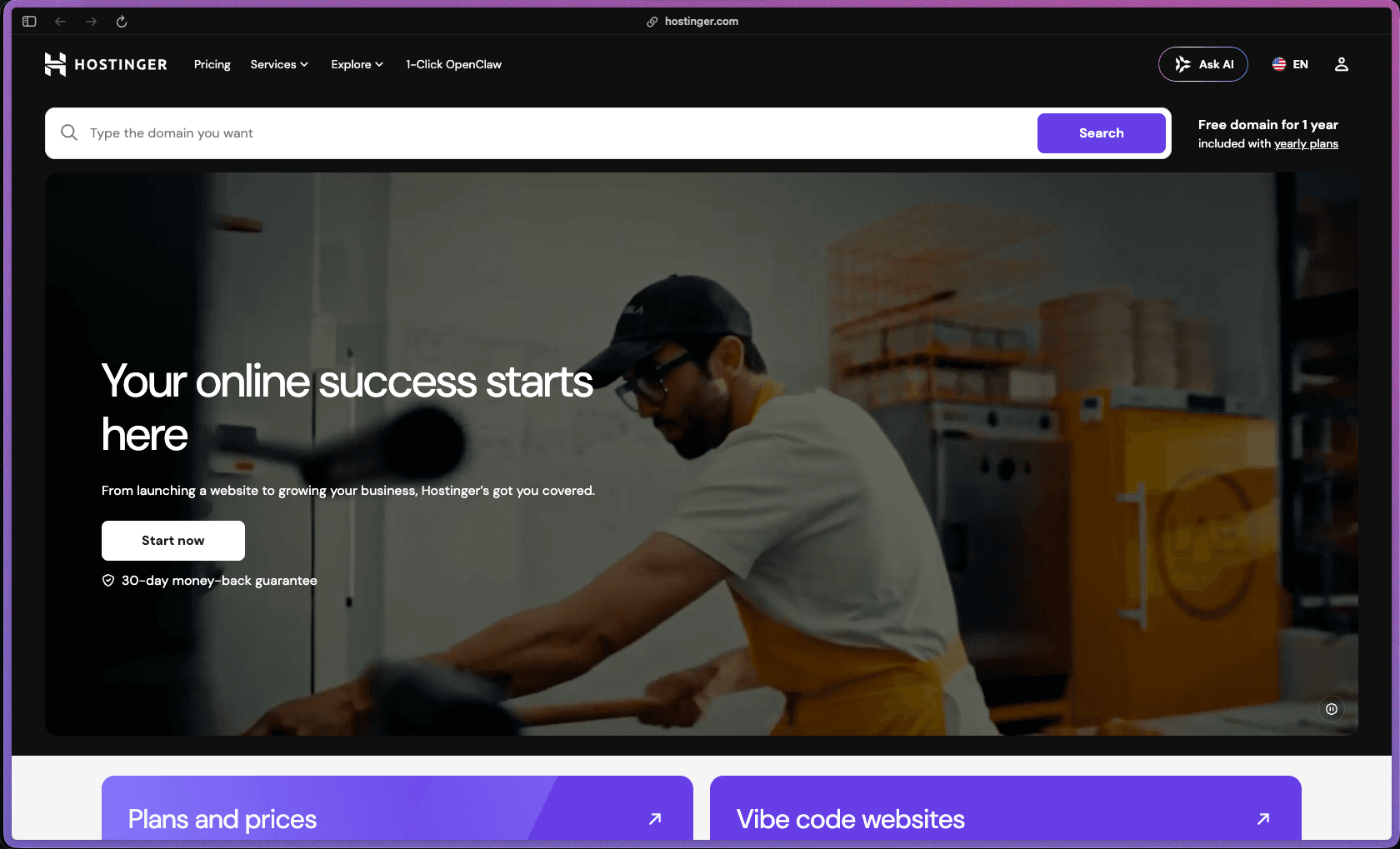
Hostinger
Products With Lifetime Deals
Recently Added!
FluentForms

Recently Added!
Divi Theme

Recently Added!
ConvertPro

Recently Added!
CartFlows

Recently Added!
Bullet Proof Security

Recently Added!
WP Booking Calendar

Recently Added!
BeaverBuilder

Recently Added!
Avada

Recently Added!
Independent Analytics

You Recently Viewed These
Recently Viewed
BitFlows

Recently Viewed
Amelia

Recently Viewed
Dynamic.ooo

Recently Viewed
Microthemer & Amender

Recently Viewed
LifterLMS

Recently Viewed
Masteriyo

Recently Viewed
Zynith SEO

Recently Viewed
Wrike

Recently Viewed
WPMU Dev

Recently Viewed
wpDataTables

Recently Viewed
WP Booking Calendar
Recently Viewed
Webflow
