
ContentBot
ContentBot

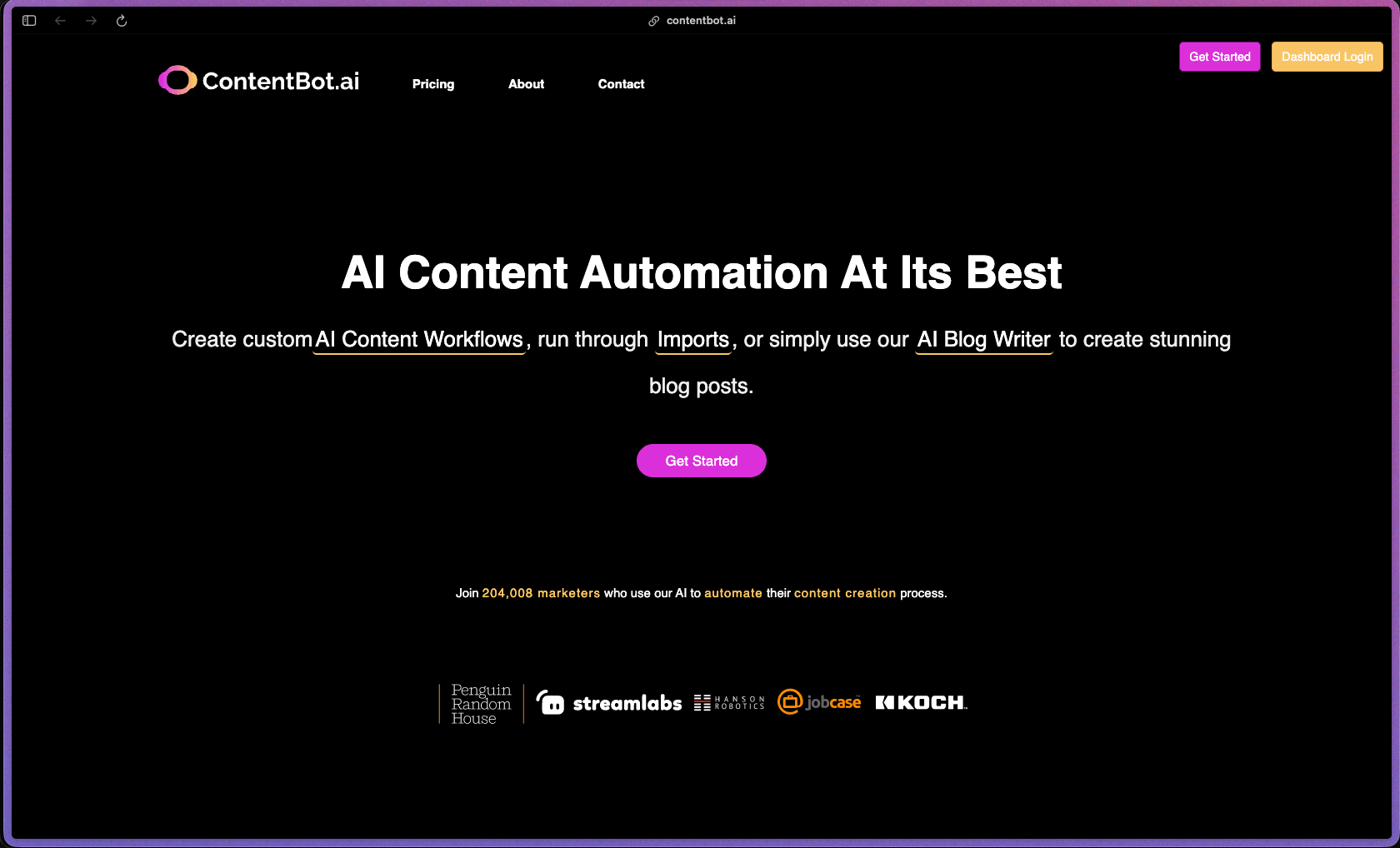
ContentBot's standout feature is its visual AI Workflow (Flows) builder—a drag-and-drop system that lets you chain prompts, rewrites, summaries, and other content tasks into a repeatable automated pipeline, which is a more systematic approach to content production than single-output generators. It's one of the few AI writing tools that also offers a pay-as-you-go prepaid option alongside subscriptions, which makes it accessible for teams with inconsistent content volumes who don't want to commit to a fixed monthly word cap. The unlimited seats policy across all plans, including the entry-level tier, removes per-user cost scaling that adds up quickly in team environments.
ContentBot.ai offers monthly subscription plans at multiple tiers based on word volume, plus a pay-as-you-go prepaid option where you purchase a word credit bundle and use it without a recurring monthly commitment—useful for lower-volume or irregular content needs. All plans include unlimited seats, meaning you can add team members without paying per user—a pricing approach less common at this price tier.
ContentBot.ai offers a 5-day free trial with no credit card required, allowing new users to test the platform before subscribing. Refund policy for paid subscriptions is not prominently specified on the official site—buyers should review the terms of service or contact support to confirm cancellation and billing terms before upgrading.
ContentBot.ai is "growing/stable"—the platform launched in 2021 and has undergone consistent feature expansion since, adding AI Flows (visual workflow builder), a Humanizer feature, bulk import via CSV, GPT-4 support, and a WordPress plugin over its development history. The availability of a WordPress plugin on the official WordPress.org directory, an active Chrome extension, a dedicated documentation site, and AppSumo lifetime deal history are all signals of a product that has built a real user base and iterated based on feedback. Trustpilot's review history shows activity going back to 2021, supporting the 2–4 year active user base timeline.
- Rated 3.6 out of 5 on Trustpilot from 108 reviews, with reviewers citing a wide feature set and responsive support as positives, while some flag inconsistency in output quality.
- The WordPress.org plugin (ContentBot AI Writer) is available in the official directory and includes GPT-4 support; install count is not prominently stated on the WordPress.org listing page, but the plugin is actively maintained.
- ContentBot.ai has been featured on AppSumo with a verified review base, where buyers consistently highlight the visual workflow builder (Flows) and bulk import feature as differentiators.
- Third-party review platforms including Tekpon, AIMojo, and Originality.ai have independently reviewed the product, indicating a level of market presence sufficient to draw editorial attention from AI tool review sites.
- The AI Blog Writer generates full-length blog posts from a keyword or topic prompt—handling the title, intro, body, and conclusion in one output, reducing the time between ideation and a publishable draft.
- The drag-and-drop AI Flows builder lets you chain multiple content creation steps (prompt → rewrite → summarize → humanize) into a visual pipeline that runs automatically, creating repeatable processes for recurring content formats.
- InstructBot is ContentBot's ChatGPT-style conversational interface that lets you write custom prompts and have back-and-forth interactions with the AI, useful for more open-ended writing tasks that don't fit a standard template.
- The Humanizer tool rewrites AI-generated content to reduce detectable patterns associated with AI writing, producing output that reads more naturally and is less likely to trigger AI detection tools.
- 45+ content templates cover common marketing content formats—blog intros, product descriptions, landing page copy, email subject lines, Facebook ads, Google Ads, AIDA/PAS/PBS copywriting frameworks, value propositions, brand stories, video descriptions, and more.
- The bulk import feature lets you upload a CSV or list of inputs to process multiple content requests in batch—useful for generating product descriptions, meta titles, or ad copy at scale across hundreds of entries at once.
- A plagiarism checker is included across all plans to verify the uniqueness of generated content before publishing.
- A paraphrasing tool lets you rewrite existing content—useful for repurposing older posts, refreshing product descriptions, or adapting content for different audiences.
- The Daily Inspirations feature delivers content ideas and writing prompts by email, providing ongoing creative prompts for content calendars without having to brainstorm from scratch.
- Landing page content generation creates a complete set of landing page copy elements—headline, subheadline, feature bullets, CTA text, FAQs, and social proof framing—from a brief product description.
- A long-form AI writer allows creating extended articles, reports, or content pieces that go beyond short-form template outputs, with the ability to guide the structure and tone.
- A WordPress plugin (ContentBot AI Writer) is available on the official WordPress.org directory, allowing you to generate and insert AI content directly within the WordPress editor without switching to a separate browser tab.
- A Chrome extension is available, letting you access ContentBot's writing tools in-browser across websites, Google Docs, and web-based editors without opening the ContentBot dashboard separately.
- CSV/spreadsheet import integration lets you feed bulk data—product names, keywords, topics—into ContentBot in a structured format to generate content at scale in batch.
- AI Flows (visual workflow builder) lets you create multi-step automated content pipelines—combining prompts, transformations, rewrites, and summaries—that run in sequence with one trigger, replacing manual step-by-step content creation with a defined repeatable process.
- Bulk import processing runs large batches of content generation tasks from a single file upload, automating content creation across many inputs without individually submitting each prompt.
- The Humanizer can be embedded into a Flow as a post-processing step, automatically running AI output through the humanization layer as part of a content pipeline rather than requiring a separate manual step.
- The content editor displays a real-time uniqueness/originality score for longer-form content generated by the AI, giving you an at-a-glance indicator of how distinct the output is before you publish or edit it.
- The plagiarism checker produces a verifiable uniqueness report for generated content, which can be referenced as evidence of originality for client deliverables or editorial review processes.
- Usage tracking within the account dashboard shows your word credit consumption against your plan limit, so teams and individuals can monitor how quickly they're burning through their monthly or prepaid word allocation before hitting a cap.
- Tone selection lets you adjust the writing style of AI outputs—choosing from professional, casual, persuasive, humorous, and other tone options—so generated content fits your brand voice rather than defaulting to a neutral style.
- Copywriting framework selection lets you specify which formula to apply (AIDA, PAS, PBS, BAB, and others) for marketing copy, giving outputs a structured persuasive format aligned to your campaign intent.
- Custom AI Flows can be built from scratch using the drag-and-drop builder, connecting any combination of content generation, rewriting, and filtering steps into a workflow tailored to a specific content type or brand process.
- All plans include unlimited team seats, meaning there is no financial incentive to restrict team access or share login credentials—reducing a common security workaround in per-seat-limited tools.
- Not specified beyond standard SaaS data handling practices on the official public-facing site.
- Digital marketing agencies producing high volumes of blog content, ad copy, and landing page text for multiple clients who need a scalable workflow tool that outputs drafts at speed with minimal per-piece manual setup.
- Solo content marketers and freelance writers who manage multiple client accounts and need a batch content generation tool that lets them prepare multiple pieces from a spreadsheet upload rather than prompting one at a time.
- E-commerce store managers who need to generate or refresh large volumes of product descriptions at scale by importing a product list and running a Flows pipeline across all items in one batch.
- Founders and startup marketers who create all their own content and want AI-assisted drafts for blog posts, email campaigns, and landing pages to reduce writing time without hiring a content team.
- Content strategists who want a visual way to standardize their content creation process—building reusable AI workflow templates that junior team members or contractors can run consistently without needing AI expertise.
- Use it for generating first-draft long-form blog posts at scale when you have a keyword list and need polished drafts for each one without writing from scratch.
- Use it for bulk product description generation when you have an e-commerce catalog update or new SKU list that needs original copy for each item processed from a CSV upload.
- Use it for building a repeatable content workflow when you produce the same type of content regularly—weekly newsletters, social posts, or product launch pages—and want to standardize the AI prompting steps into a single reusable pipeline.
- Use it for repurposing existing blog posts into different formats (social media threads, email summaries, listicles) when you want to extract more value from published content without manually rewriting each piece.
- Use it for generating ad copy in multiple formats when you need Google Ads headlines, Facebook ad body text, and landing page CTAs for the same campaign and want all variants produced in one session.
- Use it for creating landing page copy from a product brief when you need a complete set of page elements—headline, benefits, FAQs, and CTA—quickly from a short description of what the product does.
- Cloud-hosted SaaS platform accessible via web browser at contentbot.ai—no installation required for the main product.
- A Chrome extension is available for in-browser AI writing access across websites and web-based text editors without opening the ContentBot dashboard.
- A WordPress plugin (ContentBot AI Writer with ChatGPT and GPT-4 support) is available on the WordPress.org plugin directory for direct in-editor content generation on WordPress sites.
- CSV import supports bulk input for batch content generation workflows, compatible with standard spreadsheet software output.
- No native mobile app is listed on the official site—the platform is web-only for the main interface.
ContentBot.ai positions itself in the AI writing tools market—competing with tools like Jasper, Copy.ai, and Writesonic—but differentiates with its visual AI Flows builder, which lets users create multi-step content automation pipelines rather than just submitting single prompts. Its pay-as-you-go prepaid plan is a notable structural difference from most competitors that require a monthly subscription, making it a more flexible option for users with inconsistent content volumes who find monthly word caps either too low or wasteful. ContentBot's unlimited seats model across all tiers also contrasts with per-seat pricing common in tools like Jasper, which matters most for small agencies or teams where multiple people need access.
- Support is available via email and a community forum; Trustpilot reviewers specifically mention fast and helpful support responses as a positive, and the platform offers a dedicated support community alongside email contact.
- Documentation and a help center cover platform features, Flows setup, template usage, and integration guides; third-party review sites describe the documentation as adequate for getting started, though some reviewers note the Flows builder has a short learning curve before feeling intuitive.
- ContentBot.ai has been featured on AppSumo, which provides an additional community-sourced Q&A and review resource for users exploring the tool's capabilities.
- The Trustpilot rating of 3.6/5 from 108 reviewers is notably lower than competing AI writing tools, with some reviewers flagging inconsistency in output quality and occasional frustration with platform changes following AppSumo lifetime deal purchases—buyers should factor this into expectations.
- The number of AI Workflows (Flows) is capped on the Starter and Premium plans (3 Flows on Premium), with unlimited Flows only available on the Premium+ or higher tier—teams who want to build many distinct pipelines may find the lower tiers limiting.
- The bulk CSV import row limit is capped by plan tier (50 rows on Premium, 500 rows on Premium+), meaning large-scale batch operations at high volume require the top tier.
- No native mobile app is available; all usage is through the web browser or Chrome extension, which limits access for users who want to generate content from a mobile device.
Related Products
Recently Added!
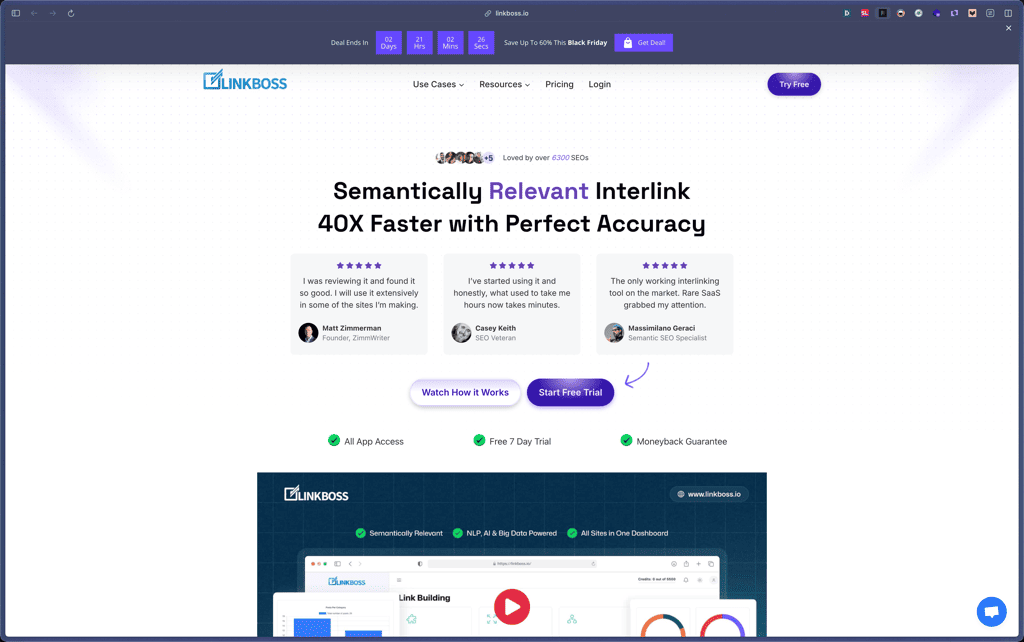
LinkBoss
Recently Added!
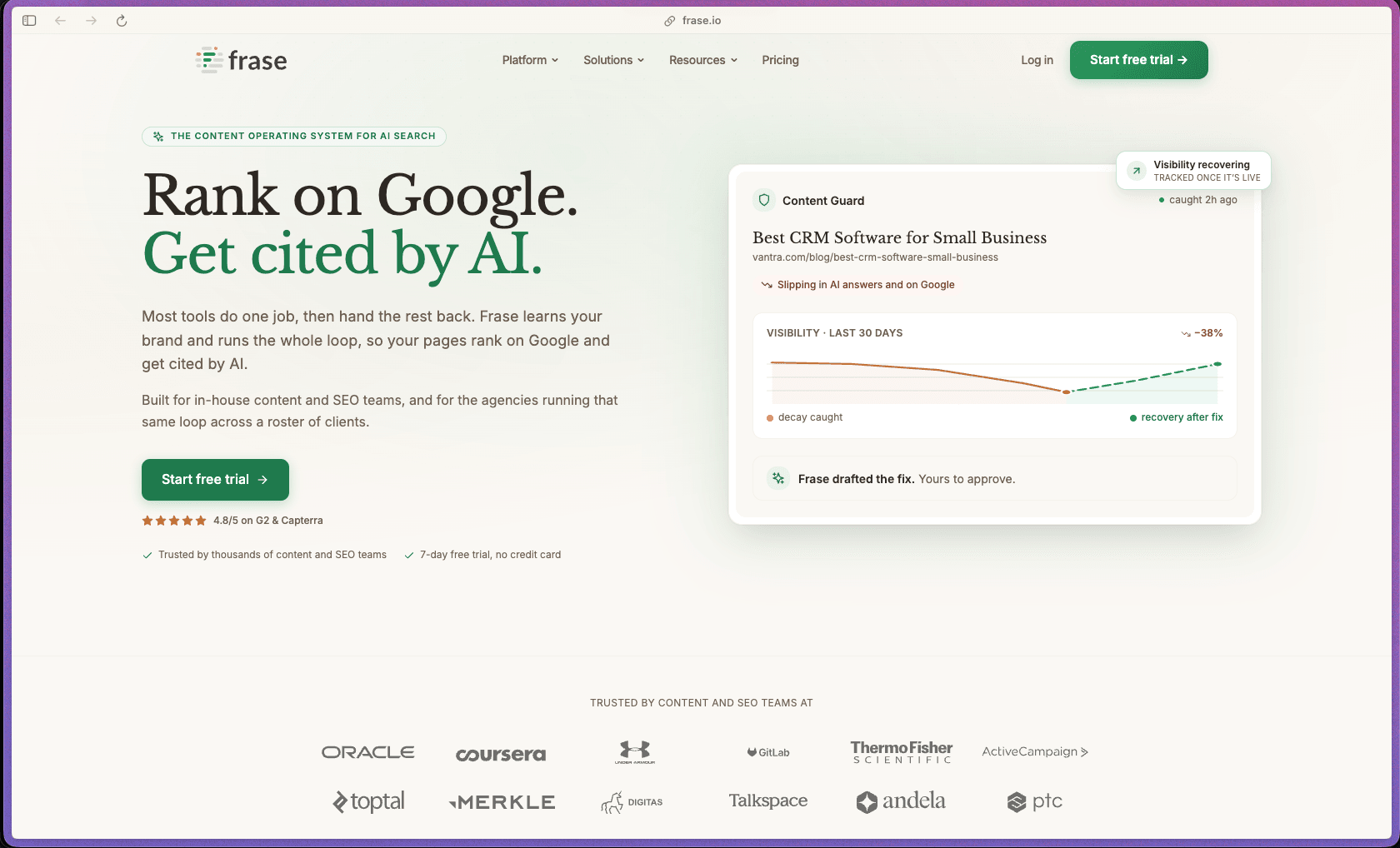
Frase
Recently Added!
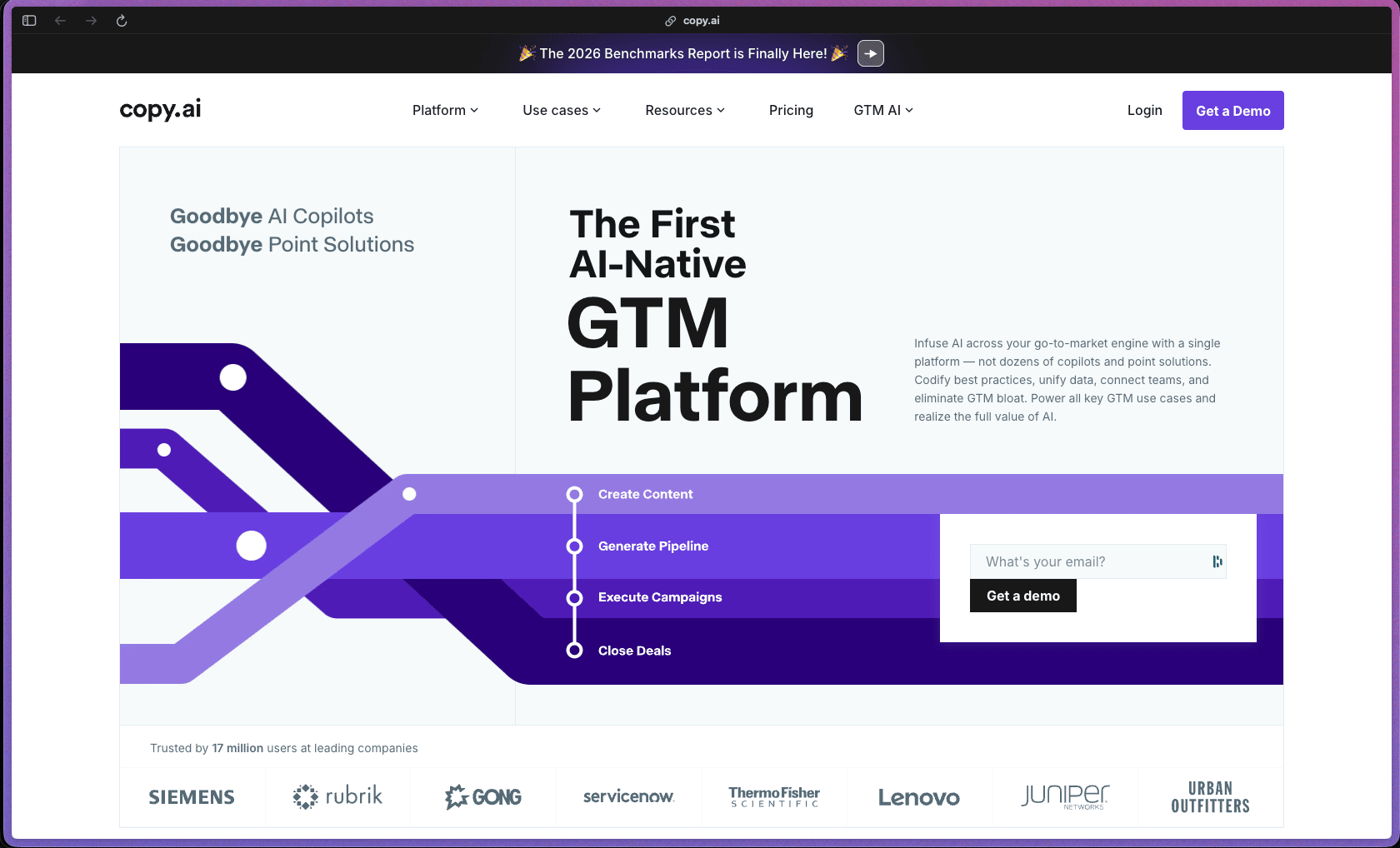
Copy.ai
Products With Lifetime Deals
Recently Added!
FluentForms

Recently Added!
Divi Theme

Recently Added!
ConvertPro

Recently Added!
CartFlows

Recently Added!
Bullet Proof Security

Recently Added!
WP Booking Calendar

Recently Added!
BeaverBuilder

Recently Added!
Avada

Recently Added!
Independent Analytics

You Recently Viewed These
Recently Viewed
BitFlows

Recently Viewed
Amelia

Recently Viewed
Dynamic.ooo

Recently Viewed
Microthemer & Amender

Recently Viewed
LifterLMS

Recently Viewed
Masteriyo

Recently Viewed
Zynith SEO

Recently Viewed
Wrike

Recently Viewed
WPMU Dev

Recently Viewed
wpDataTables

Recently Viewed
WP Booking Calendar
Recently Viewed
Webflow
