
Canva
Canva
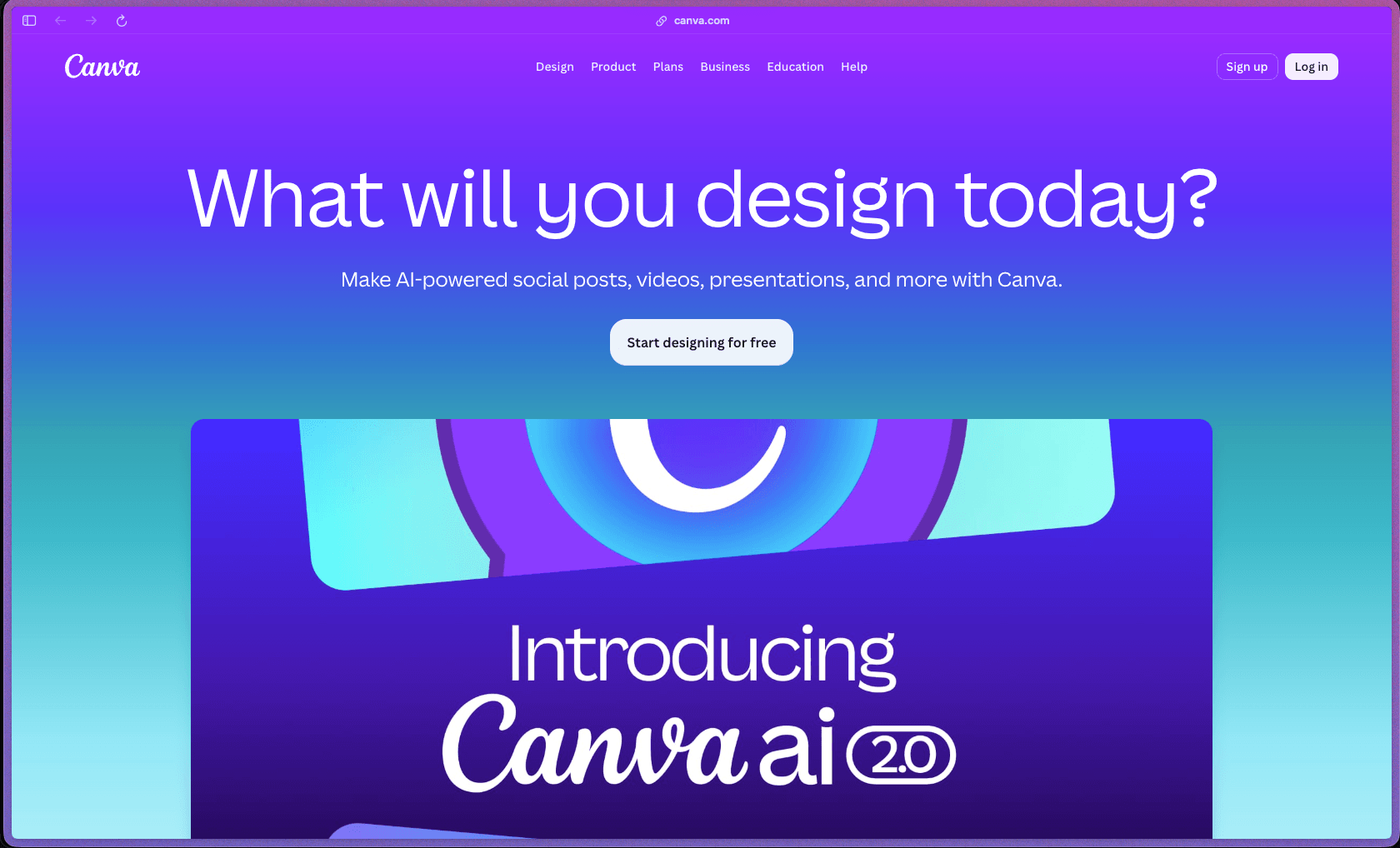
Canva's free tier is genuinely functional for individuals—covering millions of templates, basic AI tools, and design export in standard formats—making it one of the more useful free-tier design tools in the category rather than a severely restricted trial. The platform is used by 260 million monthly users across 190 countries as of its 2025 annual recap, which reflects a product that has been validated at very significant scale for non-designer use cases. The Teams plan adds collaborative approval workflows, Brand Controls, and team Brand Kits for shared brand consistency—features that matter to small agencies and marketing teams managing consistent visual output across multiple people.
Canva operates on a freemium model with a permanently free plan (unlimited use, limited templates and AI features) and paid plans—Pro (individual), Teams (minimum 3 users), and Enterprise (custom pricing)—all billed monthly or annually. The free plan has no time limit; Pro includes a 30-day free trial (requires payment details upfront); Education accounts are free for verified schools and teachers.
Canva offers a 30-day free trial on Canva Pro, though payment details are required upfront to access the trial. Canva's refund policy for paid subscriptions is not clearly detailed on the official help page; third-party reviewers note a pattern of billing-related complaints on Trustpilot, so buyers should review the cancellation and refund terms in Canva's subscription policies before providing payment information.
Canva is "mature/established"—launched in 2013 and now 12+ years into active development, it is one of the largest design SaaS platforms by user count with 260 million monthly active users, a presence in 190 countries, and support for 100+ languages. The product line has expanded far beyond its original social media graphic roots to include a full document editor, video editor, whiteboard tool, presentation builder, website publisher, AI image and text generation tools, content planner with social scheduling, and print-on-demand ordering—making it a multi-category tool rather than a single-purpose design app. A 2025 video editor redesign was noted by reviewers as causing workflow issues for existing users, which is a relevant context point for teams that rely heavily on Canva's video editing functionality.
- Rated 4.7 out of 5 on G2 from 7,000+ verified reviews, with Canva receiving three #1 spots in the G2 Best Software Awards 2026—one of the more significant independent recognition signals in the SaaS review category.
- Rated 4.7 out of 5 on Capterra from 13,000+ reviews with a 90% likelihood-to-recommend score—one of the most reviewed design tools on Capterra with 97% positive sentiment across the review corpus.
- Canva reached 260 million monthly active users globally in 2025 according to its own year-end recap, with 16 million+ paying subscribers out of that base.
- Canva is used by 90% of Fortune 500 companies for design work according to statistics cited across multiple third-party sources, reflecting enterprise-level adoption alongside its small business and individual user base.
- Canva Education has reached 100 million+ students, teachers, and school leaders, with Education accounts available free for verified K-12 educators and schools.
- The drag-and-drop editor works directly in a browser on any device and covers 1,000+ design formats—social posts (all major platforms), presentations, video, documents, whiteboards, flyers, posters, business cards, email headers, website sections, and print formats—from a single tool interface.
- 1 million+ templates (free plan) and 4.5 million+ templates (Pro and Teams) are available as starting points, with search and category filtering across all design types so you can find a relevant starting template rather than designing from a blank canvas.
- The Magic Studio AI suite includes Magic Write (AI copy generation), Magic Design (generates a complete design layout from a text prompt or photo), Magic Expand (extends image backgrounds), Magic Eraser (removes unwanted elements from photos), Magic Grab (moves objects within photos), Magic Edit (replaces or modifies objects using a text prompt), and Text to Image (generates custom images from descriptions)—all accessible from within the design editor.
- The Video Editor supports trimming, cutting, adding text overlays, transitions, background music, and animated elements; a 2025 redesign changed the video editor interface significantly, which reviewers noted as a disruptive change for existing workflows.
- Presentations can be built and delivered directly from the Canva editor in a browser, with presenter notes, presenter view, and the ability to embed interactive elements—removing the need to export to PowerPoint for live delivery in most cases.
- Canva Docs enables collaborative document creation with rich media embeds (charts, images, videos) alongside standard text content, covering reports, briefs, and deliverables that combine visual and written content in a single editable file.
- Canva Websites publishes multi-page websites directly from Canva designs to a canva.site subdomain or a connected custom domain, providing a basic web publishing option without a separate website builder for simple landing pages and microsites.
- The Content Planner (Pro and Teams) allows social media posts to be scheduled for direct publishing to 8 social platforms from within Canva, connecting the design and social distribution workflow without switching to a separate scheduling tool.
- Background Remover (Pro and Teams) removes image backgrounds with one click, covering both photos and graphics and applying to video clips as well as still images—available with unlimited use on paid plans.
- Magic Resize (Pro and Teams) duplicates any design and resizes it to a different format or platform dimension automatically, adjusting element placement to fit the new dimensions rather than just scaling everything uniformly.
- The Content Planner supports direct publishing to Facebook, Instagram, Twitter/X, LinkedIn, Pinterest, TikTok, Slack, and Tumblr from within the Canva interface on Pro and Teams plans.
- Canva integrates with a large library of third-party apps through its Apps Marketplace, covering stock photo providers, icon libraries, social platforms, project management tools, and productivity services—accessible from within any open design.
- Canva designs can be exported in multiple formats including PNG, JPG, PDF (standard and print-ready CMYK on Pro+), MP4, GIF, SVG, and PowerPoint (.pptx), with CMYK export available only on paid plans for professional print use.
- Canva for Enterprise supports Single Sign-On (SSO) integration with existing identity providers, enabling enterprise-level access management without separate account provisioning for each user.
- Magic Design generates a complete, formatted design—selecting layout, font, color palette, and visual hierarchy—from a single text prompt or uploaded photo, providing a fully structured starting point rather than a blank template.
- Magic Write generates copy for any text element in a design directly from within the editor using a prompt, covering headlines, body text, social captions, and presentation slide text without switching to a separate writing tool.
- Brand Controls (Teams and Enterprise) enforce brand consistency automatically by restricting which brand assets, fonts, and color palettes team members can access and modify, reducing off-brand output without requiring manual review of every design.
- Translation tools (available on select plans) convert text within a design into multiple languages automatically, supporting localization of marketing content without manual copy replacement.
- Approval Workflows (Teams) route finished designs through a configurable approval chain before they are finalized or published, replacing informal review-by-comment processes with a structured sign-off flow.
- Team Reports and Insights (Teams plan) provide administrators with visibility into team usage patterns—which templates are being used, how often, and by whom—supporting oversight of design activity across a team account.
- Marketing Insights (Teams and Enterprise) provide analytics on design performance when content is shared or published, covering engagement signals for social and presentation content.
- AI Admin Controls (Teams and Enterprise) give administrators oversight of how AI tools are being used within the team account, supporting compliance and governance for organizations with AI usage policies.
- Brand Kit (Pro allows up to 100 brand kits; Teams up to 3,000 brand kits) stores custom logos, color palettes, and fonts as a reusable brand set that applies automatically when starting a new design—maintaining brand consistency without manually re-entering brand assets for each new project.
- Custom font upload (Pro and Teams) allows proprietary or licensed fonts to be added to Canva alongside the 1,000+ pre-loaded fonts, supporting on-brand typography for teams using custom typefaces.
- Version History (Pro and Teams) preserves prior versions of a design automatically, allowing rollback to an earlier state without manually saving separate file copies.
- The Logo Builder (Teams) provides a guided tool for creating logos directly within Canva without starting from a blank canvas or using a separate logo maker.
- Enterprise accounts include Single Sign-On (SSO) support for integration with organizational identity providers, enabling centralized access management and reducing the risk of unauthorized account access.
- AI Admin Controls on Teams and Enterprise plans give administrators oversight and governance capability over AI tool usage within the account, relevant for organizations with policies around AI-generated content.
- Brand Controls (Teams and Enterprise) restrict which assets and design elements are editable by different team members, providing a layer of brand asset protection against accidental modification.
- All Canva data is stored on Canva's managed cloud infrastructure; no on-premises deployment option is available.
- Solo founders and solopreneurs who need to produce marketing materials, pitch decks, social content, and basic print assets independently without hiring a designer, and where the free plan's template library covers most of their output volume.
- Small marketing teams of 3–10 people who need a shared workspace where multiple members can design collaboratively in real time, with approval workflows to sign off on content before it publishes, and Brand Kits to keep all output on-brand.
- Social media managers handling content for multiple platforms who need to design, resize for different platform dimensions, and schedule posts for direct publishing to 8 social channels from a single tool.
- Small agencies producing design deliverables for clients who want to share designs for client review and approval within Canva rather than exporting files and managing feedback in email or a separate project tool.
- Educators and school administrators in verified K-12 institutions who need a free design platform for classroom materials, student projects, and school communications—available at no cost through Canva Education.
- Use it for building a pitch deck or investor presentation when you need a structured, visually formatted document with consistent branding that can be presented directly from a browser without converting to PowerPoint.
- Use it for designing and scheduling a week of social media content at once when you want to create platform-specific post variants with Magic Resize and queue them for direct publishing across Instagram, LinkedIn, TikTok, and other channels from one interface.
- Use it for producing consistent marketing materials across a small team when you need Brand Kits, Brand Controls, and approval workflows to ensure every piece of output uses the correct logo, colors, and fonts before it goes out.
- Use it for generating design starting points quickly via AI when you have a content brief but no design direction yet—Magic Design and Text to Image produce a layout and visuals from a text description in a few seconds.
- Use it for print material production (flyers, business cards, brochures) when you need print-ready PDF exports with CMYK color profiles and can order physical prints directly through Canva's print service without using a separate print vendor.
- Use it for creating onboarding or training documents with embedded visuals when you need formatted, brand-consistent internal documents that include images, charts, and video rather than plain text documents.
- Cloud-hosted SaaS web application accessible via desktop and mobile browsers; no software installation required, though internet connectivity is required for all editing—no offline mode is available.
- Native mobile apps are available for iOS and Android, enabling design creation and editing from mobile devices with most core features accessible on mobile.
- Direct publishing integrations support Facebook, Instagram, Twitter/X, LinkedIn, Pinterest, TikTok, Slack, and Tumblr from within the content planner on Pro and Teams plans.
- Export formats include PNG, JPG, PDF (standard and print-ready CMYK), MP4, GIF, SVG, and PowerPoint (.pptx); CMYK export requires a paid plan.
- Enterprise plan supports SSO integration with organizational identity providers; Teams and Enterprise both support AI Admin Controls for governance of AI tool usage across the account.
- A third-party Apps Marketplace within the editor connects to stock media providers, icon services, data tools, and external platforms directly from an open design.
Canva's clearest positioning is making design accessible to non-designers—its template library, contextual drag-and-drop controls, and AI tools are optimized for people who need to produce visual content quickly without design training, rather than for professional graphic designers who need precise vector control or complex layer management. Compared to Adobe Creative Cloud, Canva is significantly faster to start using and more affordable for teams that need collaborative design output rather than individual professional design work, but it is not a substitute for Adobe Illustrator or Photoshop for complex professional design tasks—reviewers consistently note limitations in export quality, PSD compatibility, and fine-grained design control for advanced use cases. The Teams plan's approval workflows, Brand Controls, and multiple Brand Kits position it as a practical collaborative design tool for small marketing teams who need consistent visual output at volume, where the alternatives would be either a dedicated design agency or a more complex creative operations platform.
- Email support is available on all plans; 24/7 support is included on Canva Pro and higher plans; the free plan has access to the help center but does not include prioritized direct support—a factor worth noting for free-plan users with urgent issues.
- The Canva Help Center (canva.com/help) includes a comprehensive searchable knowledge base with step-by-step tutorials covering all major features, design types, and account management; Canva Design School provides structured courses for developing design skills within the platform.
- Community resources include a large active user community, Canva's own YouTube channel with tutorials and feature walkthroughs, and third-party tutorial ecosystems across YouTube and blogs—the platform's size means self-help resources are abundant, though support quality for billing issues in particular has been flagged in Trustpilot reviews as inconsistent.
- Canva does not offer an offline editing mode—all design work requires an active internet connection, which can interrupt work during connectivity outages or in low-bandwidth environments.
- Designs cannot be exported to editable PSD (Photoshop) or AI (Illustrator) format, which limits interoperability with professional design workflows where files need to be transferred to or from Adobe tools for further editing.
- A 2025 video editor redesign introduced a new interface that multiple reviewers described as disrupting established video workflows; teams relying on Canva for video editing should test the current video editor before committing to it as a primary video production tool.
- Billing practices have generated a significant volume of complaints on Trustpilot regarding automatic renewals and difficulty canceling subscriptions—buyers should review Canva's subscription cancellation process and billing terms carefully before providing payment information.
Related Products
Recently Added!
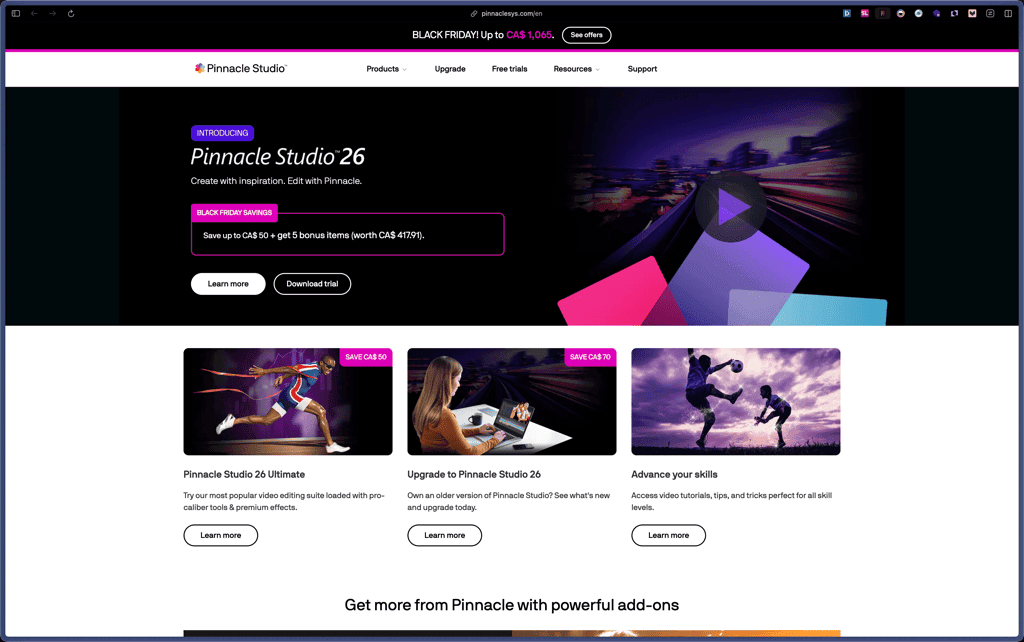
Pinnacle Studio
Recently Added!
OpenArt

Recently Added!
Nero

Recently Added!
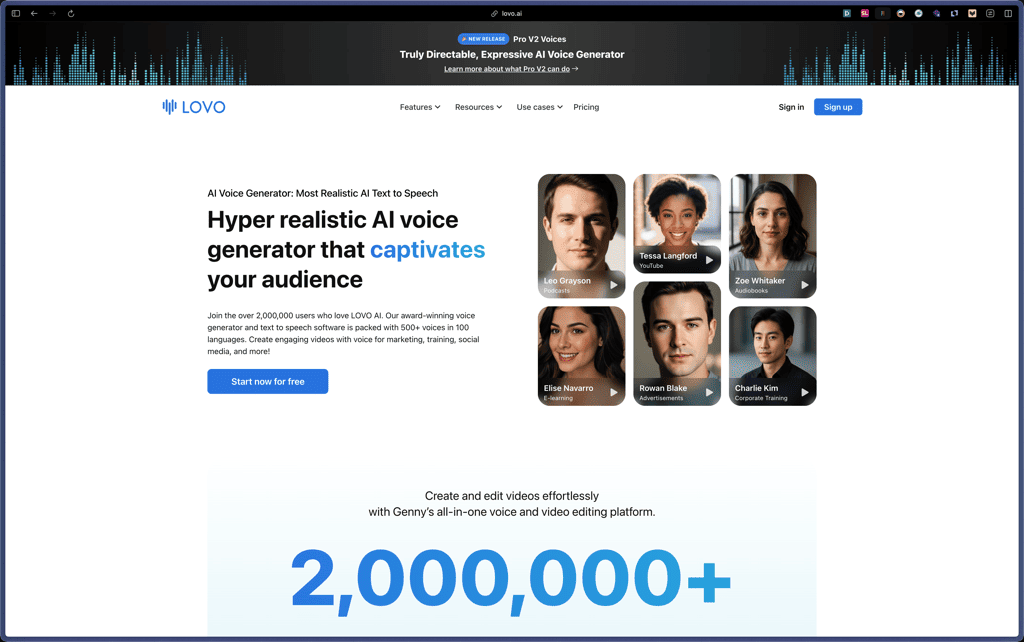
Lovo AI
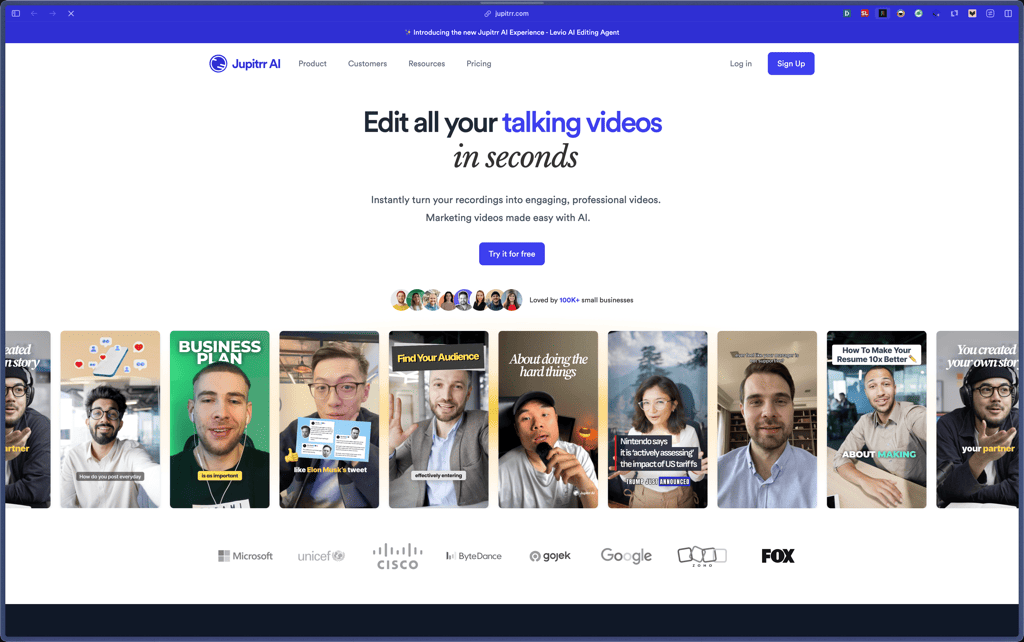
Jupitrr AI
Recently Added!
Glorify

Recently Added!
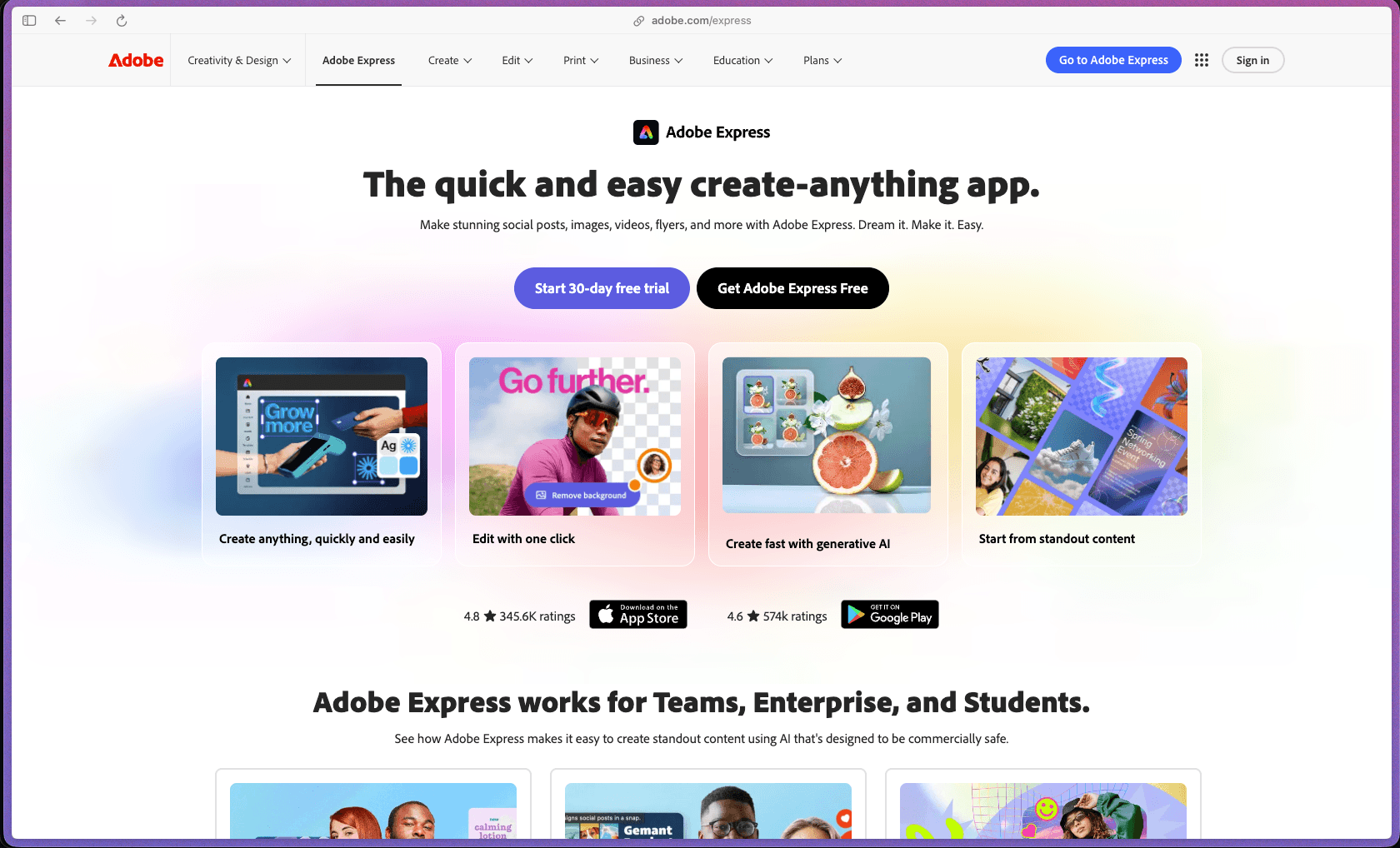
Adobe Express
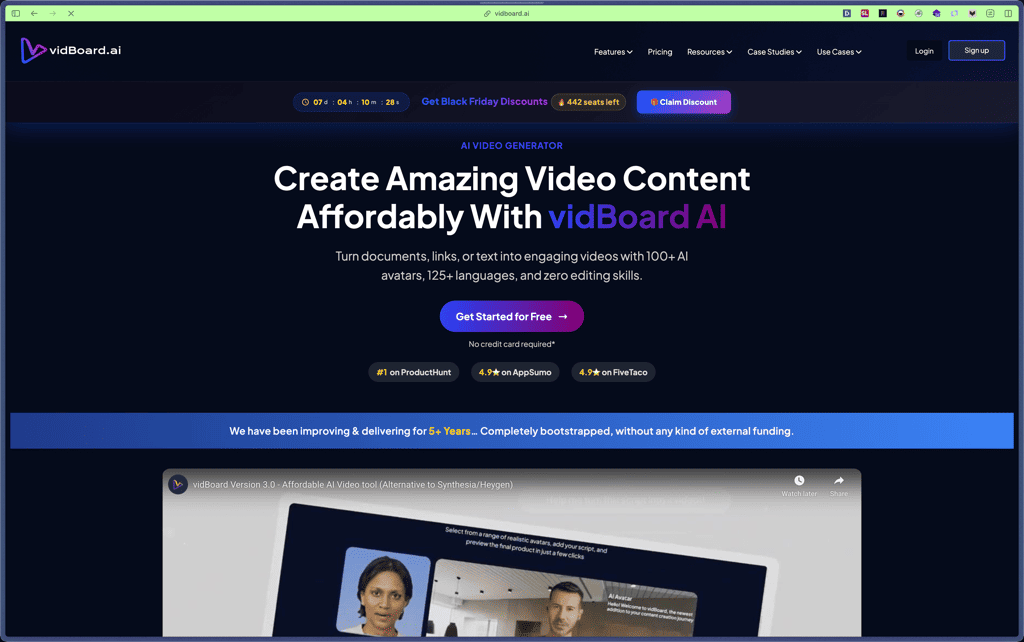
vidBoard
Freepik

Products With Lifetime Deals
Recently Added!
FluentForms

Recently Added!
Divi Theme

Recently Added!
ConvertPro

Recently Added!
CartFlows

Recently Added!
Bullet Proof Security

Recently Added!
WP Booking Calendar

Recently Added!
BeaverBuilder

Recently Added!
Avada

Recently Added!
Independent Analytics

You Recently Viewed These
Recently Viewed
BitFlows

Recently Viewed
Amelia

Recently Viewed
Dynamic.ooo

Recently Viewed
Microthemer & Amender

Recently Viewed
LifterLMS

Recently Viewed
Masteriyo

Recently Viewed
Zynith SEO

Recently Viewed
Wrike

Recently Viewed
WPMU Dev

Recently Viewed
wpDataTables

Recently Viewed
WP Booking Calendar
Recently Viewed
Webflow
