
Adobe Express
Adobe Express

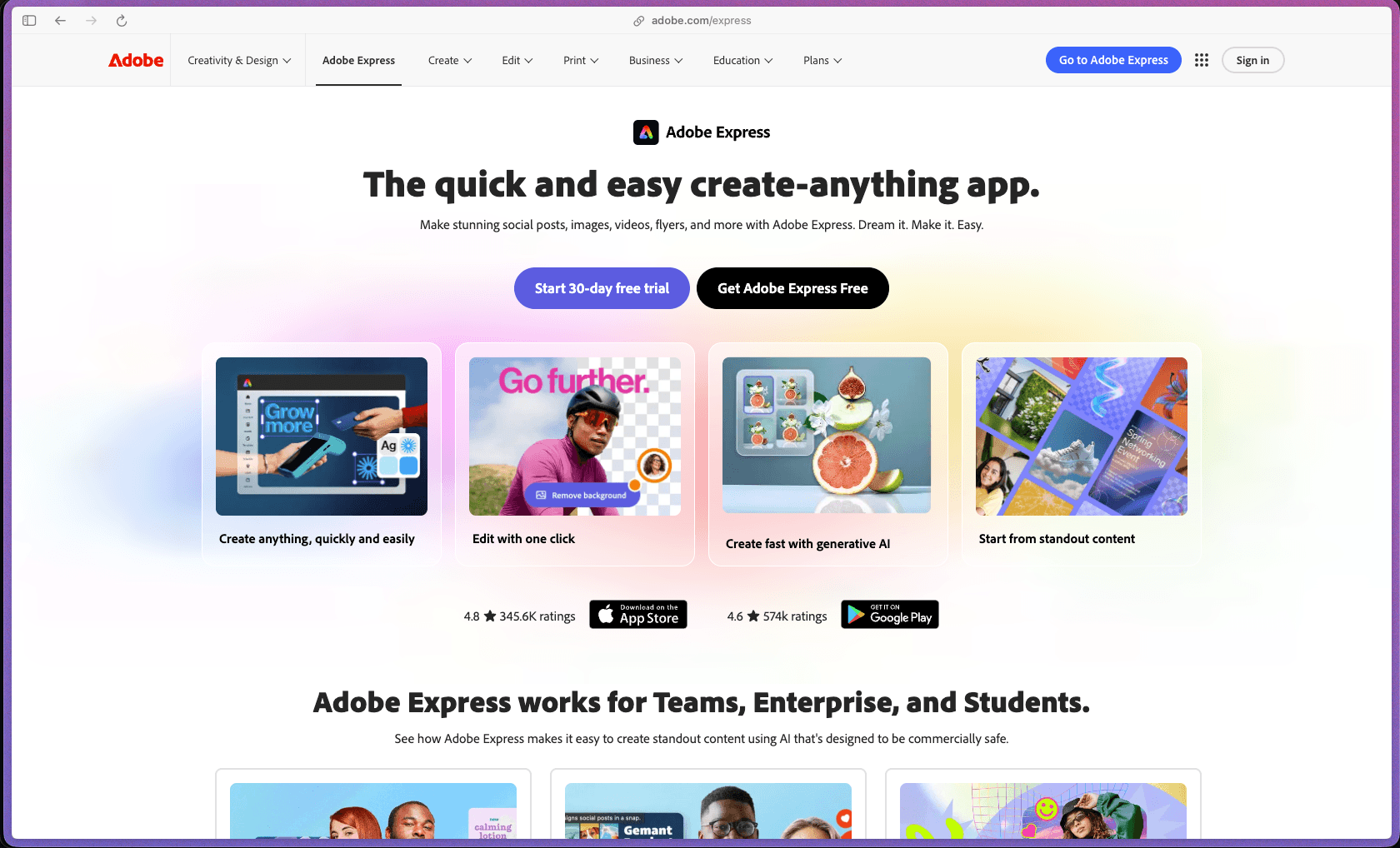
Adobe Express sits in a practical middle ground for non-designers who need more than a basic template tool but don't want to learn Photoshop or Illustrator—it includes generative AI (Adobe Firefly), a built-in social scheduler, PDF tools, brand kit management, and access to the full Adobe Stock and Adobe Fonts libraries in a single subscription. The free tier is genuinely functional for basic use, and the Premium plan is priced comparably to competing design tools while adding the Adobe ecosystem depth that teams already using Creative Cloud will find familiar.
Adobe Express uses a freemium model—the core tool is permanently free (no credit card required) with limited templates, assets, and AI credits; the Premium individual plan and Teams plan are sold as monthly or annual subscriptions. An Enterprise tier with custom pricing is available for larger organizations.
Adobe offers a full refund if you cancel a paid subscription within 14 days of the initial purchase, processed back to the original payment method. Annual plan subscribers who cancel after the 14-day window before the 12-month commitment ends may be subject to an early termination fee, so it's worth reviewing the specific plan terms before committing to an annual billing cycle. A permanently free tier is available without any credit card requirement, allowing evaluation of core features before upgrading.
Adobe Express launched in 2021 as a rebrand and expansion of Adobe Spark, which itself dates back to 2016, giving the product a combined development history of nearly a decade. The platform is under active development, with significant AI feature expansion (Adobe Firefly Text to Image, Generative Fill, Text Effects, AI template generation) added across 2023–2025, alongside new SMB-specific tools including social scheduling, brand kits, and bulk editing. As a product from Adobe—a company with a 40+ year track record—Adobe Express carries enterprise-grade infrastructure stability, though some independent reviewers note the product is still maturing relative to Adobe's flagship creative tools.
- Rated 4.6 out of 5 on Capterra based on 1,200+ verified user reviews.
- Aggregated across multiple review platforms, Adobe Express has 5,000+ ratings compiled by independent review aggregators.
- Used by small businesses, educators, marketers, and K-12 schools, with a dedicated free tier for K-12 education districts and non-profits.
- Adobe is a publicly traded company (ADBE) with decades of design software history, and Express is actively invested in with new SMB-focused tools and AI features announced as recently as May 2025.
- G2 reviewers highlight Adobe Express as a practical tool for fast LinkedIn graphics and social media thumbnails, citing the template library quality as more current than some alternatives.
- The drag-and-drop design editor lets you create graphics, social posts, video clips, flyers, posters, business cards, email headers, and web pages from 20,000+ professionally designed templates without requiring any prior design experience.
- Adobe Firefly generative AI (250 credits per month on Premium) supports Text to Image generation, Generative Fill for adding or removing elements from photos, and Text Effects for styled typographic treatments—all trained on licensed content for commercial safety.
- The video editor supports drag-and-drop clip arrangement, self-recording, background removal from video, trim and crop, and direct publishing to platforms including Vimeo—without needing a separate video editing tool for short-form content.
- PDF tools are built into the platform, allowing PDF import, editing, combining, organizing, and conversion to and from other formats—powered by Adobe Acrobat technology—without leaving the Express editor.
- Background removal for both photos and videos is available with a single click, eliminating the need for a separate tool for this common design task.
- One-click resize adjusts any design to the correct dimensions for every major social media platform (Instagram post, Story, LinkedIn banner, YouTube thumbnail, and others) without rebuilding the layout from scratch.
- Instant animation presets add motion to text, photos, video, and design elements with customizable speed, intensity, and duration controls available on Premium.
- A QR code generator is included as a one-click action for any design, allowing physical print materials to link directly to a URL without a third-party tool.
- Adobe Creative Cloud integration lets Premium users import and edit existing Photoshop (.psd) and Illustrator (.ai) files directly within Express, and link assets so updates in Photoshop or Illustrator sync automatically to the Express design.
- Adobe Stock access (195 million+ royalty-free photos, videos, and music files on Premium) is built in, so you can add licensed stock assets to any design without a separate Stock subscription.
- Adobe Fonts access (25,000+ licensed typefaces on Premium vs. 1,000 on free) is included without needing the standalone Adobe Fonts subscription.
- Social media direct publishing is supported for scheduling and posting content directly from the platform, without exporting files and uploading manually to each channel.
- HubSpot, Slack, and Webflow integrations are available, allowing Adobe Express content to flow into existing marketing, team communication, and website management workflows.
- A Teams plan Admin Console provides centralized license management, user provisioning, and shared brand template distribution across an organization.
- Bulk editing allows a single design to be applied across multiple variations simultaneously—resizing, translating, or modifying multiple posts in one action rather than editing each one individually.
- AI template generation creates a new customized template from a plain-text prompt, covering social media posts, flyers, business cards, event posters, and more, without browsing the full template library manually.
- Linked assets from Photoshop and Illustrator automatically update inside Express designs when the source file is changed, reducing manual re-export and re-upload steps in collaborative design workflows.
- Social media scheduling allows content to be planned, queued, and published to multiple channels directly from Adobe Express, removing the need for a separate scheduling tool for teams whose primary output is visual content.
- No native analytics or reporting dashboard is built into Adobe Express for tracking content performance, reach, or engagement—the platform is focused on content creation rather than analytics, and performance data would need to be drawn from native social platform analytics or a third-party tool.
- Brand Kits (Premium and Teams) store logos, brand colors, and approved fonts, allowing every team member to apply consistent branding to any design with a single click rather than re-entering brand assets each time.
- On the Teams plan, specific elements within a shared template can be locked by an admin, preventing team members from accidentally changing the logo, colors, or layout while still allowing them to edit copy and images.
- Libraries allow organized, shared collections of approved photos, graphics, and design assets that any team member can access, keeping brand-approved materials in one place.
- Custom fonts uploaded by users are supported on Premium plans, so brands with proprietary typefaces can use them within Express designs.
- Adobe Firefly AI models used within Express are trained exclusively on Adobe Stock licensed content, publicly licensed images, and public domain material—specifically designed to be commercially safe for business use without copyright risk.
- Teams plan accounts include an Admin Console for centralized user management, allowing IT administrators to control who has access to the platform and its brand assets.
- Adobe's enterprise-grade infrastructure (used across the Creative Cloud suite) underpins Express, including data encryption in transit and at rest, SSO support at Enterprise tier, and compliance with standard enterprise security practices.
- Solo founders and solopreneurs who need to create consistent social media graphics, email headers, and promotional flyers without a dedicated designer or design software budget.
- Small marketing teams (1–5 people) at product or eCommerce companies who produce high volumes of social media content and need a faster template-based workflow than Photoshop or Illustrator allows.
- Non-profit organizations that need professional-quality design output on a limited budget—Adobe Express is free for eligible non-profits.
- K-12 schools and teachers who need a free, safe design tool students can use for classroom projects, presentations, and visual assignments—Adobe Express for K-12 Education is free for qualifying institutions.
- Marketing agencies with clients who produce their own social content and need a simple, brand-kit-locked tool where clients can self-serve on approved templates without risking off-brand output.
- Content creators and podcasters who need YouTube thumbnails, episode graphics, and promotional short-form video content produced quickly at consistent quality between recording sessions.
- Use it for producing daily social media content when you need to output multiple platform-sized graphics per week and want to work from saved brand kit templates rather than starting from scratch every time.
- Use it for quickly resizing a single design across all social formats when you've created one campaign visual and need Instagram, LinkedIn, and Facebook versions in the correct dimensions without duplicating effort.
- Use it for editing short promotional videos when you need to record, trim, add captions or overlays, remove the background, and publish to Vimeo or social platforms without opening a separate video editor.
- Use it for distributing on-brand templates to a team when you're an agency or marketing manager who needs non-designers to produce content that adheres to brand standards without risking off-brand output.
- Use it for AI image generation in commercial content when you need custom illustrations or background images for designs and want to use AI-generated assets that are cleared for commercial use.
- Use it for combining PDF creation and visual design in one workflow when you produce both designed marketing materials and structured documents and don't want to switch between tools for each format.
- Cloud-hosted SaaS web application, accessible from any modern browser on Mac, Windows, or Linux—no desktop software installation required.
- iOS and Android mobile apps are available, allowing design creation and editing on mobile devices with access to the same templates and assets as the web version.
- Adobe Creative Cloud integration (Photoshop, Illustrator, Lightroom) is available for importing, editing, and syncing linked assets across Adobe applications.
- Social media direct publishing is supported for scheduling content directly from the platform, with support for major platforms.
- HubSpot, Slack, and Webflow are among the supported third-party integrations; a broader integration catalog is available via the Adobe ecosystem.
- Teams plan includes an Admin Console for centralized user provisioning and brand template management; Enterprise pricing is available with SSO and additional security controls.
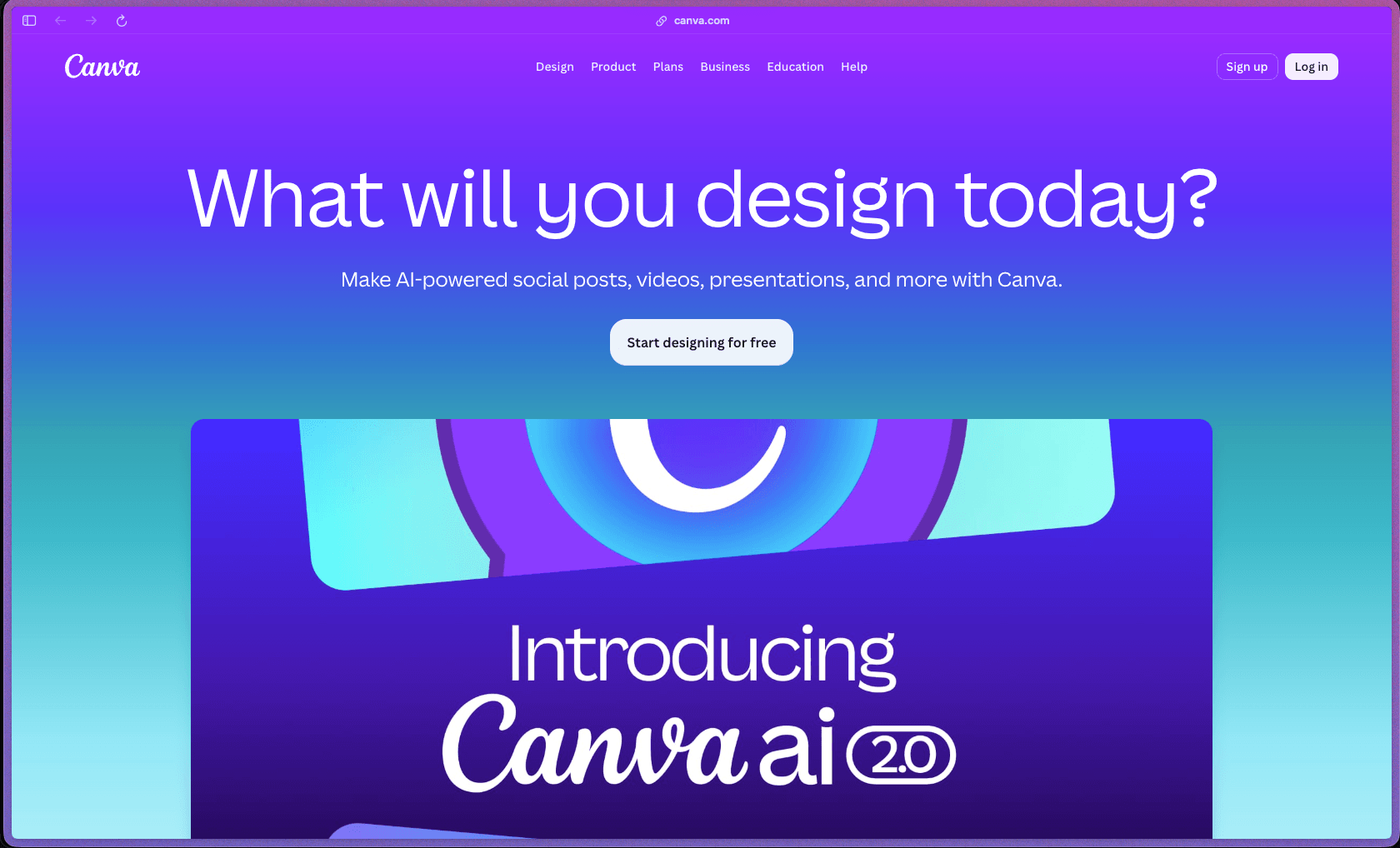
Adobe Express targets a specific audience that has outgrown basic free tools like Canva's free tier but doesn't need or want the complexity of Photoshop, Illustrator, or Premiere—it sits deliberately between consumer design apps and professional creative software. The main differentiator versus alternatives like Canva is the depth of Adobe ecosystem integration: Photoshop file import, linked asset sync, the full Adobe Stock library, 25,000 Adobe Fonts, and Firefly AI trained on Adobe's own licensed content rather than scraped data. For teams already using any part of Creative Cloud, the Express Teams plan provides shared brand kits and template locking that makes it a practical option for distributing design capability across non-designer staff without losing brand control.
- Customer support is available through Adobe's Chat and phone support channels; the community forum (Adobe Community) handles Adobe Express-specific questions, though response quality and wait times can vary based on ticket volume, as noted in community threads.
- Documentation is thorough and maintained across Adobe's Help Center, covering all features, billing, cancellation, and integration topics; Adobe also maintains a dedicated YouTube channel and has published a 20-lesson SMB-focused tutorial playlist specifically for Adobe Express.
- The Adobe Community forums are active for Express-specific questions, and Adobe's social support channel (@AdobeCare on X/Twitter) handles billing and account escalations, though they cannot process refunds directly through community threads.
- Adobe Express has no built-in analytics or performance reporting—tracking how your published social media content is performing requires using native platform analytics or a separate social analytics tool.
- Annual plan subscribers who cancel after the 14-day refund window may owe an early termination fee before the 12-month commitment period ends, which is a meaningful purchasing risk relative to tools with more flexible cancellation terms.
- Generative AI credits are capped per month (25 on free, 250 on Premium), and once depleted, AI generation features are unavailable until the next billing cycle—this is a real constraint for teams producing high volumes of AI-generated content.
- The reporting and analytics features are limited to export quality (high-resolution output) rather than performance analytics—teams that need content performance tracking need a separate tool.
Related Products
Recently Added!
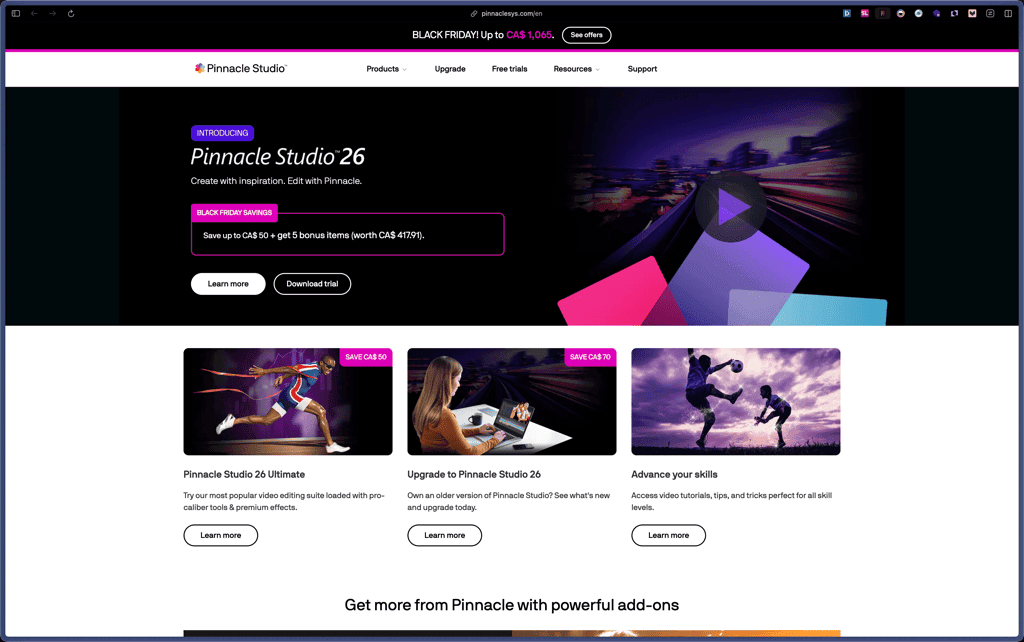
Pinnacle Studio
Recently Added!
OpenArt

Recently Added!
Nero

Recently Added!
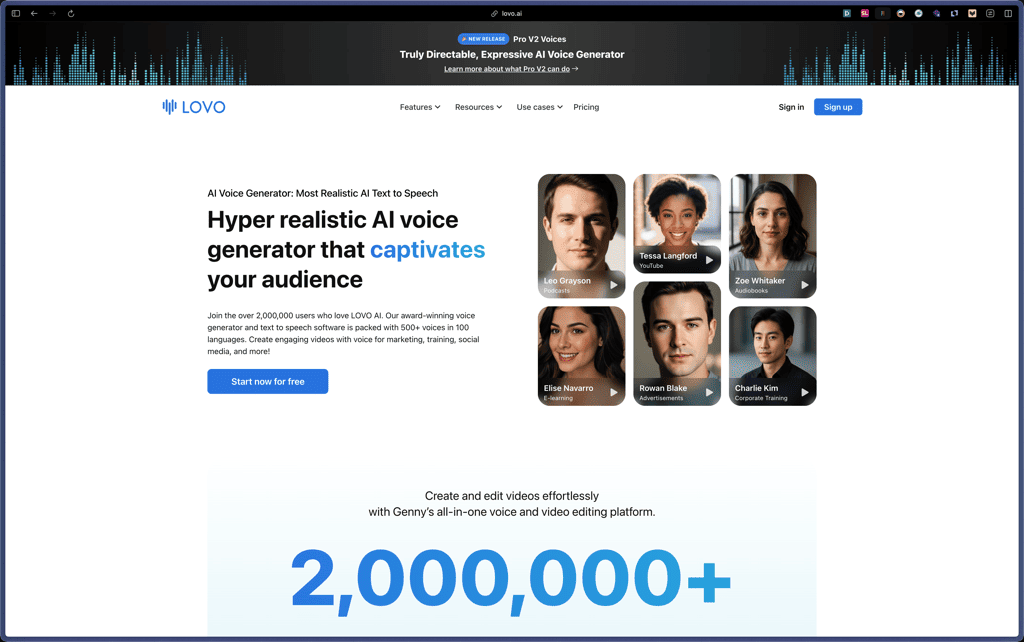
Lovo AI
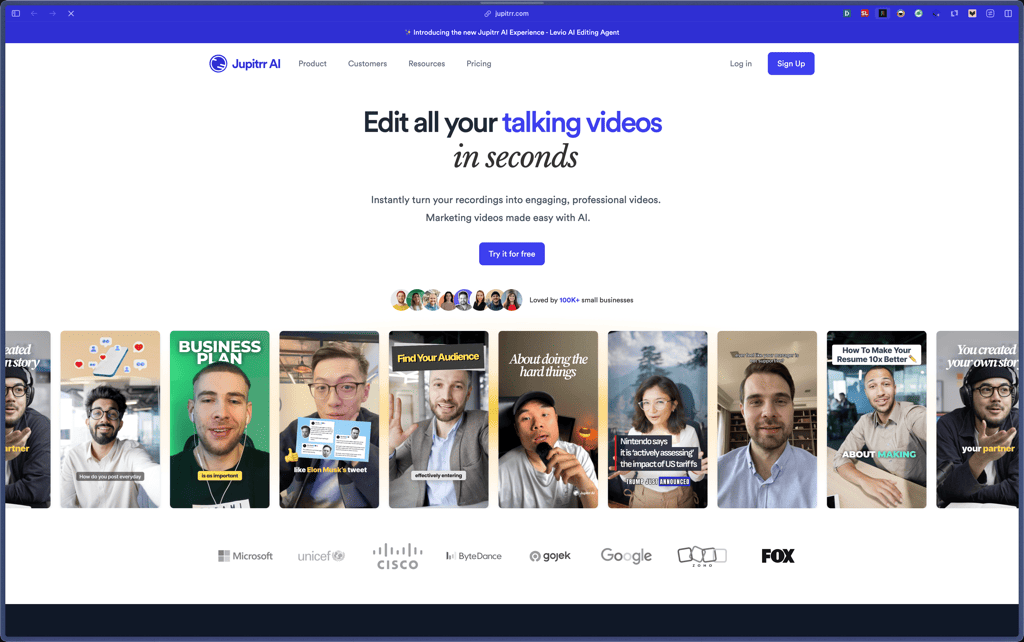
Jupitrr AI
Recently Added!
Glorify

Recently Added!
Canva
vidBoard
Freepik

Products With Lifetime Deals
Recently Added!
FluentForms

Recently Added!
Divi Theme

Recently Added!
ConvertPro

Recently Added!
CartFlows

Recently Added!
Bullet Proof Security

Recently Added!
WP Booking Calendar

Recently Added!
BeaverBuilder

Recently Added!
Avada

Recently Added!
Independent Analytics

You Recently Viewed These
Recently Viewed
BitFlows

Recently Viewed
Amelia

Recently Viewed
Dynamic.ooo

Recently Viewed
Microthemer & Amender

Recently Viewed
LifterLMS

Recently Viewed
Masteriyo

Recently Viewed
Zynith SEO

Recently Viewed
Wrike

Recently Viewed
WPMU Dev

Recently Viewed
wpDataTables

Recently Viewed
WP Booking Calendar
Recently Viewed
Webflow
