
Animation Addons
Animation Addons

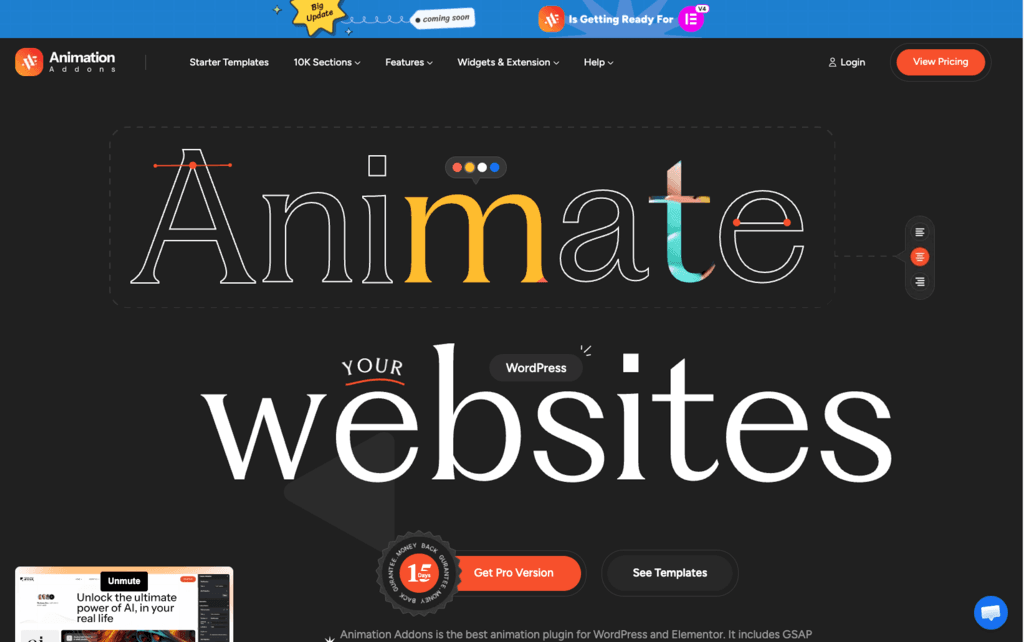
Animation Addons solves a real frustration: adding advanced scroll and interactive animations to Elementor sites normally requires custom JavaScript or expensive developer time. This plugin brings full GSAP capabilities—ScrollTrigger, SplitText, MotionPath, DrawSVG, and more—into a no-code visual interface. The combination of a massive template library, active development cadence, and a generous free tier makes it a practical option for agencies and solo builders alike.
Animation Addons offers both annual subscription and lifetime purchase plans, differentiated by the number of sites covered (1, 5, 10, or 100 sites). A free version is available on WordPress.org with 50+ free templates, 70+ free widgets, and basic animation features.
The official product site references a money-back guarantee period (shown visually on the homepage), but the exact number of days is not explicitly stated in text on the available pages. Refund policy details are not fully specified on the official site—buyers should confirm directly with the team before purchasing.
The plugin's initial release was April 1, 2024, placing it in the "growing/stable" category at just over two years old. However, the development pace is notably active—the changelog shows updates nearly every month, including security patches, new widgets, performance improvements, and expanded template libraries. The AppSumo listing, YouTube feature coverage, and 10,000+ user community signal that it has moved well beyond early-adopter territory despite its relatively recent launch.
- Rated by 55+ verified users on WordPress.org, with reviewers consistently highlighting smooth animations, quick support, and ease of use.
- The official site reports a community of 10,000+ users.
- Featured and reviewed by multiple YouTube WordPress educators, including Matt Tutorials, GoTechUG (Hamza), and Buddydevelopers, who have demonstrated the plugin in real workflow walkthroughs.
- The free plugin on WordPress.org is actively maintained with multiple updates per month—the changelog shows releases as recently as March 2026.
- Available on AppSumo as a lifetime deal, expanding reach to a global SaaS deal-seeking audience.
- The custom GSAP Animation Builder lets you design scroll-triggered, timeline-based, and hover animations visually—no JavaScript knowledge needed.
- ScrollTrigger animations let you control exactly when and how elements animate as a visitor scrolls down the page.
- SplitText animations break headlines into characters, words, or lines and animate each part independently for polished text reveals.
- Smooth Scrolling (ScrollSmoother) replaces the default browser scroll with a fluid, decelerated motion for a more modern browsing feel.
- DrawSVG and MorphSVG animations let you animate SVG paths and shapes precisely, adding professional vector motion without code.
- Horizontal Scrolling turns sections into a lateral scrolling experience, useful for portfolios, timelines, or showcase layouts.
- Lottie animation support lets you embed lightweight, scalable vector animations from Lottie files directly in Elementor.
- Image Sequence Animation displays a series of images frame by frame as the user scrolls, enabling cinematic scroll-driven storytelling.
- Works with both Elementor Free and Elementor Pro—there is no requirement for the paid version of Elementor.
- Compatible with other Elementor addon plugins and tested for conflicts with Elementor core on each update.
- Contact Form 7 and Mailchimp widgets are included and styled directly inside the Elementor editor.
- WPML support is included for multilingual WordPress websites, added in v2.5.3 in February 2026.
- The one-click template import system lets you pull in a complete pre-animated website layout—including styled sections and widgets—from the Themecrowdy library, significantly reducing manual setup time on new projects.
- Individual extension modules (Popup Builder, Mega Menu, Custom CSS, Dynamic Tags, and others) can be toggled on or off directly from the plugin settings panel, so only active features load on the site—keeping page weight lean without manual code removal.
- The Live Copy Paste feature lets you duplicate entire animated sections between pages or sites in a single action, preserving responsive breakpoints and animation settings so you don't have to rebuild the same layout from scratch.
- Post Reactions, Post Rating, and Read Later widgets allow visitor interaction with blog content, useful for media and content-heavy sites.
- The Header/Footer Builder and Theme Builder let you design custom page templates (archive pages, single post pages, search results) fully inside Elementor.
- The Custom Post Type (CPT) Builder lets you create and manage custom content types—portfolios, events, services—without touching WordPress functions files.
- Live Copy Paste lets you copy full sections between pages or sites while preserving responsive styles and animations.
- 25+ extensions (including Popup Builder, Mega Menu, Custom CSS, and Custom Fonts) can be individually toggled on or off to keep sites lightweight.
- Reduced Motion support respects user accessibility preferences by allowing animations to be disabled system-wide.
- The plugin changelog shows dedicated security releases—including patch version 2.1.9, which addressed a security fix—indicating that the team responds to vulnerability reports and ships targeted security updates.
- As a self-hosted WordPress plugin, all site data and user information remain on your own server; nothing is transmitted to or stored on Animation Addons' infrastructure for core plugin functionality.
- Freelance web designers building client sites on Elementor who want to offer Webflow-level animation quality without switching platforms.
- WordPress agencies managing multiple client projects who want to speed up delivery using 300+ pre-animated website templates.
- SaaS or startup founders building their own landing pages who want scroll storytelling and animated hero sections without hiring a developer.
- Creative professionals—photographers, agencies, designers—building portfolio sites who need smooth image reveals, horizontal scrolling, and hover effects.
- Bloggers and content publishers on WordPress who want dynamic post grids, animated headings, and interactive widgets beyond what basic Elementor offers.
- Use it for client website delivery when you want to import a pre-animated site template, swap out text and images, and launch in hours rather than days.
- Use it for scroll storytelling when you want sections to animate in, text to reveal word by word, and elements to pin as a visitor scrolls through a landing page.
- Use it for SVG path animation when you have brand icons or illustrations that you want to "draw" on screen as a visitor arrives at a section.
- Use it for building custom headers, footers, and archive templates when you want full design control beyond what a standard WordPress theme provides.
- Use it for lead-gen landing pages when you want to combine animated headlines, countdown timers, popup forms, and smooth page transitions in one place.
- Use it for multilingual animated sites when your WordPress project targets audiences in more than one language and you need WPML-compatible widget output.
- WordPress plugin—requires WordPress 6.7 or higher and PHP 7.4 or higher (PHP 8.3+ recommended).
- Requires Elementor page builder (free or Pro)—the plugin cannot function without Elementor installed and activated.
- Self-hosted on your own WordPress installation—no external SaaS dashboard or cloud dependency for core functionality.
- Template import relies on the Themecrowdy API for one-click site and section template imports.
- Compatible with other Elementor addon plugins; designed to avoid script conflicts through modular, on-demand asset loading.
- MySQL 5.7 or higher is required; 128 MB WordPress memory limit minimum (1024 MB recommended for template-heavy setups).
Most basic Elementor animation addons give you simple entrance effects—fade in, slide up—without access to GSAP's advanced motion tools. Animation Addons positions itself as the bridge between Elementor's ease of use and the kind of scroll animations typically associated with developer-built Webflow or custom-coded sites. Unlike standalone GSAP implementations that require custom JavaScript, this plugin wraps the full GSAP toolkit in a visual, no-code interface that fits naturally into an existing Elementor workflow.
- Support is available via email, a support portal, and live chat, with the team describing 24/7 availability in the plugin FAQ.
- Documentation is available on the official website, covering plugin settings, extension setup, and widget-specific tutorials; the WordPress.org listing links to the doc site directly.
- A dedicated Facebook Group and a YouTube channel with tutorial videos are available for community learning and peer support.
- The plugin requires Elementor—it cannot be used with other page builders such as Beaver Builder, Bricks, or Gutenberg's block editor.
- Advanced GSAP animations (ScrollTrigger, SplitText, DrawSVG, MotionPath, MorphSVG, and others) are locked to paid plans; the free version covers basic animations and free widgets only.
- Some users in reviews noted minor responsiveness and glitch issues on specific widgets, though support is noted as responsive in resolving them.
- Template import depends on the Themecrowdy external API, which means template library access requires an active internet connection and API availability.
Related Products
Elementor

Recently Added!
Crocoblock

Recently Added!
LearnDash

Recently Added!
BitFlows

Amelia

Recently Added!
Dynamic.ooo

Recently Added!
Microthemer & Amender

Recently Added!
LifterLMS

Recently Added!
Masteriyo

Products With Lifetime Deals
Recently Added!
FluentForms

Recently Added!
Divi Theme

Recently Added!
ConvertPro

Recently Added!
CartFlows

Recently Added!
Bullet Proof Security

Recently Added!
WP Booking Calendar

Recently Added!
BeaverBuilder

Recently Added!
Avada

Recently Added!
Independent Analytics

You Recently Viewed These
Recently Viewed
BitFlows
Recently Viewed
Amelia
Recently Viewed
Dynamic.ooo
Recently Viewed
Microthemer & Amender
Recently Viewed
LifterLMS
Recently Viewed
Masteriyo
Recently Viewed
Zynith SEO

Recently Viewed
Wrike

Recently Viewed
WPMU Dev

Recently Viewed
wpDataTables

Recently Viewed
WP Booking Calendar
Recently Viewed
Webflow
