
Wrike


Wrike brings tasks, projects, files, and communication into a single workspace with flexible views like lists, boards, Gantt charts, and calendars, which works well when teams are juggling many initiatives. Its AI capabilities for analytics, risk prediction, and workflow automation add another layer for founders who want data-driven decisions without stitching multiple tools together.
Wrike uses a freemium subscription model with a free plan plus multiple paid tiers that scale by feature set and team size. Pricing is per user per month on paid plans, with higher enterprise plans using custom quotes.
Wrike clearly offers a free plan so teams can try the core product before paying, but a specific money-back guarantee or standard refund window is not prominently stated on the main public materials reviewed. Refund policy not specified on the official site.
Wrike has operated in the project management space for many years and now markets itself as an AI-powered enterprise work management platform, which places it firmly in the “mature/established” category. Frequent updates, multiple pricing tiers, and deep reviews from 2024–2025 suggest ongoing development and a stable roadmap.
- Wrike’s LinkedIn page lists well over 100,000 followers, indicating broad awareness and adoption.
- The platform is described by multiple independent review sites as a leading project management or work management solution used by teams of many sizes.
- Official materials position Wrike as an enterprise work management solution, highlighting use across industries and complex organizations.
- Mobile apps on major app stores and extensive third-party reviews show an active user community and long-term market presence.
- Centralizes tasks, projects, and portfolios so teams can create, assign, and track work in one place instead of scattered tools.
- Offers multiple work views (lists, boards, Gantt charts, calendars, dashboards) to help different roles visualize timelines, dependencies, and workloads.
- Includes built-in time tracking and timesheets so teams can log hours by task and understand effort across projects.
- Provides request forms to capture incoming work in a structured way and route it into the right projects.
- Integrates with external tools via APIs and third-party add-ons, connecting Wrike to systems like communication, file storage, and other SaaS apps (exact catalog depends on plan and marketplace).
- Mobile apps on platforms such as Android allow teams to stay updated, comment, and manage tasks on the go.
- Automates recurring tasks and workflows so routine work can run with fewer manual steps.
- Uses Wrike AI (including analytics and risk prediction) to flag at-risk projects, help allocate resources, and speed up decisions.
- Provides rule-based automations (such as status changes or notifications) to keep work moving without constant oversight.
- Delivers dashboards and custom reports that show progress, workload, and outcomes across campaigns and projects.
- Supports real-time analytics so leaders can see up-to-date data rather than static exports.
- Allows custom fields, folders, and spaces so each team can model its own processes while staying in a shared system.
- Let's users tailor workflows and task statuses for different teams (for example, marketing, product, operations) without forcing a single rigid flow.
- Marketed as an enterprise-grade platform with attention to security and governance, though detailed certifications and configurations vary by plan and are not fully enumerated in the sources reviewed here. Not specified.
- Marketing and creative teams running many campaigns and requests who need shared visibility, approvals, and reporting.
- Product and project teams coordinating roadmaps, releases, and cross-functional work across engineering, design, and business stakeholders.
- Operations, PMO, or business teams managing portfolios of projects and needing strong governance, analytics, and resource planning.
- Agencies and service providers that rely on structured intake, task management, and time tracking to manage multiple client engagements.
- Distributed or hybrid teams that need a centralized, cloud-based hub for collaboration and task updates across time zones.
- Use it for project and portfolio management when you need to coordinate many projects, track dependencies, and see overall status in Gantt charts and dashboards.
- Use it for intake and triage when requests arrive from many channels and you want structured forms, routing, and prioritization.
- Use it for time tracking and workload management when you need visibility into who is doing what, where time is spent, and how resources are allocated.
- Use it for cross-functional collaboration when marketing, product, and ops teams must share context, files, and discussions around the same tasks.
- Use it for reporting and OKR-style oversight when leadership wants consistent metrics and visual reports across initiatives.
- Cloud-based SaaS platform accessed via web browser with companion mobile apps for major mobile operating systems.
- Provides an API and support for third-party plugins/add-ons, enabling integration with other business systems.
- Designed for multi-user, multi-team environments with features like spaces, folders, and role-based access.
Wrike positions itself as an enterprise work management platform rather than just a task tool, aiming to connect ideation, planning, execution, and reporting in one system. Compared to lighter project management apps, it leans into advanced analytics, resource planning, and AI features for organizations that want deeper control and visibility across many teams and projects.
- Offers a help center and product documentation that explain core features, use cases, and setup.
- Paid plans can include higher-touch support and onboarding; exact service levels vary by tier and are detailed in Wrike’s plan descriptions.
- An active ecosystem of reviews, tutorials, and community content (including demos and walkthroughs) provides extra learning resources beyond the official docs.
- The breadth of features and configuration options can feel complex for very small teams that only need simple task lists.
- Some advanced analytics, automations, and security capabilities are only available on higher-priced business or enterprise plans.
Related Products
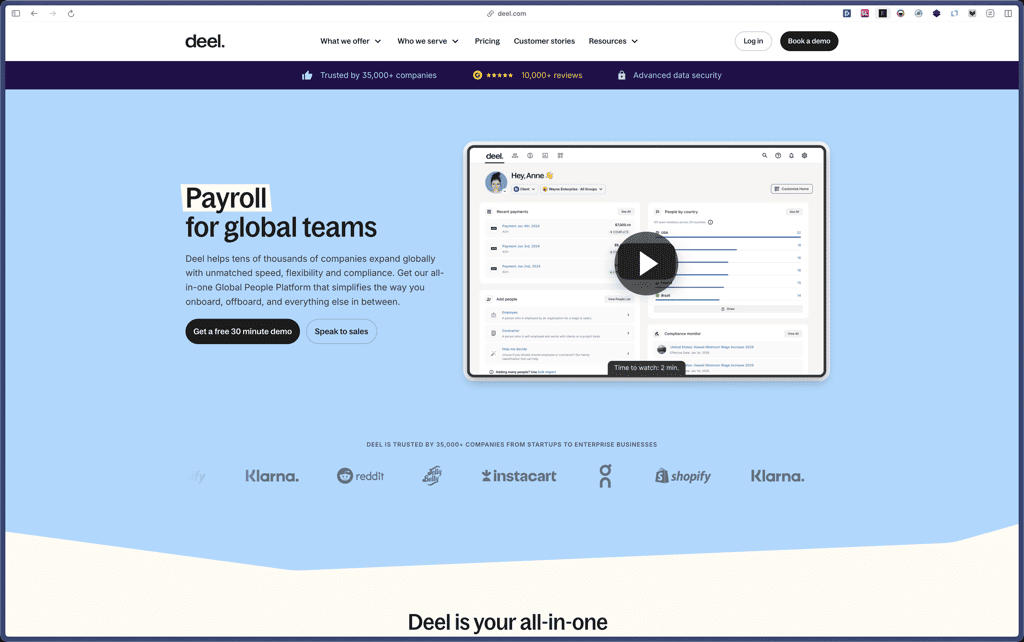
Deel
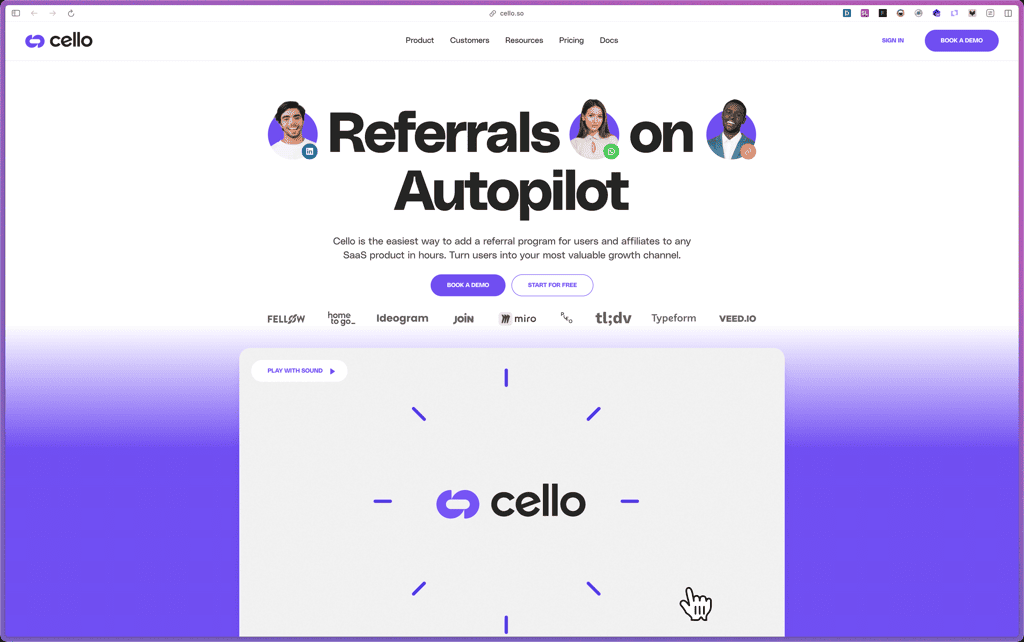
Cello
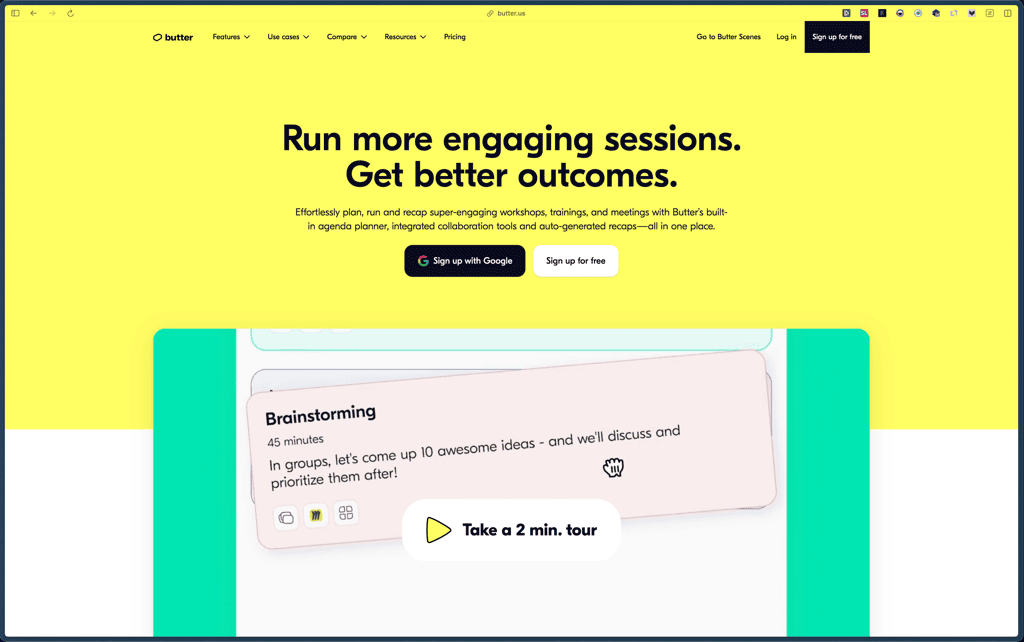
Butter
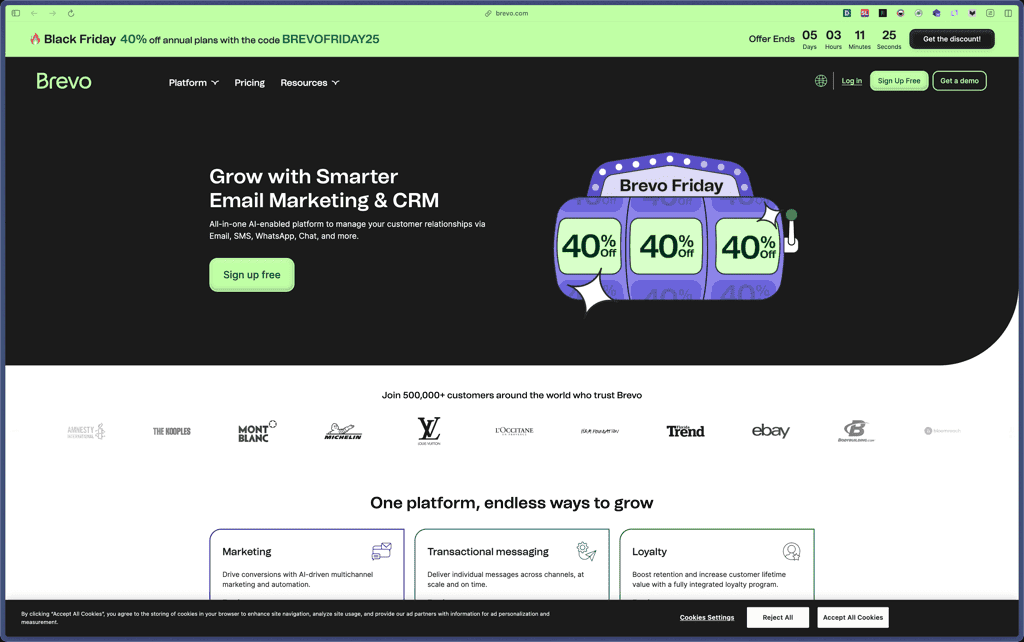
Brevo
TimeDoctor

Retable

RingCentral

Pabbly Connect

Nuelink

Products With Lifetime Deals
Support Candy

New!
Bit Integrations

Amelia

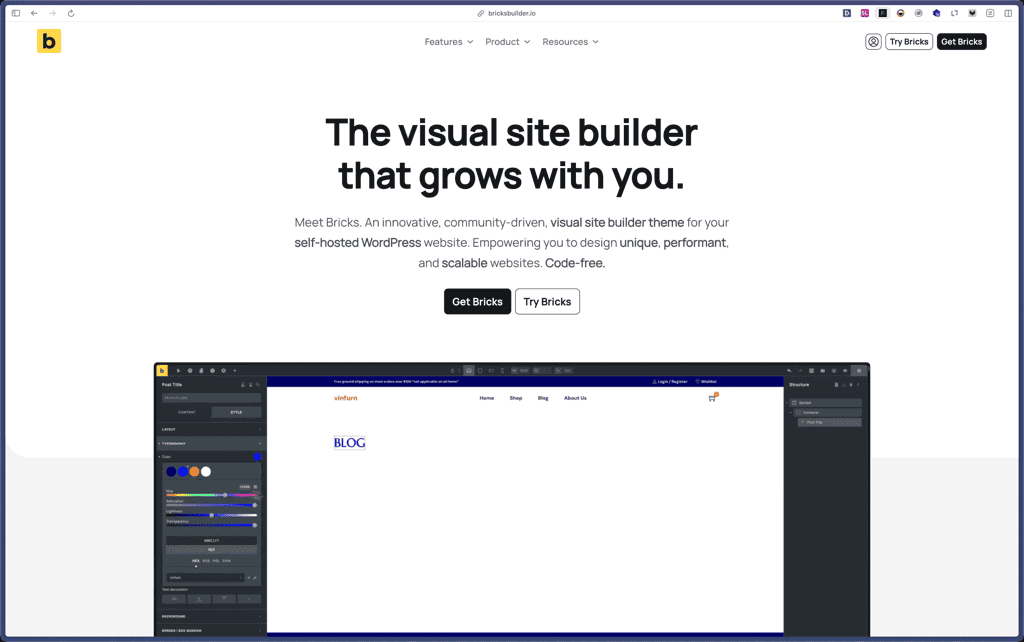
Bricks Builder
BitFlows

Crocoblock

You Recently Viewed These
Recently Viewed
Deel
Recently Viewed
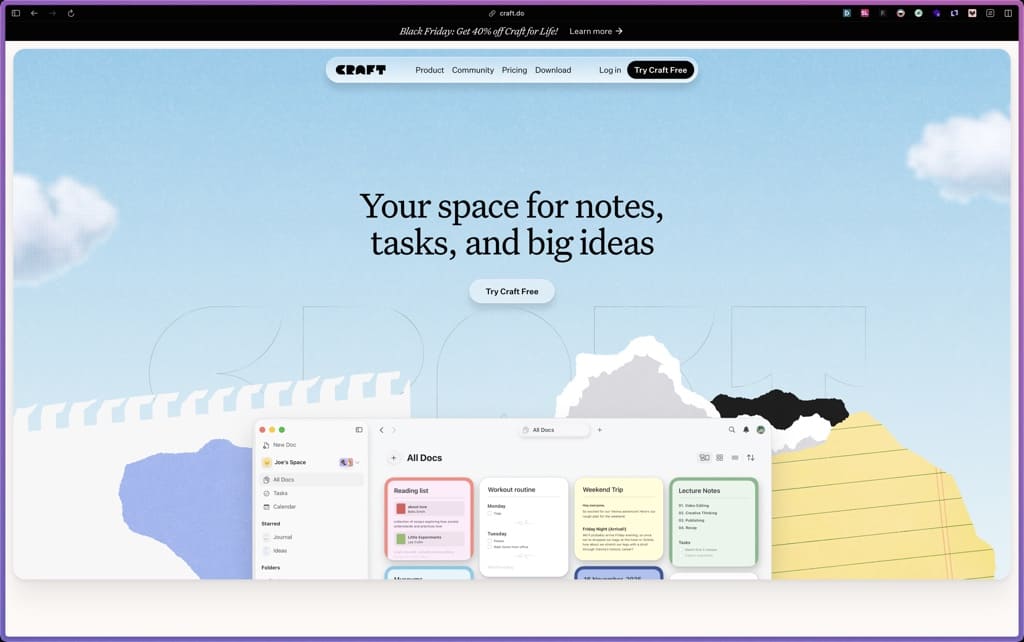
Craft
Recently Viewed
Cello
Recently Viewed
Butter
Recently Viewed
Bricks Builder
Recently Viewed
Brevo
Recently Viewed
Umso - Website Builder
Recently Viewed
Amelia
Recently Viewed
Zynith SEO

Recently Viewed
Wrike
Recently Viewed
wpDataTables

Recently Viewed
Webflow
