
Webflow

Webflow stands out for giving non-developers a high level of control over layout, interactions, and CMS content while still producing production-grade HTML, CSS, and JavaScript under the hood. Its newer AI capabilities for site generation, copy, and optimization sit on top of an already mature platform, which works well for teams who want both speed and long-term flexibility rather than being locked into a simplistic page builder.
Webflow uses a freemium subscription model, where you can start on a free plan and then add paid Site and Workspace plans for production sites, collaboration, and advanced features. Paid plans are billed either monthly or annually, with optional add-ons for optimization, analytics, and localization.
Webflow’s marketing and help content highlight a free tier and the ability to start building before upgrading, but a specific money-back guarantee or refund window is not clearly stated on the main public pages reviewed. Refund policy not specified on the official site pages consulted.
Webflow is a long-standing SaaS product with years of development behind it, a large user base of hundreds of thousands of brands, and regular feature updates, including recent AI, CMS, and collaboration enhancements. This places it firmly in the “mature/established” category rather than an experimental or early-stage tool.
- The site states that over 300,000 brands use Webflow for their web experience, including well-known enterprise customers.
- Customer stories on the homepage attribute significant savings, improved SEO, and better conversion performance to switching to Webflow.
- Webflow has an established ecosystem with templates, agencies, and educational resources such as Webflow University, showing strong community and partner support.
- Third-party guides and reviews consistently describe Webflow as a leading visual web builder and highlight its flexible pricing tiers and AI features for modern teams.
- Provides a visual designer that lets teams build responsive websites, interactions, and animations without writing code, while still generating clean front-end code.
- Includes a visual CMS for modeling content types and managing content at scale so marketers and editors can update sites without developer involvement.
- Bundles hosting, performance, and reliability into the same platform so you can design, publish, and maintain sites from one place.
- Integrates with a broader ecosystem via APIs, apps, and marketplace solutions, including options to connect external analytics, marketing, and AI tools.
- Supports localization and other add-on products that work alongside core hosting and design features to extend what sites can do.
- Offers an AI site builder that can turn a prompt into a complete website theme, giving teams a fast starting point that can be refined in the designer.
- Provides AI-assisted content generation for on-page copy and CMS items, helping teams produce and update content more quickly.
- Includes AI-powered personalization, localization, and optimization tools that help test, adapt, and localize experiences for different audiences.
- Ships with native analytics and CRO-oriented tooling (such as optimization and analysis add-ons) so teams can measure performance and iterate based on real data.
- Provides built-in SEO and Answer Engine Optimization (AEO) capabilities, including AI SEO features to help structure metadata and schema for both human and AI-driven search.
- Supports design systems, reusable components, and “designer-approved building blocks” so teams can scale sites while keeping everything consistent with brand guidelines.
- Allows developers to extend functionality with code components (such as React-based components) directly in the Webflow canvas for advanced UI needs.
- Public materials emphasize fast, secure hosting and enterprise-grade performance, but detailed security certifications and compliance specifics are not fully covered in the sources reviewed here.
- Marketing and growth teams at B2B or B2C companies who want to ship campaigns, landing pages, and experiments without waiting on engineering sprints.
- In-house design and content teams that care about visual quality and brand control but do not want to maintain their own front-end codebase or hosting stack.
- Agencies and freelancers building sites for multiple clients who need a flexible, visual builder with support for design systems and client handoff.
- Product marketing teams at larger companies that need enterprise-grade performance, governance, and collaboration while still moving quickly.
- Use it for building marketing websites, landing pages, and campaign microsites when non-technical teams need to iterate quickly on copy and design.
- Use it for content-heavy sites and blogs when you need a flexible CMS that editors can manage directly with consistent layouts.
- Use it for launching localized or personalized experiences when you are expanding into new markets and want AI-supported localization and optimization.
- Use it for prototyping and testing new site concepts using the AI site builder when you want to move from idea to working layout in minutes.
- Cloud-hosted SaaS platform accessed via a web browser, with design, CMS, and hosting bundled in a single environment.
- Generates standard front-end code (HTML, CSS, and JavaScript) behind the scenes, even though most users work visually.
- Offers a pricing structure with Free, Site, Workspace, and optional add-on products (Optimize, Analyze, Localization) to match different project sizes and collaboration models.
- Provides APIs, app marketplace, and code-component support to integrate with external tools and extend site functionality.
Compared to basic drag-and-drop site builders, Webflow positions itself as a website experience platform that gives marketing and design teams near-developer-level control while still avoiding most custom engineering work. Its AI-native direction, including prompt-to-production site and app generation plus optimization and localization add-ons, differentiates it from traditional CMSs that bolt AI on as a side feature.
- Webflow runs a dedicated Help Center with technical product documentation and troubleshooting content for core features.
- Webflow University offers structured courses and tutorials that help new and advanced users learn design, CMS, and development concepts within the platform.
- Users can access support from Webflow’s customer support team via the support site, along with community resources like forums and educational content.
- Webflow is tightly integrated with its own hosting; while code export is possible on some plans, many advanced features depend on using Webflow hosting. This can limit teams that prefer fully self-hosted stacks.
- The full power of the designer and CMS can come with a learning curve for non-designers, so teams may still need some design expertise to get the most out of it.
- Some advanced optimization, analytics, and localization capabilities are packaged as paid add-ons, so costs can increase for teams needing the full feature set.
Related Products
Sniply

Nero

miniOrange

Base44

Format

Products With Lifetime Deals
Support Candy

New!
Bit Integrations

Amelia

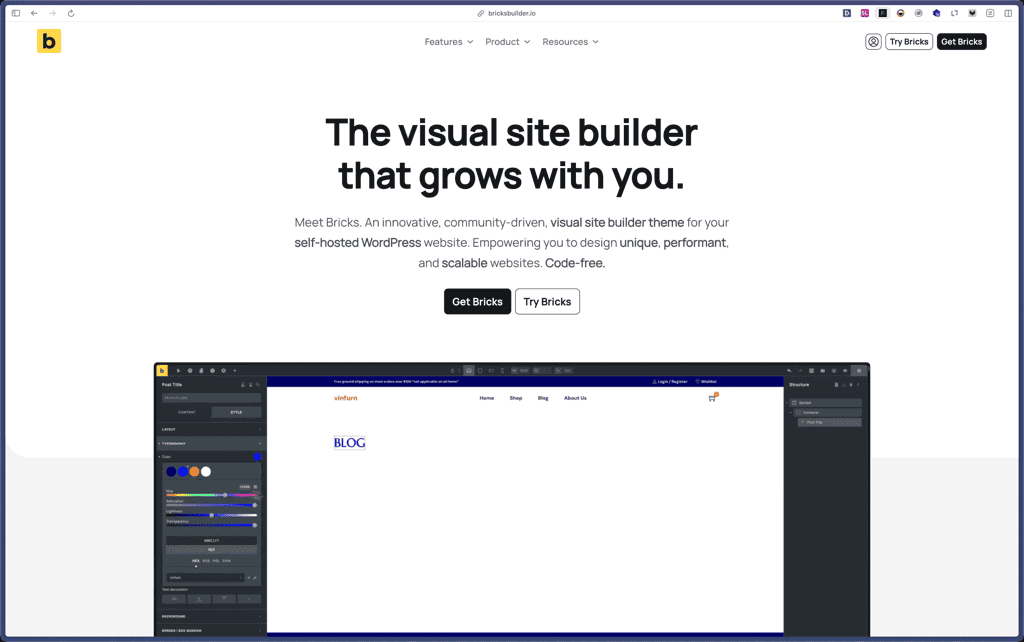
Bricks Builder
BitFlows

Crocoblock

You Recently Viewed These
Recently Viewed
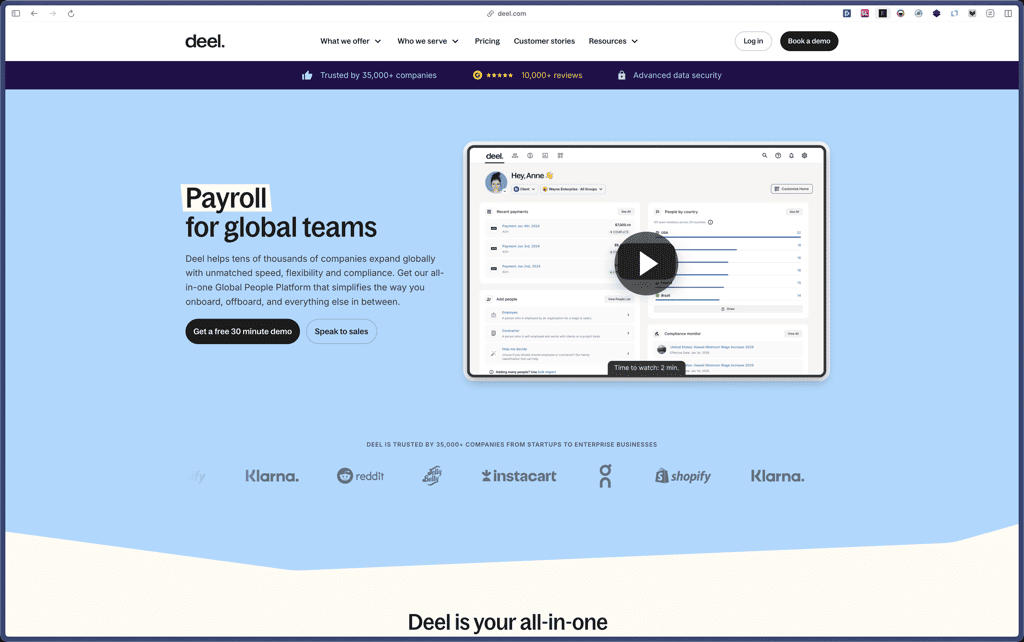
Deel
Recently Viewed
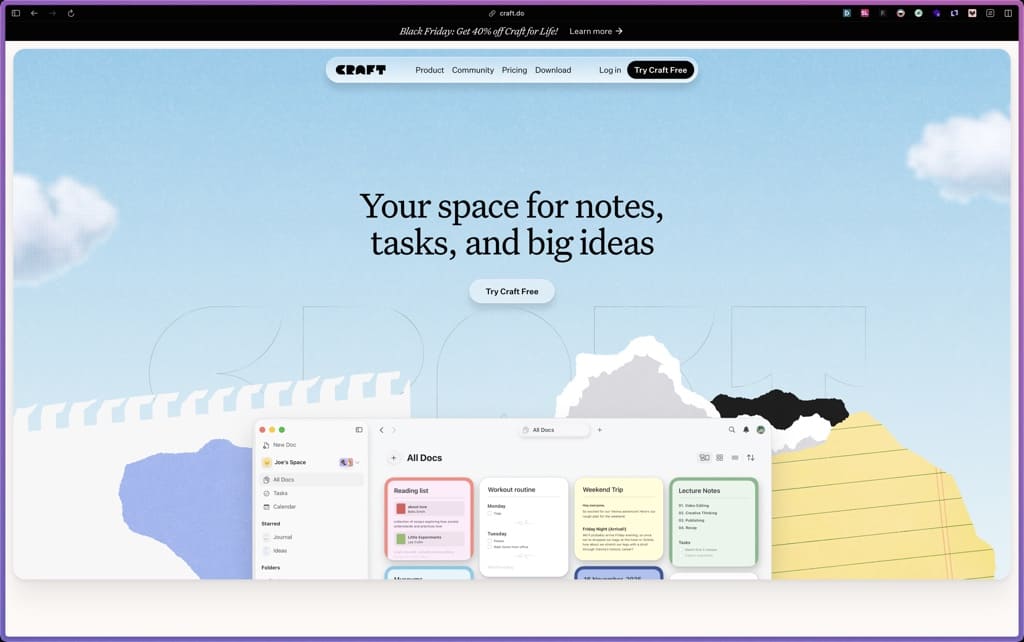
Craft
Recently Viewed
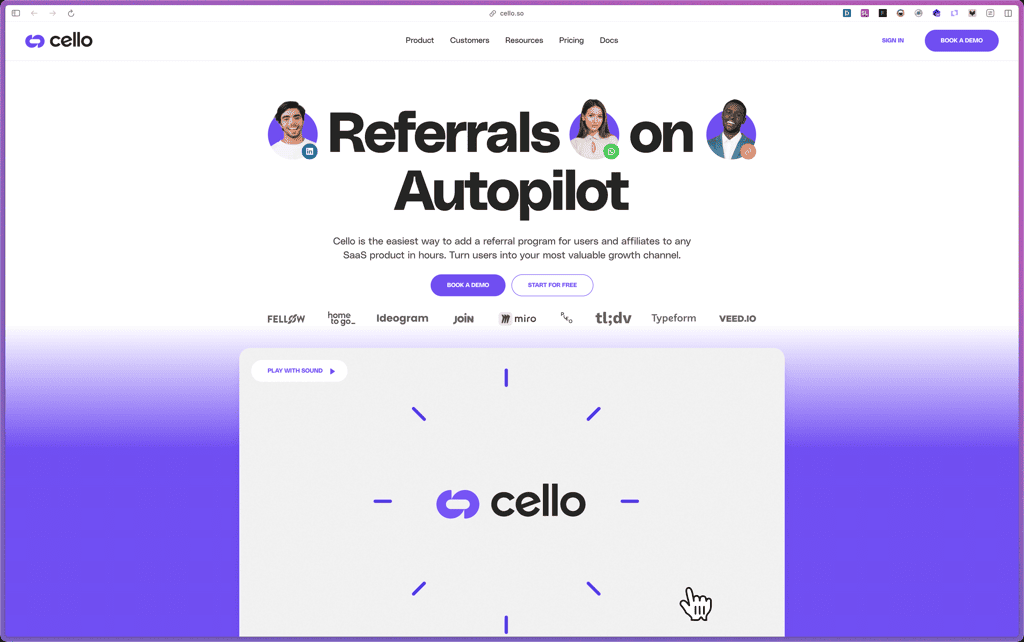
Cello
Recently Viewed
Butter
Recently Viewed
Bricks Builder
Recently Viewed
Brevo
Recently Viewed
Umso - Website Builder
Recently Viewed
Amelia
Recently Viewed
Zynith SEO

Recently Viewed
Wrike

Recently Viewed
wpDataTables

Recently Viewed
Webflow