
UPDF

UPDF covers the everyday “PDF editor” basics—editing, annotation, conversion, and page management—across desktop and mobile, and it can work offline for privacy-sensitive documents. One license can be used on up to four devices (2 desktop + 2 mobile), which is practical for founders switching between laptop and phone.
UPDF offers a free version (account required) with usage limits, plus paid subscription plans and a lifetime/perpetual license option. AI features and e-signatures can be purchased separately from the core PDF editor plan.
UPDF offers a 30-day money-back guarantee for purchases made via its online store, with refund eligibility depending on timing and plan type. For UPDF AI Assistant monthly plans, the policy states refunds are available only within the first 15 days. Refund requests are submitted by email, and approved refunds may take 5–8 business days to appear.
UPDF looks “Growing/stable” based on evidence of ongoing development, including a major UPDF 2.0 release and an upgrade path for existing users. The FAQ also notes the website version gets frequent updates compared with the Mac App Store version, which suggests active iteration.
- Google Play lists a 3.9-star rating based on about 1.81K reviews.
- Google Play shows 5L+ downloads for the Android app listing.
- The App Store ratings page (country storefront dependent) shows 4.4/5 based on 36 ratings.
- UPDF is listed on G2 with user reviews that are “collected by and hosted on G2.com.”
- Edit PDFs with tools for common changes like text and images, plus page organizing for reordering and managing documents.
- Annotate PDFs with markup tools like highlights, notes, shapes, stamps, and signatures for review workflows.
- Convert PDFs, with the free plan limited to two conversions per day.
- Sign-in can be linked to additional identities like Google and Apple ID to simplify access across devices.
- One G2 reviewer mentions Dropbox as the only third-party cloud option they noticed, which may matter if a workflow depends on OneDrive/Google Drive.
- OCR can turn scanned documents into searchable/editable PDFs, with a “Searchable PDF” or “Image-only PDF” output option.
- UPDF AI can summarize and translate documents, and it also mentions converting PDFs into mind maps.
- Add watermarks, headers/footers, and backgrounds, with the free plan limited to one template per category.
- Open multiple PDFs in tabs to switch between files without constantly reopening them.
- UPDF can be used offline so PDFs don’t need to be uploaded just to edit, which helps with privacy.
- UPDF Cloud storage is described as encrypted, with backups in data centers in the US and Europe.
- Freelancers who need one PDF editor across Mac/Windows plus mobile for client docs on the go.
- Small teams that review PDFs with markup tools, comments, and signatures during approvals.
- Operations or finance staff working with scanned invoices who need OCR to make PDFs searchable.
- Students and researchers who want AI summaries/translations while reading long PDFs.
- Teams that need basic cloud sync but also want the option to work offline.
- Use it for editing a PDF when a client sends a “final” file that still needs quick text or image fixes.
- Use it for annotating and commenting when reviewing contracts, specs, or reports with stakeholders.
- Use it for OCR when you receive scanned PDFs and need searchable text for copy/paste or edits.
- Use it for converting files when you need a PDF turned into another format, within your plan’s limits.
- Use it for summarizing and translating when you need the gist of a long PDF fast.
- Desktop software for Windows and Mac, plus mobile apps for iOS and Android.
- AI assistant is available on the web, alongside the desktop/mobile apps.
- The Windows/Mac apps are 64-bit, and core use does not require staying online (activation and updates still do).
- UPDF Cloud is included with defined storage limits depending on plan, starting with 1GB on the trial/free tier.
Unlike browser-based PDF tools that require uploading files, UPDF emphasizes offline desktop use for day-to-day editing and privacy. It also aims to be a single account across platforms, with one license usable on 4 devices (2 desktop + 2 mobile).
- Support is offered during business hours Monday–Friday, with a stated response target of within 24 hours on business days.
- The official site provides platform-specific user guides (Windows, Mac, iOS, Android) for learning features.
- UPDF also points users to social channels (Facebook, Twitter/X, YouTube, Instagram) for updates and contact paths.
- The free version adds a watermark on saved files, limits conversions to twice per day, and only allows OCR as a trial (no saving/copying OCR results).
- Batch processing on the free plan is limited to two files.
- The Mac App Store version does not include OCR, and Intel-chip Macs do not currently get OCR even with the website version.
- UPDF Cloud on the free/trial tier is limited to 1GB total storage and 10MB per file.
Related Products
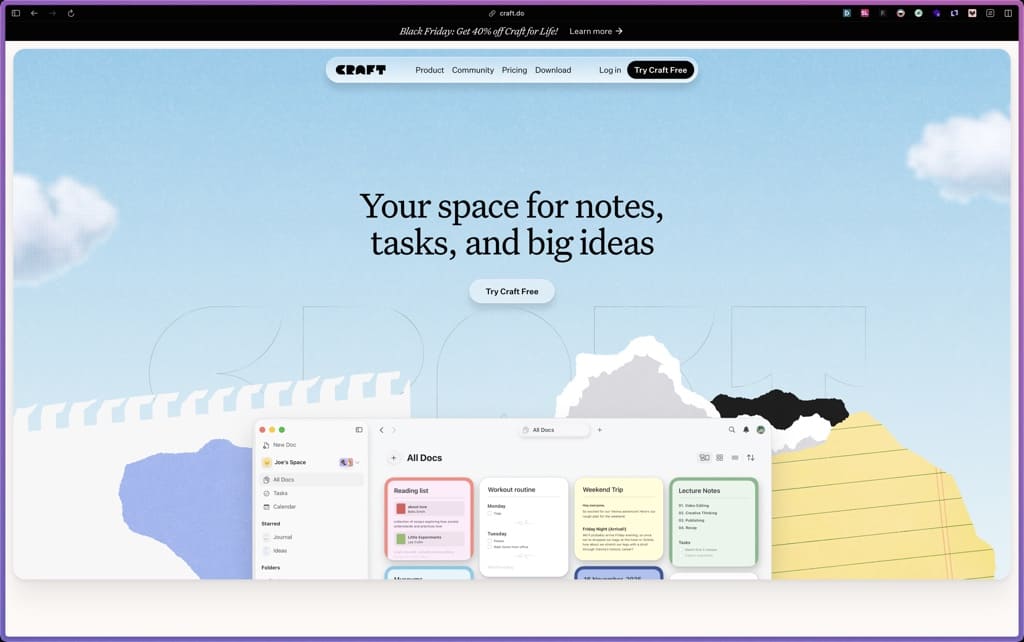
Craft
Trafft

Storydoc

ProWritingAid

Parallels Desktop

Cogniflow

Vellum

Products With Lifetime Deals
Support Candy

New!
Bit Integrations

Amelia

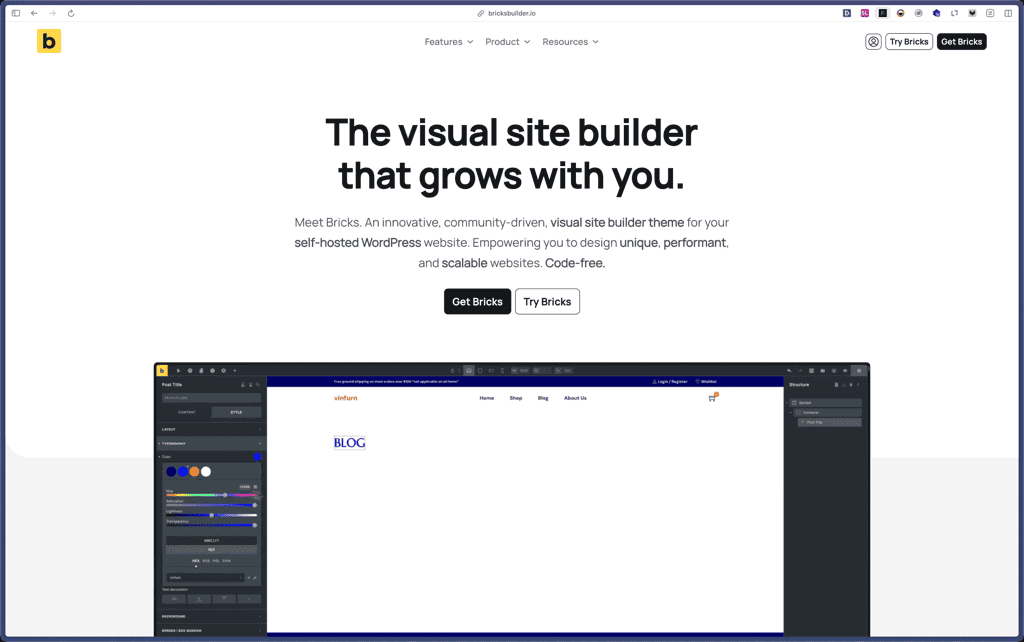
Bricks Builder
BitFlows

Crocoblock

You Recently Viewed These
Recently Viewed
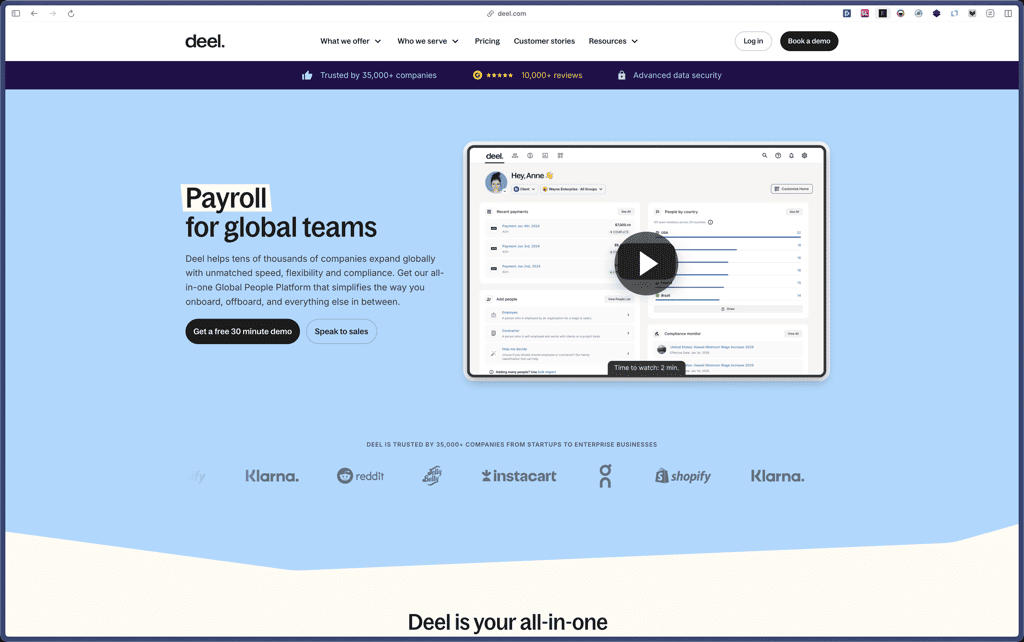
Deel
Recently Viewed
Craft
Recently Viewed
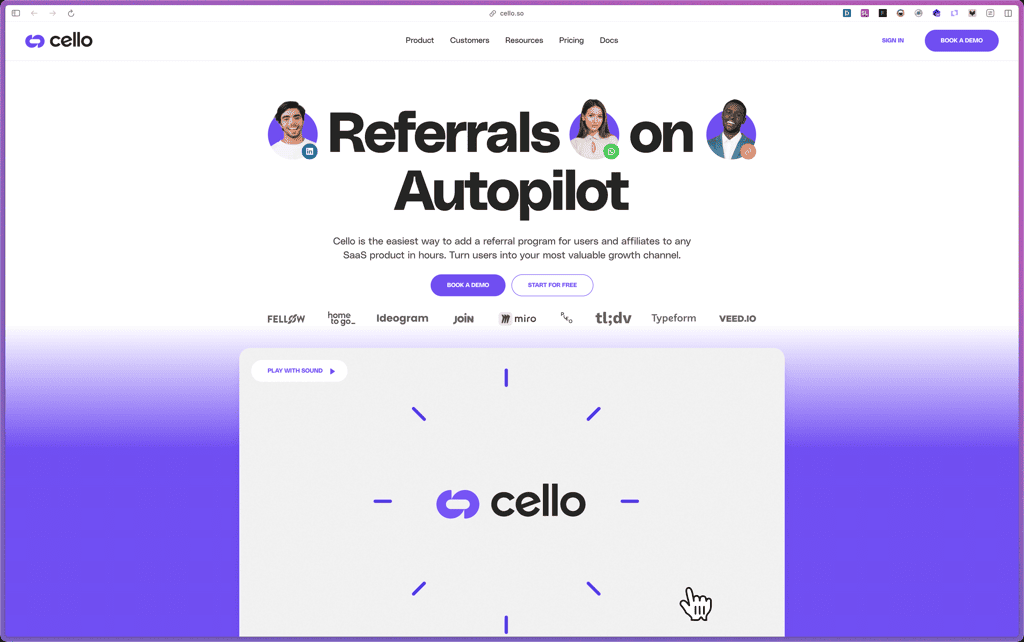
Cello
Recently Viewed
Butter
Recently Viewed
Bricks Builder
Recently Viewed
Brevo
Recently Viewed
Umso - Website Builder
Recently Viewed
Amelia
Recently Viewed
Zynith SEO

Recently Viewed
Wrike

Recently Viewed
wpDataTables

Recently Viewed
Webflow
