
Pinnacle Studio
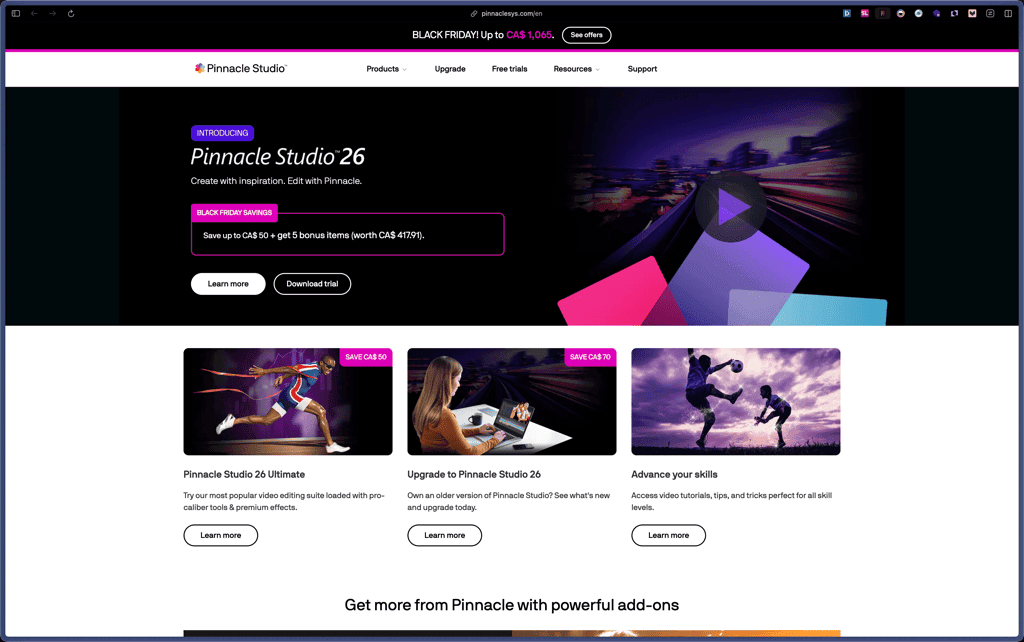
This tool gives you many higher‑end editing capabilities—like video masking, color grading, motion tracking, and multi‑camera editing—without moving into complex studio software. It works well for founders or small teams that need professional‑looking video for courses, YouTube, product explainers, or ads, but prefer a one‑time desktop editor over another monthly SaaS.
Pinnacle Studio is sold as a commercial desktop license with different editions such as Standard and Ultimate, plus upgrade pricing for owners of earlier versions. A time‑limited free trial is available so users can test the latest version before buying.
Corel, the parent company, states that Pinnacle products bought through their approved channels fall under a 30‑day money‑back guarantee, with refunds available within that period. Purchases through resellers, app stores, or other partners follow those vendors’ own refund processes and timelines.
Pinnacle Studio has been in the market for many years and is currently at version 26, which signals a mature and established video editor. Recent updates emphasize performance, stability, and usability improvements, showing that active development is ongoing rather than legacy maintenance only.
- Reviewed on Software Advice and similar platforms, with users calling out the feature depth of the Ultimate edition.
- Highlighted by independent reviewers as near‑pro‑level video editing software with a manageable learning curve.
- Core product line has been iterated through many versions, now at Pinnacle Studio 26, indicating long‑term usage and updates.
- Provides multi‑track video editing with unlimited tracks (in Ultimate) so you can layer clips, titles, overlays, and sound for more complex timelines.
- Includes advanced tools like video masking, smart object tracking, motion tracking, and 360‑degree video editing to create more controlled, cinematic sequences.
- Offers 4K and higher‑resolution video support (with hardware recommendations for 8K) so you can work with modern camera footage.
- Exports in common video formats and to devices such as phones, tablets, and game consoles, making it easier to deliver content where your audience watches.
- Includes presets for sharing to web platforms like YouTube and Vimeo, so you can render in suitable formats without manual tweaking.
- SmartMovie and template‑driven workflows help you quickly build slideshows or simple edits from selected clips, which is useful for fast turnaround content.
- Smart object tracking and dynamic masks reduce the manual work needed to follow subjects or apply effects to moving areas of the frame.
- Color grading tools include video scopes and selective vectorscopes that let you judge exposure and color balance more accurately.
- Provides a customizable interface and keyboard shortcuts so editors can tailor the workspace to their own workflow.
- Offers hundreds of effects, transitions, titles, templates, and LUT presets, allowing you to define a consistent style across your projects.
- Built as 64‑bit Windows software with hardware acceleration options like Intel Quick Sync Video to improve performance and stability on supported machines.
- Solo creators and YouTubers who want more control than entry‑level editors offer, especially for tutorials, unboxings, and talking‑head content.
- Small businesses producing marketing videos, explainers, or social clips in‑house on Windows PCs.
- Course creators and educators building multi‑camera training videos, screen recordings, or walkthroughs.
- Agencies or freelancers who need a capable desktop editor with strong effects and grading but do not want to commit to a heavier NLE ecosystem.
- Use it for editing marketing and promo videos when you want layered titles, transitions, and color grading without outsourcing.
- Use it to create multi‑camera tutorials or product demos by combining screen capture, webcam, and external cameras.
- Use it to clean up older or shaky footage with stabilization, lens correction, and audio noise reduction.
- Use it to author DVDs with custom menus and chapters when you still deliver content on disc for events or clients.
- Desktop video editing software for Windows, installed locally.
- Uses 64‑bit architecture and can tap into hardware acceleration technologies like Intel Quick Sync and supported GPUs.
- Supports a wide list of video, audio, and image import and export formats, including HEVC/H.265 and AV1 on compatible hardware.
Pinnacle Studio sits between basic consumer editors and fully professional suites, aiming to give serious creators a broad toolset without overwhelming them. Compared with subscription‑based NLEs, it focuses on a traditional desktop license and deep feature set, which can be appealing if you want predictable costs and to work fully offline.
- Corel provides a central support area where you can manage your Pinnacle orders, products, and preferences.
- Official learning resources include tutorials and “what’s new” guides that walk through new features in recent versions.
- Refunds and order issues are handled through documented processes with partners such as Cleverbridge and Digital River.
- Windows‑only; macOS users will need another editor or a virtualized Windows setup to run it.
- Advanced effects and color tools can present a learning curve, and some users note they would benefit from more built‑in training.
- High‑resolution projects and demanding effects rely heavily on CPU/GPU power, so older PCs may struggle without hardware upgrades.
Related Products
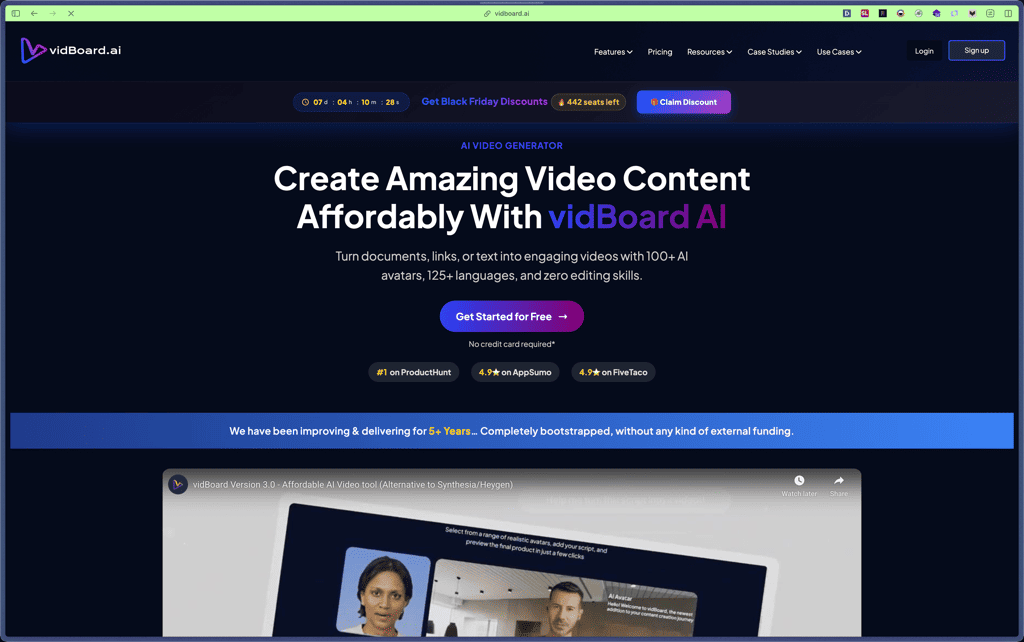
vidBoard
OpenArt

Nero

Lovo AI

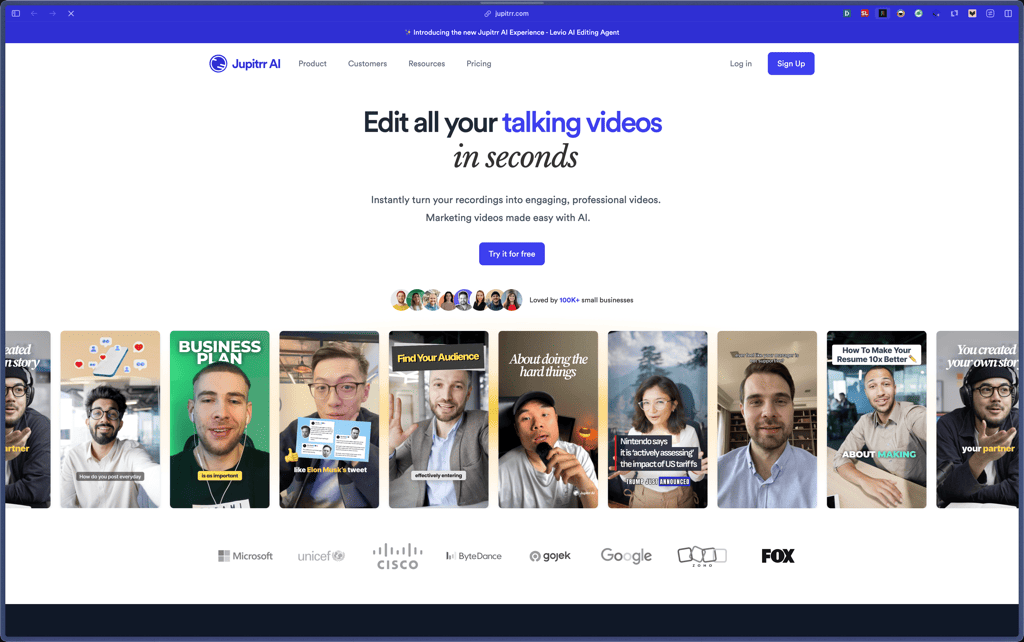
Jupitrr AI
Glorify

Freepik

Products With Lifetime Deals
Support Candy

New!
Bit Integrations

Amelia

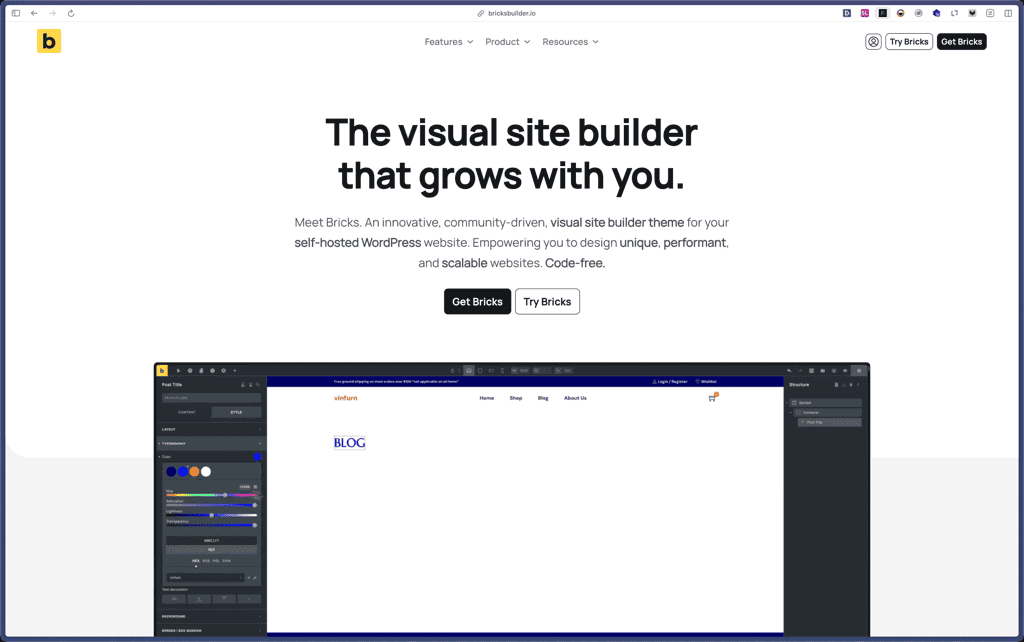
Bricks Builder
BitFlows

Crocoblock

You Recently Viewed These
Recently Viewed
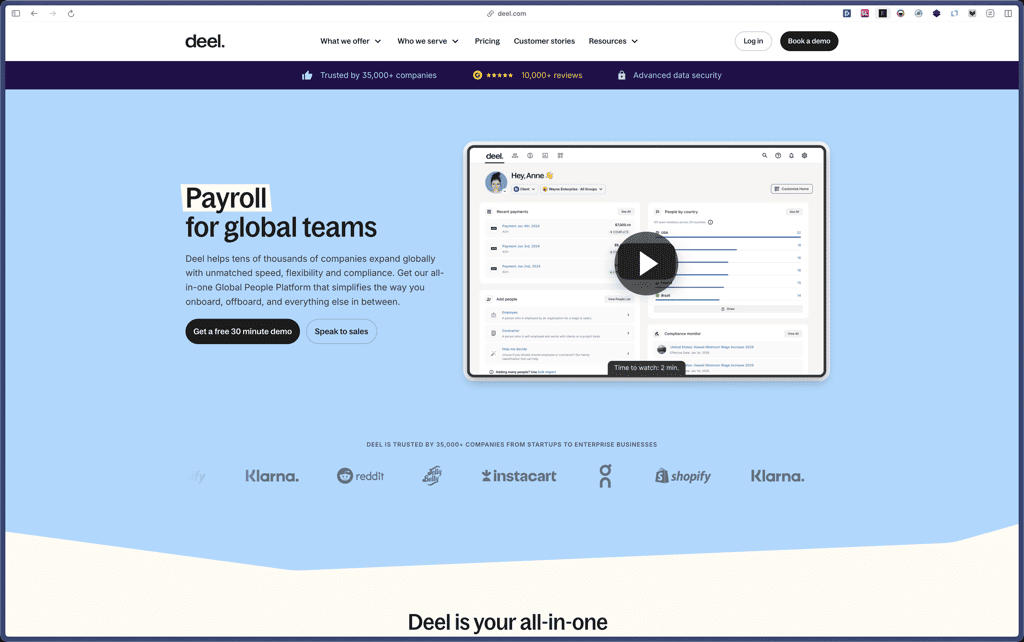
Deel
Recently Viewed
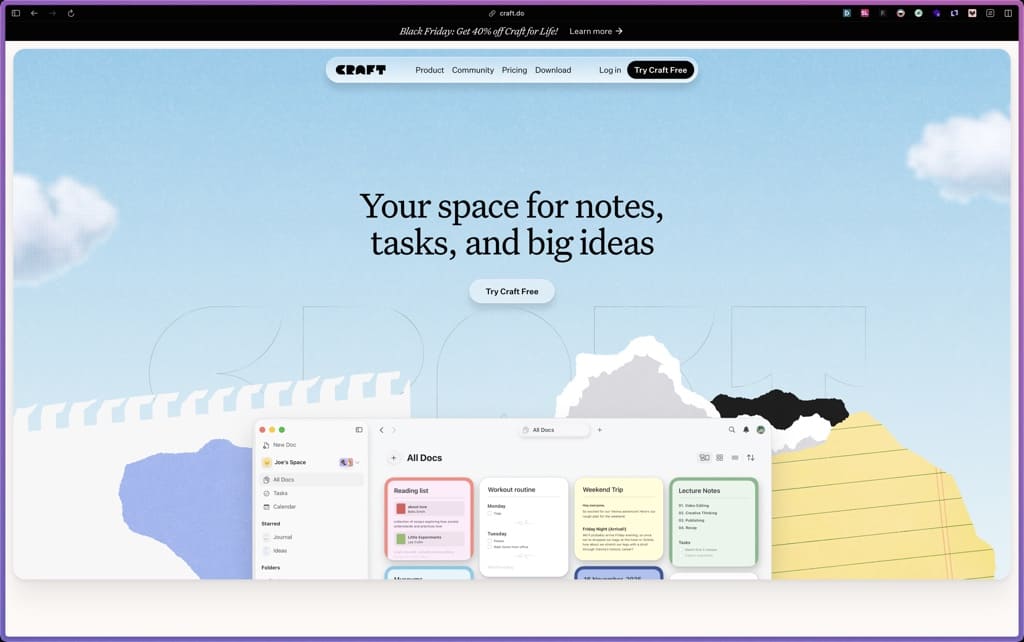
Craft
Recently Viewed
Cello

Recently Viewed
Butter

Recently Viewed
Bricks Builder
Recently Viewed
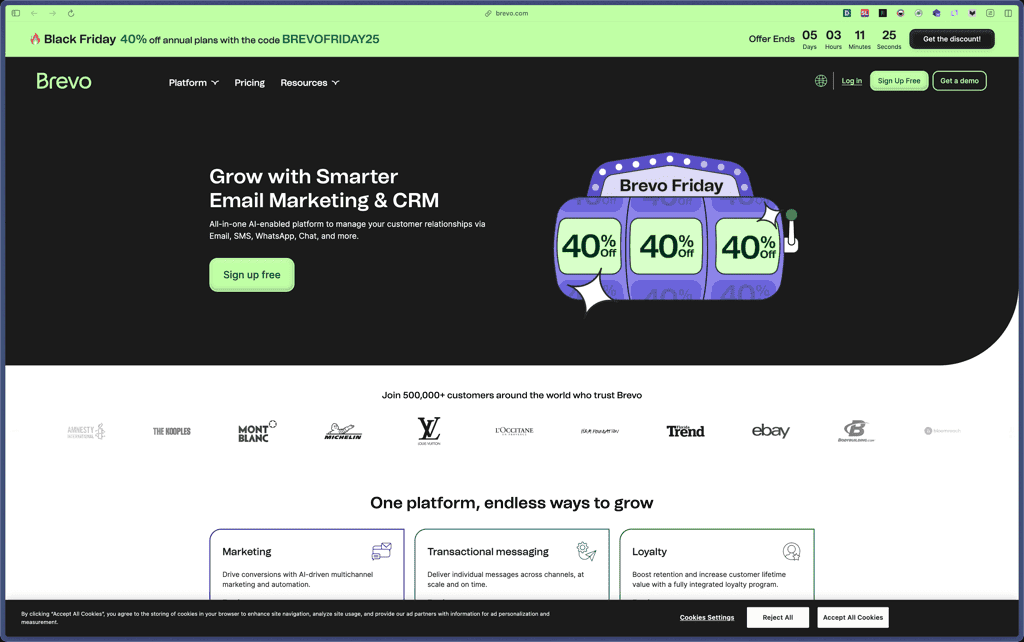
Brevo
Recently Viewed
Umso - Website Builder
Recently Viewed
Amelia
Recently Viewed
Zynith SEO

Recently Viewed
Wrike

Recently Viewed
wpDataTables

Recently Viewed
Webflow
