
NitroPack

NitroPack covers most performance basics—caching, CDN, image compression, HTML/CSS/JS minification, critical CSS, and lazy loading—in a single service, which saves founders from stitching together multiple plugins and CDNs. The setup is quick, requires no coding, and offloads CPU-heavy work to NitroPack’s own servers, making it appealing if you want better scores and UX without touching server config.
Subscription SaaS with monthly and annual plans, plus a free-forever plan for low-traffic sites. Paid tiers scale mainly by pageviews and CDN bandwidth rather than restricting core optimization features.
NitroPack offers a 100% money-back guarantee within the first 14 days of a paid subscription; you can cancel and request a refund during that period. A free plan with no credit card required lets you test the service on live traffic, with a small NitroPack badge in the footer.
NitroPack started around 2013 focused on OpenCart and has since expanded to major CMS platforms, so it is well past the early-adopter phase. Frequent updates, dedicated documentation, and a long-running WordPress plugin suggest a growing, stable SaaS product rather than a new experiment.
- NitroPack states that it speeds up over 251,000 websites daily, including blogs, agencies, and online stores.
- The WordPress.org plugin listing highlights strong ratings and is actively maintained, indicating wide adoption in the WordPress ecosystem.
- Reviews and case studies on blogs like Elegant Themes, BloggingX, and WP Mayor show measurable improvements in load times and Core Web Vitals.
- Multiple third-party tutorials and YouTube walkthroughs cover NitroPack setup and optimization modes, reflecting an active user and creator community.
- All‑in‑one performance stack that handles page caching, image optimization, HTML/CSS/JS minification, lazy loading, and critical CSS to improve load times and Core Web Vitals.
- Built-in CDN delivers your static assets from a global network, helping pages load faster for visitors worldwide.
- Works with popular platforms including WordPress (via plugin), plus connectors for other major CMSs and eCommerce systems highlighted on the official site.
- Plays nicely with Google Tag Manager and other scripts by letting you optimize loading without breaking tracking and analytics.
- Automatic optimization engine runs in the background to keep pages fast 24/7, adjusting caching and asset optimization without manual tweaks.
- Safe Mode and “work on copies” behavior let you enable or test features without touching original site files, reducing risk when experimenting.
- Dashboard metrics (such as cache hit ratio and resource usage) help you see how effectively NitroPack is serving cached pages and using CDN bandwidth.
- Plan-based pageview and bandwidth stats make it easier to track whether your current tier still fits your traffic.
- Multiple optimization modes (e.g., Standard to more aggressive levels) let you choose how far to push performance versus compatibility.
- Fine-grained controls over script deferral, exclusions, and resource handling allow advanced users to tune behavior for complex themes and plugins.
- Because NitroPack works on copies of your site files and processes optimizations on its own servers, your original codebase and hosting resources stay untouched, reducing the chance of breaking the live site.
- No vendor lock-in policy and easy cancellation reduce contractual risk; you can disable the service and fall back to your original hosting setup.
- Solo founders and small teams running WordPress or similar CMS sites who want faster performance without learning server-level optimization.
- eCommerce stores (WooCommerce and other platforms) that rely on fast product and checkout pages to improve conversion rates and SEO.
- Agencies managing many client sites that need a repeatable, low-touch way to improve speed scores across their portfolio.
- Content-heavy publishers and bloggers who want better Core Web Vitals and mobile UX for ad-supported or SEO-driven sites.
- Use it for improving Core Web Vitals and PageSpeed Insights scores when slow CLS, LCP, or FID metrics are hurting rankings or user experience.
- Use it for stabilizing performance on shared or low-powered hosting by offloading CPU-heavy optimization tasks to NitroPack’s servers.
- Use it for speeding up global traffic when you need CDN-backed asset delivery without integrating a separate CDN provider.
- Use it for safely testing performance changes on a live site, thanks to Safe Mode and working on copies of files rather than originals.
- Cloud-hosted SaaS that connects to your site via platform-specific connectors (e.g., WordPress plugin) or direct integration, so heavy optimization runs on NitroPack’s infrastructure.
- Compatible with major CMS platforms and website builders; WordPress.org lists “NitroPack – Caching & Speed Optimization for Core Web Vitals” as a plugin.
- Uses a built-in CDN (included even on the free plan) for asset delivery, with plans differentiated by allowed CDN bandwidth and pageviews.
- Hosting remains wherever your site is currently served (self-hosted, managed WordPress, etc.), while NitroPack layers on top for performance.
Unlike traditional caching plugins that run entirely on your server and often require manual configuration, NitroPack is a managed cloud service that handles most of the complexity for you. Its mix of free plan, 14‑day money-back guarantee, and no-contract subscriptions makes it a relatively low-risk way to test significant speed improvements before committing long term.
- Help Center articles cover setup, platform-specific guides, free plan limits, and troubleshooting.
- 24/7 support is available via chat, and refund requests are also handled through support within the 14‑day window.
- The blog, webinars (including sessions with Google), and external tutorials provide additional education on Core Web Vitals and performance best practices.
- The free plan places a NitroPack badge in your site’s footer and caps pageviews and bandwidth, which may not suit brands that want an unbranded experience or have higher traffic.
- Some community reviews raise concerns about aggressive optimizations (like heavy script deferral) causing layout or functionality issues, so careful testing is important on complex sites.
- Because optimization runs through a third-party service and CDN, teams with strict data locality or infrastructure policies may need extra review before adoption.
Related Products
Crocoblock

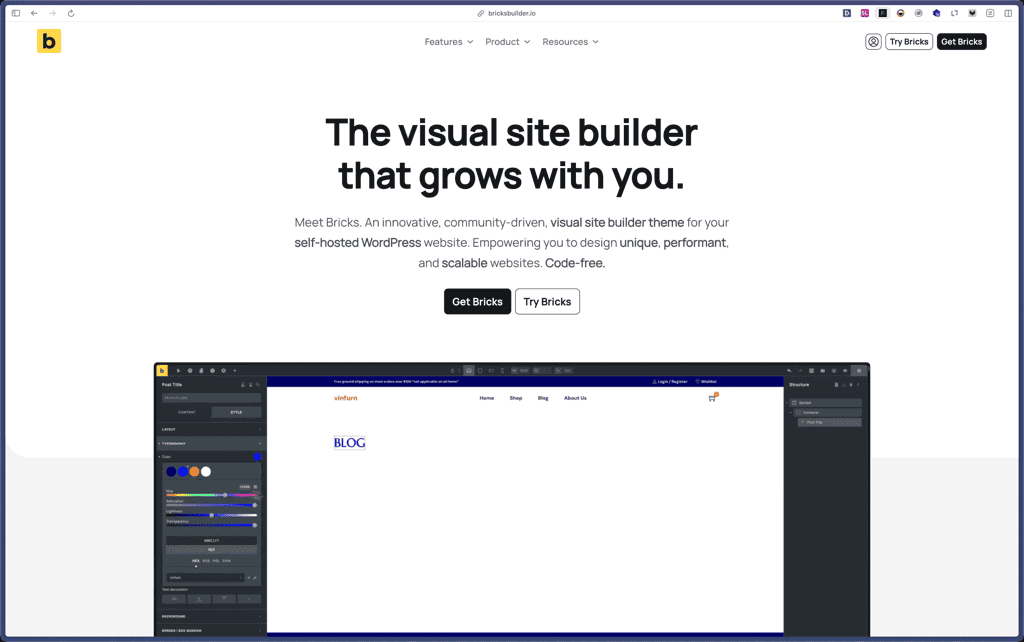
Bricks Builder
BlogVault

Amelia

Zynith SEO

wpDataTables

WP SimplePay

Support Candy

Qi Theme

Products With Lifetime Deals
Support Candy
New!
Bit Integrations

Amelia
Bricks Builder
BitFlows

Crocoblock
You Recently Viewed These
Recently Viewed
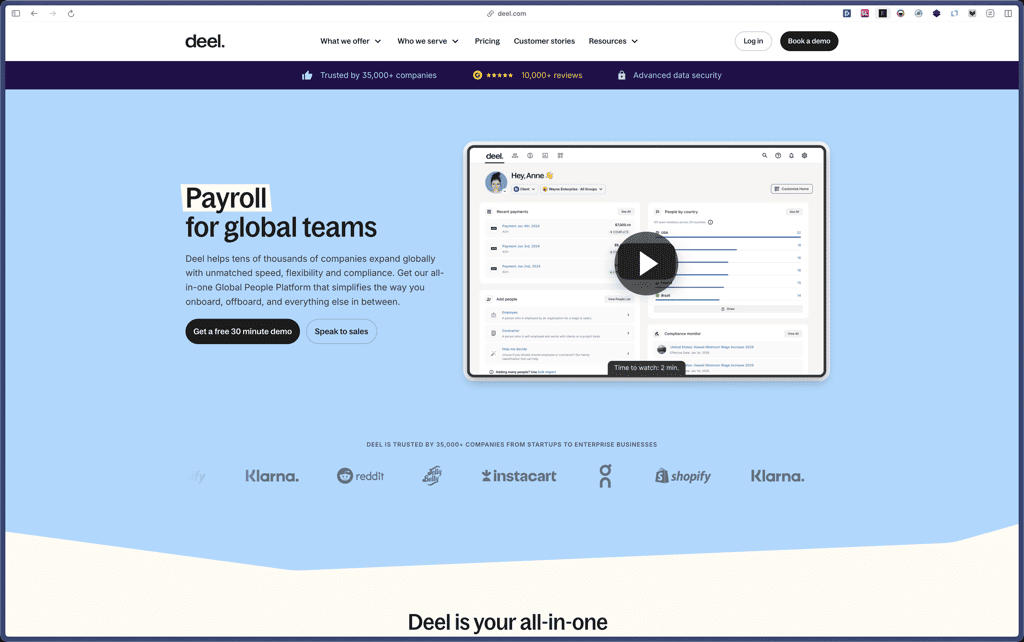
Deel
Recently Viewed
Craft

Recently Viewed
Cello

Recently Viewed
Butter

Recently Viewed
Bricks Builder
Recently Viewed
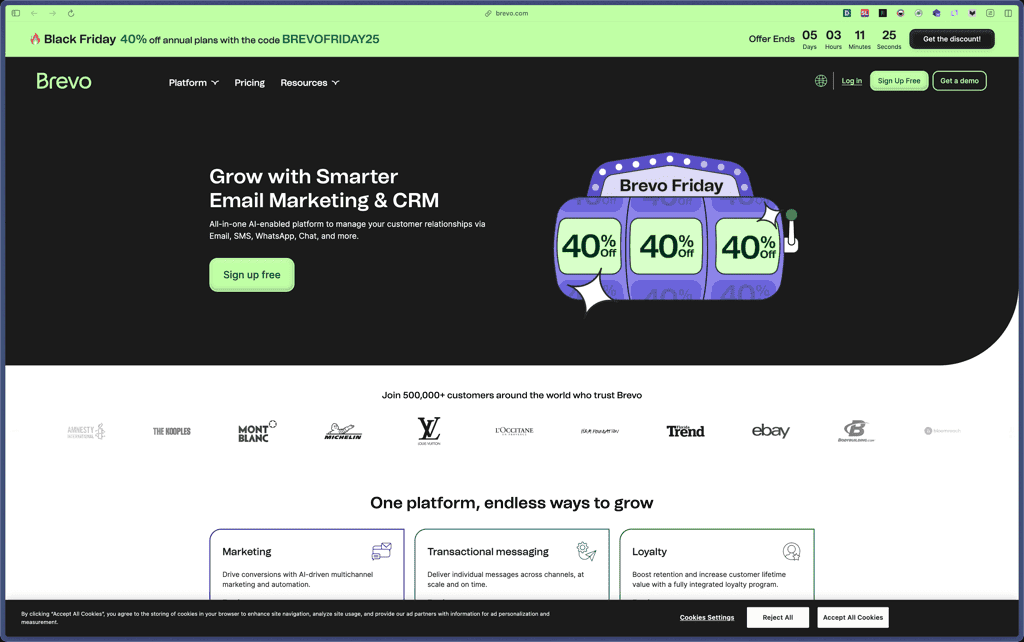
Brevo
Recently Viewed
Umso - Website Builder
Recently Viewed
Amelia
Recently Viewed
Zynith SEO
Recently Viewed
Wrike

Recently Viewed
wpDataTables
Recently Viewed
Webflow
