
Microthemer & Amender

Microthemer is useful if you often reach for custom CSS to fix theme quirks or fine-tune page builder layouts but don’t want to juggle browser dev tools, child themes, and code editors. It combines a visual UI, live CSS preview, and a proper code editor (with Sass, JS modules, and AI assistance) so you can move gradually from “no-code tweaking” to more advanced front-end control on real client sites.
Freemium with paid tiers. A free “Microthemer Lite” plugin on WordPress.org includes core visual styling but limits how many elements you can edit, while Pro licenses (monthly, annual, and lifetime) unlock all features and site limits.
Themeover offers a straightforward 30-day money-back guarantee on Microthemer and Amender; if the plugin does not fit your needs, you can request a refund within 30 days of purchase.
Microthemer is a mature, established plugin, with over a decade on the WordPress.org repository and a long changelog including updates through late 2025. The ongoing release of features such as AI assistance, CSS Grid improvements, and Gutenberg/page-builder integrations suggests active development rather than maintenance-only status.
- The WordPress.org listing for Microthemer Lite shows an average 5/5 rating across 40+ reviews.
- WP Hive reports around 10,000 active installs and over 2 million total downloads, with frequent updates over 12+ years on WordPress.
- AppSumo reviewers rate Microthemer at approximately 5/5 based on 30+ verified reviews, often highlighting time savings and flexibility.
- The main site describes it as “trusted by thousands,” and it is listed on Product Hunt as a visual CSS editor focused on real-world page design workflows.
- Visual CSS editor lets you click any element on your WordPress site and adjust styling (fonts, spacing, colors, layout) in real time without editing theme files.
- Live CSS editing shows changes instantly, whether you use the visual controls, the code editor, or AI suggestions, which speeds up experimenting and fine-tuning.
- Deep integrations with major page builders like Elementor, Beaver Builder, Oxygen, and Gutenberg blocks mean you can style builder content without fighting conflicting CSS.
- Works with any theme or plugin that outputs standard HTML, so you can target forms, widgets, and plugin output across your site.
- Built-in AI assistant (Amender integration) can help generate or adjust CSS selectors and styles, reducing trial and error when targeting complex elements.
- Customizable responsive breakpoints automate device-specific views, so you can quickly switch between desktop, tablet, and mobile while editing.
- History and draft mode let you test styling safely and roll back changes if something doesn’t work, which helps on production sites.
- Global vs page-specific styling options keep your CSS organized by scope, reducing the risk of site-wide side effects.
- Supports 150+ CSS properties including flexbox, CSS grid, animations, transitions, transforms, filters, and more, giving fine-grained control over modern layouts.
- Built-in code editor supports CSS and Sass (SCSS), with syncing between code and UI so you can mix visual editing and hand-coding comfortably.
- Generates lightweight, minified CSS and lets you manage where styles load, helping keep performance overhead low.
- “Uninstall but keep your edits” ensures your styled output can remain even if you remove the plugin, reducing lock-in concerns.
- Freelance WordPress designers who regularly adjust client site styles and want a faster alternative to editing child theme stylesheets.
- Implementers who rely on Elementor, Beaver Builder, or Oxygen and need pixel-level control over sections, columns, and widgets without learning deep CSS.
- Developers who know CSS but want a visual inspector plus Sass and JS modules in a WordPress-native environment.
- Agencies managing many sites that need consistent styling workflows and the option for a lifetime license across multiple projects.
- Use it for refining theme typography and spacing when your current theme settings panel hits its limits.
- Use it for fixing visual issues introduced by page builders, such as misaligned sections or inconsistent responsive behavior.
- Use it for building custom responsive layouts with CSS Grid or flexbox when you want more control than your builder offers.
- Use it for learning and teaching CSS on real WordPress sites, leveraging the side-by-side HTML/CSS inspection and live preview.
- Use it for quickly prototyping style changes during client calls or reviews, then exporting/importing settings between environments.
- Microthemer is a WordPress plugin that runs on self-hosted WordPress installations; installation is via the standard Plugins menu or via the Microthemer Lite listing on WordPress.org.
- Works with modern WordPress (Gutenberg) and common PHP versions; WP Hive notes compatibility with recent WordPress releases, though some automated tests flag minor PHP warnings.
- Supports CSS, Sass (SCSS), and optional JS modules via its integrated editor, plus AI-powered assistance when used with Amender.
- Multisite support is included, enabling styling across networked sites from one interface.
Unlike generic “Customizer” controls or theme options panels that expose only a handful of settings, Microthemer exposes virtually the full CSS surface area through a visual interface plus code editor. Compared to pure page builders, it focuses specifically on styling and performance, making it a good companion tool when you want to keep your existing builder and theme but gain deeper design control.
- Themeover provides documentation, FAQs, and support articles covering installation, usage, and troubleshooting.
- Direct support is available via Themeover’s contact/support system for licensed users, with the FAQ emphasizing a “no-fuss” approach to billing questions like refunds.
- The WordPress.org support forum and AppSumo review responses show the creator actively engaging with user feedback and issues.
- The Lite version restricts you to styling a limited number of elements and omits advanced features such as CSS Grid drag-and-drop, animations, and some integrations, so serious use typically requires Pro.
- Automated WP Hive tests mention some PHP warnings with the latest WordPress/PHP stack, so it is sensible to test in a staging environment before major rollouts.
- There is no indication of a native desktop app; all editing happens inside the WordPress admin, which depends on WordPress performance and access.
Related Products
Crocoblock

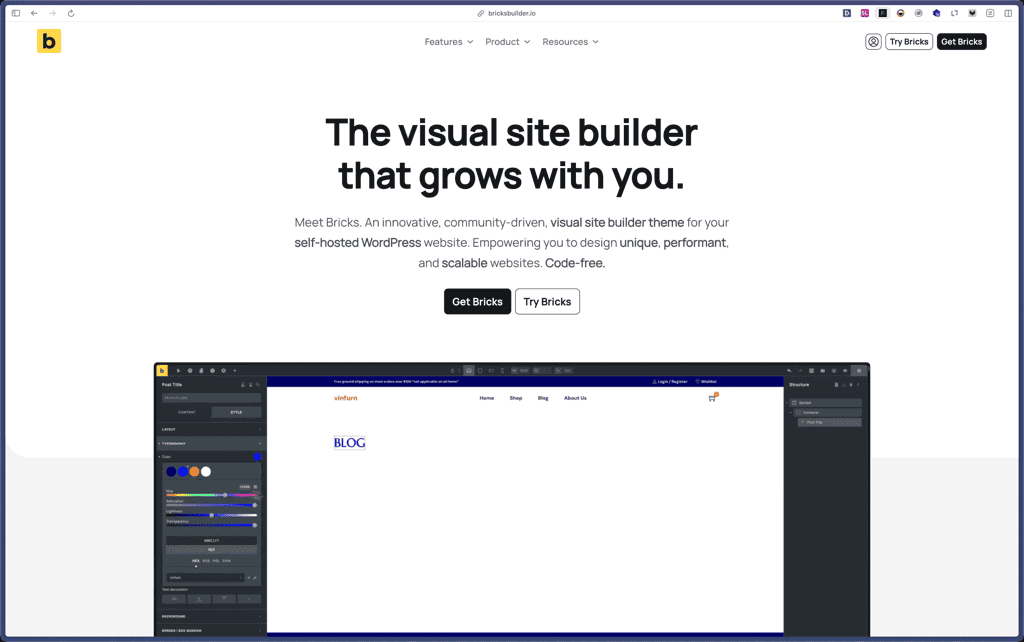
Bricks Builder
BlogVault

Amelia

Zynith SEO

wpDataTables

WP SimplePay

Support Candy

Qi Theme

Products With Lifetime Deals
Support Candy
New!
Bit Integrations

Amelia
Bricks Builder
BitFlows

Crocoblock
You Recently Viewed These
Recently Viewed
Deel

Recently Viewed
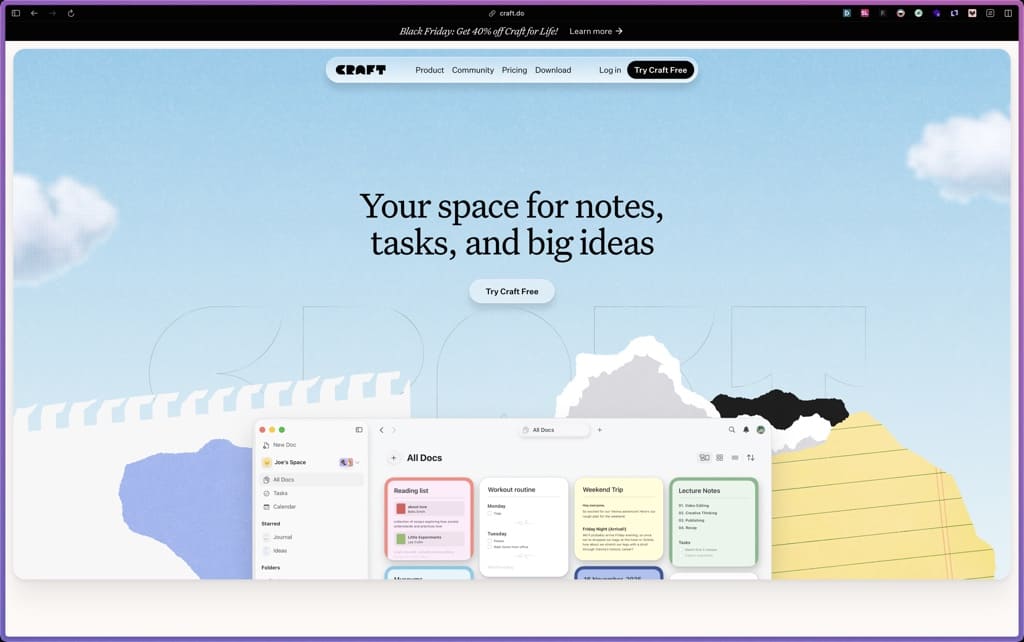
Craft
Recently Viewed
Cello

Recently Viewed
Butter

Recently Viewed
Bricks Builder
Recently Viewed
Brevo

Recently Viewed
Umso - Website Builder
Recently Viewed
Amelia
Recently Viewed
Zynith SEO
Recently Viewed
Wrike

Recently Viewed
wpDataTables
Recently Viewed
Webflow
