
Jupitrr AI
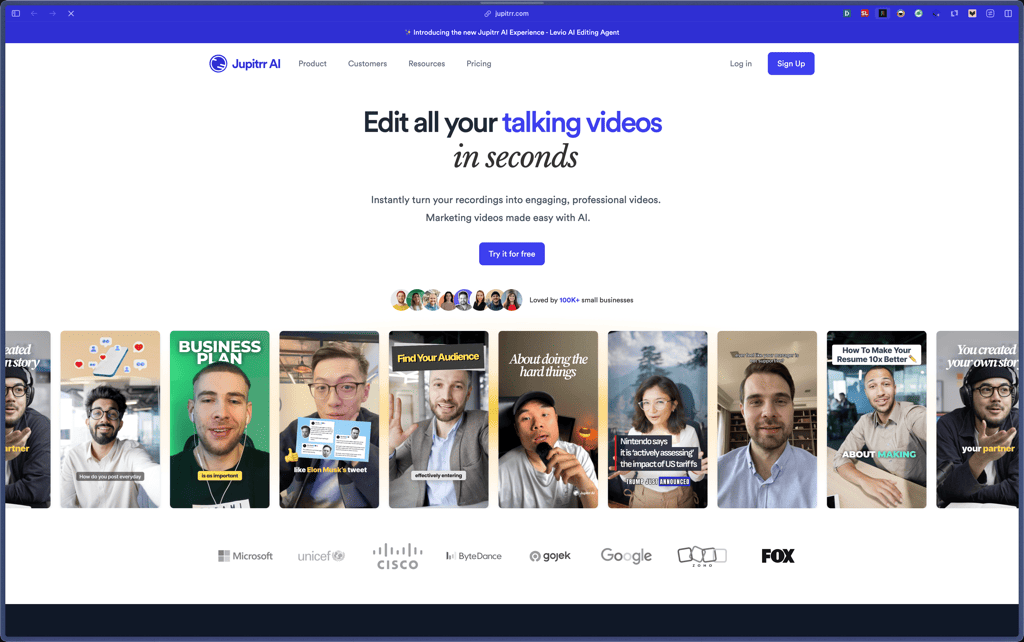
Jupitrr is built for a specific workflow—turning raw talking-head recordings into social-ready clips by automatically layering in B-roll, subtitles, and on-screen hooks, instead of trying to be an all-in-one “text-to-video” generator. The pricing page is unusually clear about practical constraints (dimensions, max file size, max duration) and what each tier unlocks (like iStock assets and subtitle downloads), which helps buyers decide quickly.
Subscription plans with a free tier and multiple paid tiers based on usage limits (like number of AI videos and per-video constraints). Plans can be upgraded or canceled, and access continues until the next billing cycle after cancellation.
Jupitrr’s subscription plans are stated as non-refundable on the official pricing page, with a note that technical issues may be handled by support and used credits may be reimbursed. If purchased through AppSumo, the marketplace listing mentions a 60-day money-back guarantee for that deal.
Jupitrr looks “growing/stable,” with public pricing, clearly documented feature limits, and an expanding product line that includes Levio (an AI editing agent) announced and demoed in 2025 as a private beta for active subscribers. Third-party presence across Product Hunt, G2, and AppSumo suggests it’s past the early prototype stage and used by real customers.
- Rated 4.8/5 on Product Hunt with 80+ reviews (Product Hunt listing).
- Has 2,600+ followers on Product Hunt (Product Hunt listing).
- Sold via AppSumo as a marketplace deal (AppSumo listing).
- Listed on G2 with user review content available (G2 listing).
- The Levio page includes multiple creator testimonials and claims “100,000+ coaches & consultants” (self-reported on the product site).
- Automatically adds relevant B-roll (stock videos/images, web images, and GIFs) to make talking-head videos more visually engaging without manual searching.
- Generates subtitles and supports 50+ languages, which helps teams publish to broader audiences without separate captioning tools.
- Supports transcript-based editing (edit the transcript to edit the video), which speeds up trimming and cleanup for long recordings.
- Uses stock libraries depending on plan (Pexels on free, iStock on paid tiers), so creators can pull licensed assets directly into edits.
- Pulls “web image” B-roll, letting users include relevant images from the web as overlays/visual inserts.
- Auto-generates hook text, text overlays, emojis, background music, and transitions to reduce repetitive editing work.
- Includes a B-roll highlight editor for refining what the AI picked, instead of forcing a full manual timeline workflow.
- Offers custom branded watermark controls (and removes watermark on paid tiers), useful for creators and agencies publishing under a consistent brand.
- Supports different aspect ratios (including 9:16 across plans and 16:9 on higher tiers) to match platform requirements.
- States that included stock media is licensed for commercial use (Pexels on free; iStock on premium), aiming to reduce copyright concerns when publishing.
- Solo creators posting talking-head content who want faster B-roll and captions without learning full timeline editing.
- Coaches and consultants producing educational clips who need “scroll-stopping” edits but have limited time.
- Small marketing teams turning webinars, interviews, or internal recordings into short-form social content.
- Agencies editing client content that needs consistent branding, subtitles, and repeatable formats.
- Use it for turning a raw talking-head recording into a short social clip when you want AI to add B-roll, captions, and hook text automatically.
- Use it for speeding up edits via transcript-based changes when you’d rather cut words than scrub timelines.
- Use it for creating platform-specific exports (like 9:16 vertical) when you’re repurposing the same content across channels.
- Use it for multilingual subtitles when you publish to audiences in more than one language.
- Use it for branded client deliverables when you need watermark/branding control and higher-quality exports.
- SaaS web app where you upload footage and export edited clips (no desktop app is specified on the official pages).
- Supports stock media sources inside the editor (Pexels on free; iStock on paid tiers).
- Exports vary by plan (e.g., 720p/1080p and 2K marked as “coming soon” on the highest tier).
- Supports 50+ subtitle languages.
Unlike tools that focus on generating videos from text prompts, Jupitrr explicitly focuses on enhancing existing recordings with AI-powered editing (B-roll automation, subtitles, stock media, and hook text). It also differentiates from generic editors by leaning into transcript-style editing and stock-footage automation as first-class workflows.
- Provides support via email, with priority support stated for subscribed users.
- The pricing page includes practical FAQs about plan changes, minute resets, copyright/licensing, and feature scope (like no text-to-video).
- Does not offer a text-to-video feature, per the official pricing FAQ.
- Unused video minutes do not roll over; limits reset each billing cycle.
- Lower tiers have tighter constraints (e.g., max file size and max duration per video) that may not fit long-form workflows.
- Subscriptions are stated as non-refundable (with limited exception handling for technical issues).
Related Products
vidBoard
Pinnacle Studio
OpenArt

Nero

Lovo AI
Glorify

Freepik

Products With Lifetime Deals
Support Candy

New!
Bit Integrations

Amelia

Bricks Builder
BitFlows

Crocoblock

You Recently Viewed These
Recently Viewed
Deel
Recently Viewed
Craft
Recently Viewed
Cello
Recently Viewed
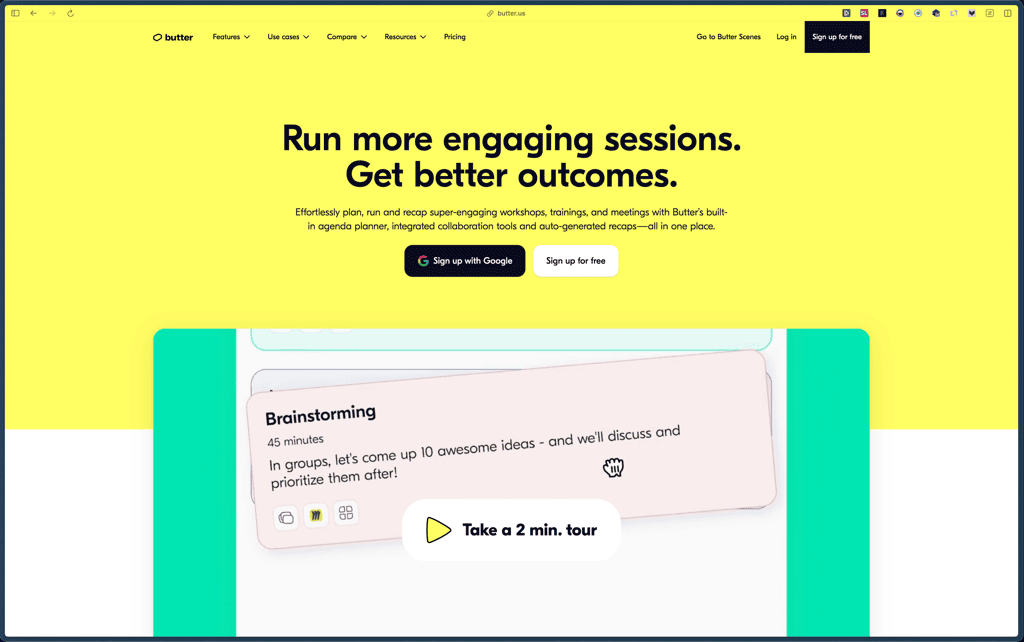
Butter
Recently Viewed
Bricks Builder
Recently Viewed
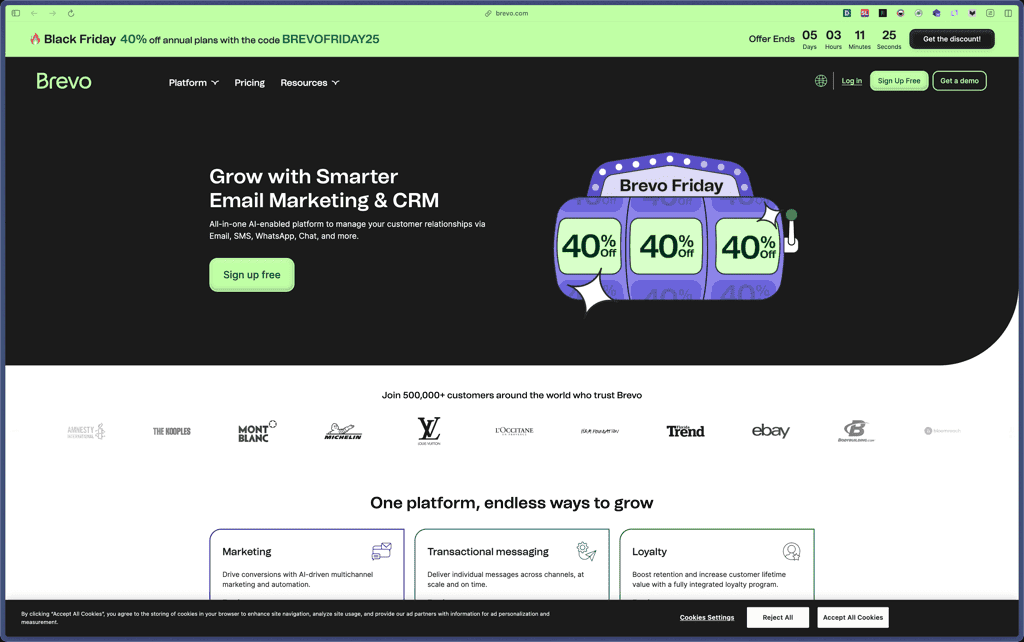
Brevo
Recently Viewed
Umso - Website Builder
Recently Viewed
Amelia
Recently Viewed
Zynith SEO

Recently Viewed
Wrike

Recently Viewed
wpDataTables

Recently Viewed
Webflow
