
HappyFiles Pro

HappyFiles keeps organization simple: it uses WordPress taxonomy terms instead of creating real server folders, so existing URLs stay the same. It’s not just for uploads either—Pro can also organize post types (including WooCommerce content) and even plugins, which is handy for agencies working across multiple sites. The built-in import tools help teams migrate from other media folder plugins without rebuilding everything by hand.
HappyFiles Pro is sold as a lifetime license, including an option that covers unlimited sites. Pro also supports one-click updates from the WordPress dashboard after adding a license key.
HappyFiles Pro includes a 60-day money-back guarantee, with refunds handled via a support email/form request. No free trial is specified on the official site.
HappyFiles has been around long enough to have an established workflow (folders, bulk moves, imports, galleries, and post-type categorization) rather than a single-feature add-on. The official site notes the limited free version was retired in 2022, indicating the product is now primarily maintained as a paid Pro plugin.
- A customer testimonial reports organizing 800+ images quickly without the usual WordPress media library slowdown.
- Testimonials mention a small footprint and smooth use alongside page builders like Beaver Builder.
- HappyFiles maintains an official support forum presence on WordPress.org (useful for browsing historical questions and discussions).
- Create unlimited nested media folders in Pro, so large libraries stay browsable even years later.
- Move files one-by-one or in bulk between folders to clean up messy uploads fast.
- Upload directly into a chosen folder from the Media Library and “Add New” screens to avoid later sorting.
- Works with popular builders (Elementor, Divi, Beaver Builder, Bricks, Oxygen, Brizy, Visual Composer) so media stays organized while designing pages.
- Import folder structures from other media folder plugins (including FileBird, Real Media Library, and WP Media Folder) to reduce migration work.
- Enable SVG uploads with automatic sanitization and previews from settings, which helps teams that rely on SVG icons.
- Use right-click actions for faster folder and file management when doing lots of sorting work.
- Build dynamic galleries from folders using a shortcode, a Gutenberg block, or a Bricks element, with an optional built-in lightbox.
- Resize or hide the HappyFiles sidebar in the media library, and keep the preferred layout saved.
- Control who can edit folders by limiting folder management to specific WordPress roles.
- SVG upload support includes file sanitization to reduce risks commonly associated with SVG files.
- WordPress site owners with years of uploads who want media library folders instead of endless scrolling.
- Web agencies managing many client sites who need consistent media organization and an unlimited-sites license option.
- WooCommerce store teams that want to categorize products, orders, and coupons alongside media assets.
- Developers who want a “virtual folder” approach that doesn’t change file URLs or server paths.
- Multisite admins who want the same organization workflow across sub-sites.
- Use it for cleaning up a crowded media library when old uploads make it hard to find the right asset.
- Use it for organizing new uploads at the source by selecting a folder before uploading.
- Use it for migrating from another media folder plugin when you want to keep your existing folder structure.
- Use it for creating WordPress image galleries from folder selections when you need a repeatable, dynamic layout.
- Use it for sorting non-media content (like posts or WooCommerce items) when your admin area needs the same folder structure as your assets.
- WordPress plugin that adds organization inside the WordPress admin (Media Library and supported post types).
- Uses database taxonomy terms for organization, without creating real folders on the server or changing URLs.
- Compatible with popular page builders (including Elementor, Divi, Beaver Builder, Bricks, and more).
- Supports WordPress multisite setups.
- Supports RTL languages such as Arabic and Hebrew.
Unlike file-manager style tools that focus on server directories, HappyFiles keeps everything “virtual” inside WordPress—so media links don’t change when you reorganize. It also goes beyond media by letting Pro users apply the same folder approach to post types (including WooCommerce content) and even plugins. Built-in imports make it a practical switch for teams already using other media folder plugins.
- Support is available via the official contact channel (info@happyfiles.io) and a support request form on the site.
- The site includes practical implementation details (shortcode options, example CSS tweaks, and a code snippet for auto-assigning uploads to a folder), which is helpful for developers.
- WordPress.org forum pages exist for the plugin, which can help when researching older Q&A threads.
- The free version is retired, so Pro is required for unlimited folders and other Pro features described on the site.
- It does not create real server folders—organization is stored as taxonomy terms in the database (which is great for stable URLs, but may not fit teams that need physical folders on disk).
Related Products
Crocoblock

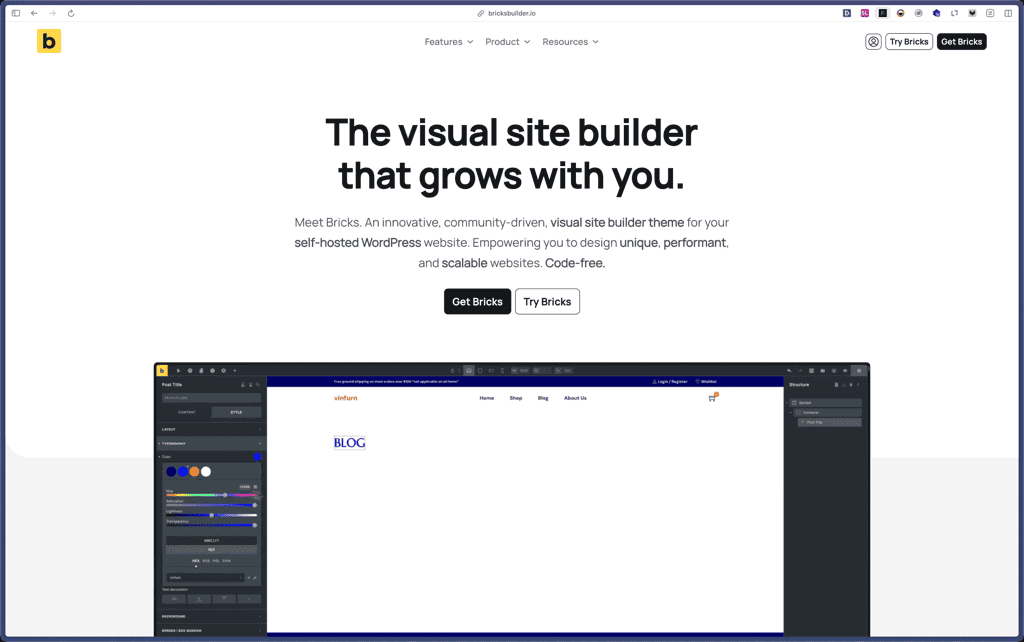
Bricks Builder
BlogVault

Amelia

Zynith SEO

wpDataTables

WP SimplePay

Support Candy

Qi Theme

Products With Lifetime Deals
Support Candy
New!
Bit Integrations

Amelia
Bricks Builder
BitFlows

Crocoblock
You Recently Viewed These
Recently Viewed
Deel
Recently Viewed
Craft
Recently Viewed
Cello

Recently Viewed
Butter
Recently Viewed
Bricks Builder
Recently Viewed
Brevo
Recently Viewed
Umso - Website Builder
Recently Viewed
Amelia
Recently Viewed
Zynith SEO
Recently Viewed
Wrike

Recently Viewed
wpDataTables
Recently Viewed
Webflow
