
Craft
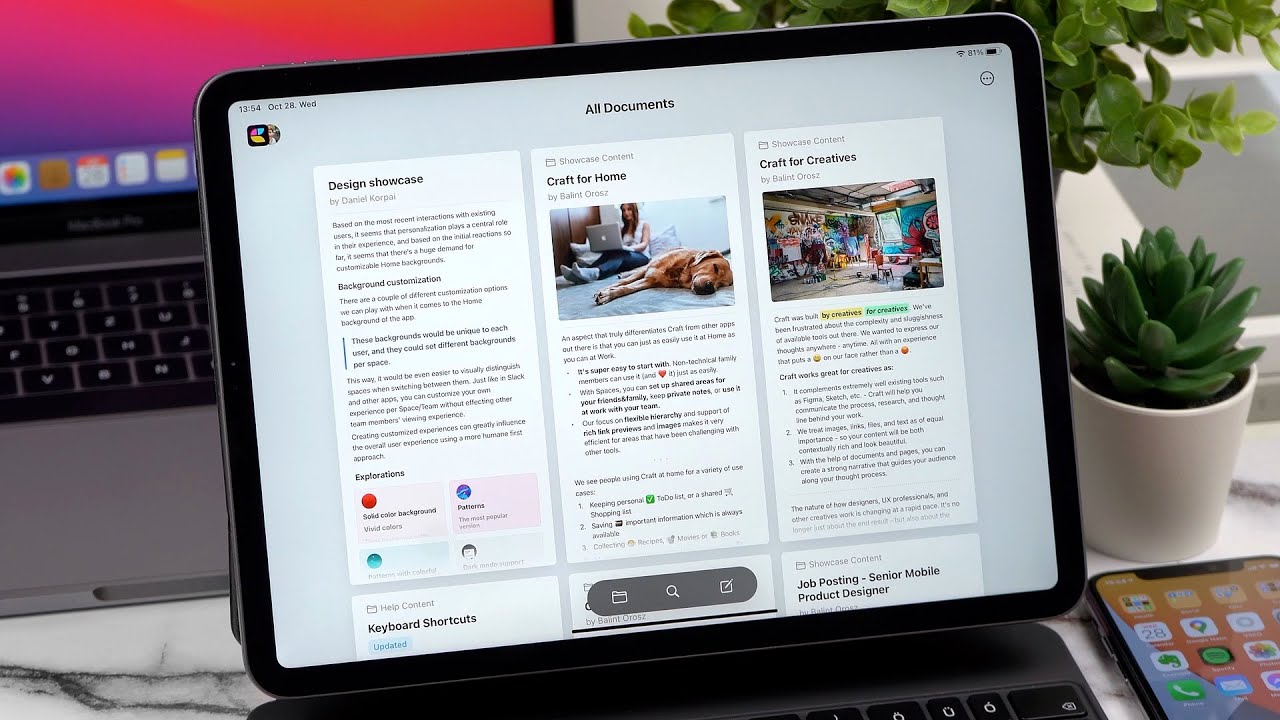
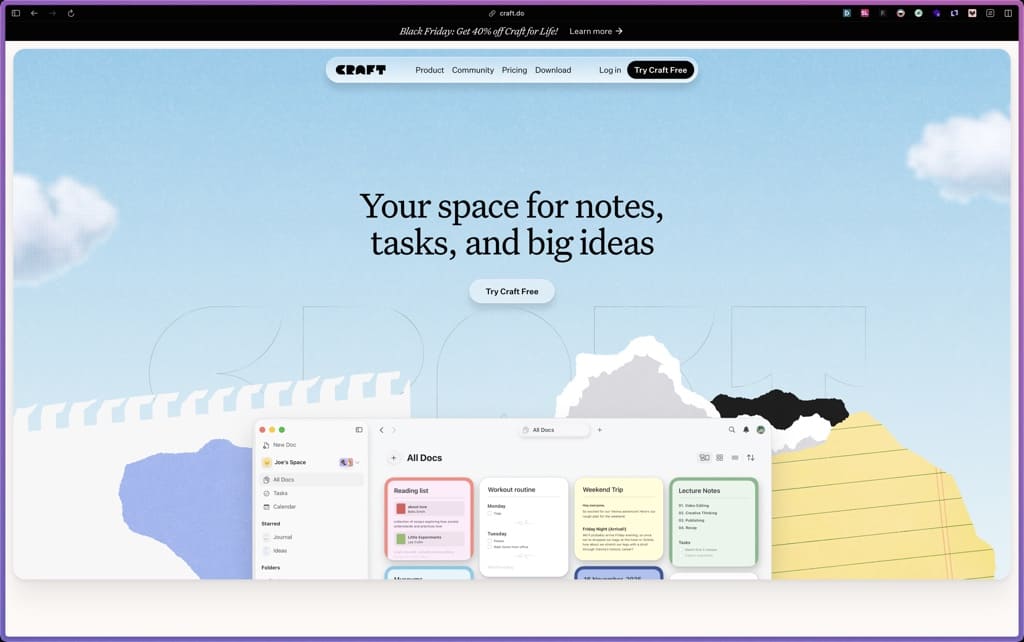
Craft stands out by combining a beautiful, easy‑to‑use editor with built‑in tasks, calendar, and whiteboards, so you can keep notes and action items together. It’s a good fit for solo creators and small teams who want a lightweight, visually appealing workspace that works well across devices, without the complexity of a full‑blown wiki or project management suite.
Freemium SaaS with a free plan and paid subscription tiers (Plus, Family, Team), plus a limited‑time recurring discount on the Plus plan.
Craft offers a 14‑day refund window for subscription issues (e.g., wrong account), but the standard refund policy for regular cancellations is not clearly stated on the public site; Apple App Store purchases follow Apple’s refund rules.
Craft has been around since at least 2019 and has reached over a million installs, with regular feature updates and a clear roadmap. It appears to be in a “growing/stable” phase: actively developed, with solid documentation and community support, but not yet at the scale of long‑established enterprise tools.
- Over 1 million installs across platforms, according to Craft’s own update.
- Used by creators, product managers, and small teams for notes, docs, and project planning, as shown in public case studies.
- Active community on Reddit (r/craft docs) and Slack, plus regular feature updates and tutorials.
- Positive reviews on G2 and Capterra highlight its clean design and ease of use compared to more complex tools.
- Unified workspace for notes, tasks, calendar, and whiteboards, so you can keep ideas and to‑dos in one place.
- Clean, visual editor that makes it easy to create structured documents, meeting notes, and project plans.
- Daily notes and inbox to capture quick thoughts and tasks without cluttering your main docs.
- Templates for common use cases like meeting notes, product specs, and content calendars.
- Publish documents to a custom domain and share them publicly or with a password.
- Import content from other note apps and export to PDF, Markdown, and other formats.
- Integrates with calendar apps so tasks and events stay in sync across devices.
- Tasks embedded directly in documents, so action items stay connected to the relevant context.
- Simple workflows like daily notes and inbox to reduce context switching and keep work flowing.
- Published content analytics show page views, unique readers, and reading time for shared documents.
- Basic usage stats (views, devices, countries) help understand how external readers engage with published pages.
- Organize with spaces, folders, tags, or collections to match how you think (simple hierarchy or database‑style).
- Customize the look of documents with cards, layouts, and styling options to make them visually distinct.
- Data is stored in the cloud with standard SaaS security practices; details like encryption and compliance are not fully detailed on the public site.
- Solo founders and creators who want one place for notes, tasks, and docs instead of juggling multiple apps.
- Product managers and PMs who need to write specs, track tasks, and plan roadmaps in a single workspace.
- Writers, podcasters, and content creators who use templates for show notes, outlines, and content calendars.
- Small teams that want a shared space for meeting notes, project plans, and lightweight collaboration.
- Use it for meeting notes and action items when you want to keep discussion and tasks in one linked document.
- Use it for product specs and project plans when you need a clean, structured doc that non‑technical stakeholders can follow.
- Use it for content planning when you want to organize ideas, outlines, and editorial calendars in one place.
- Use it for personal knowledge management when you want a simple, visual alternative to a complex wiki.
- SaaS web app with native desktop (macOS, Windows) and mobile (iOS) apps; cloud‑hosted, not self‑hosted.
- Works on macOS, Windows, iOS, and via web browser; requires an account and internet connection.
- Integrates with calendar apps and supports publishing to a custom domain for external sharing.
Unlike heavy project management suites or wikis, Craft is a lightweight, visually focused workspace that combines notes, tasks, and docs in one editor. Compared to basic note apps, it adds built‑in tasks, calendar, and whiteboards, making it a middle ground between simple notes and full‑featured PM tools.
- Email support available for paid plan users; free users can access help articles and community channels.
- Comprehensive help site with guides on getting started, organizing, sharing, and using AI features.
- Active community on Reddit (r/craftdocs) and Slack, plus a YouTube channel with tutorials and feature walkthroughs.
- No native Android app; mobile access is via iOS and web browser only.
- Advanced project management features (like Gantt charts, complex dependencies) are not included.
- Detailed data export and advanced admin controls are limited compared to enterprise collaboration platforms.
Related Products
UPDF

Trafft

Storydoc

ProWritingAid

Parallels Desktop

Cogniflow

Vellum

Products With Lifetime Deals
Support Candy

New!
Bit Integrations

Amelia

Bricks Builder
BitFlows

Crocoblock

You Recently Viewed These
Recently Viewed
Deel
Recently Viewed
Craft
Recently Viewed
Cello
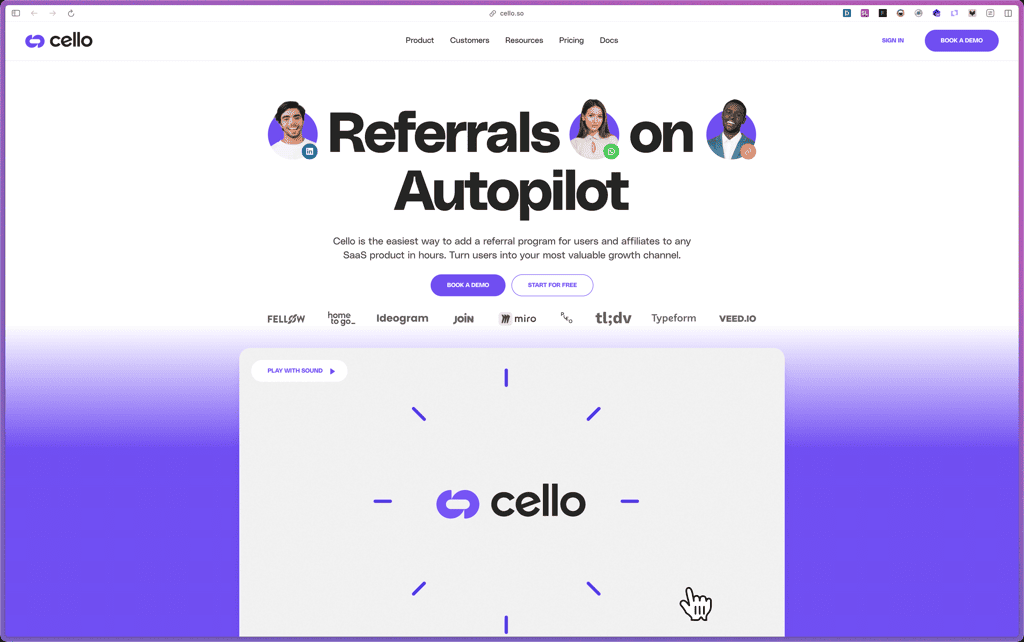
Recently Viewed
Butter
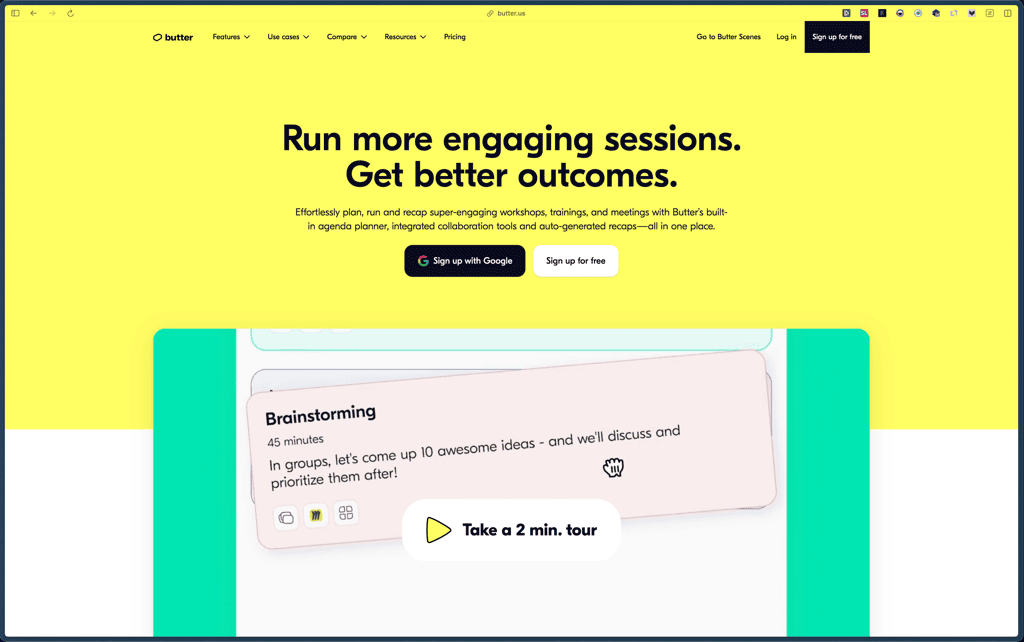
Recently Viewed
Bricks Builder
Recently Viewed
Brevo
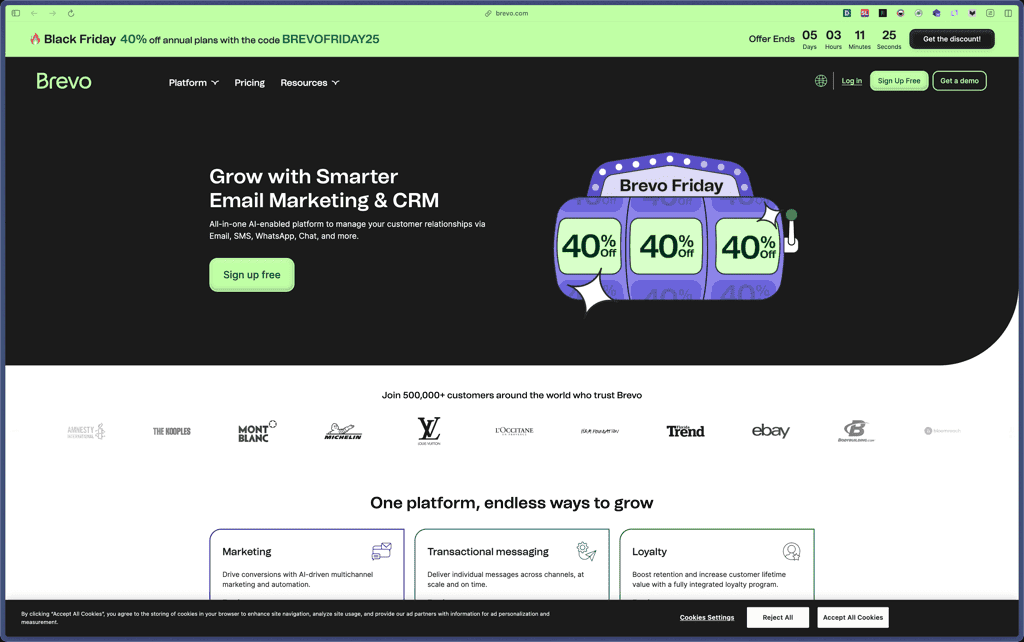
Recently Viewed
Umso - Website Builder
Recently Viewed
Amelia
Recently Viewed
Zynith SEO

Recently Viewed
Wrike

Recently Viewed
wpDataTables

Recently Viewed
Webflow
