
Code Snippets

This plugin gives WordPress users a structured way to manage custom code, so they can replace multiple small plugins with focused snippets while keeping everything in one place. The Pro offering adds AI-assisted snippet generation, cloud backup, and advanced snippet types, which suits teams managing multiple client sites or complex customizations. A long-standing free version on WordPress.org and external reviews suggest it is a stable, actively used solution.
Freemium model with a free core WordPress plugin and a separate premium version that unlocks additional features. Premium access is sold as a paid product via the vendor’s site, and some features are tied to a cloud platform account.
The vendor states a 14-day refund window on the first purchase of the premium product, excluding renewals. Users are asked to contact the support team within that period to request a full refund.
Code Snippets has a long-standing presence in the WordPress plugin directory, which suggests it is a mature and widely adopted tool rather than a new experiment. Recent external reviews and tutorials that cover both free and Pro versions indicate ongoing development and an active user base.
- Listed on WordPress.org as the “Code Snippets” plugin, indicating recognition in the official plugin ecosystem.
- Third‑party reviews describe it as an easy and reliable way to run custom code without touching functions.
- External reviews highlight the Pro version’s AI features and performance, positioning it as a capable option among WordPress code snippet tools.
- A Trustpilot profile exists for Codesnippets, showing at least a small base of public reviewers engaging with the product.
- Let's you add, edit, activate, and deactivate code snippets from a graphical interface instead of editing functions.php or core/theme files, reducing risk when customizing WordPress sites.
- Supports organizing snippets with descriptions and tags, making it easier to track what each customization does across complex sites.
- Allows different snippet types (such as PHP, HTML/content, styles, and scripts in the Pro version) so you can handle a broad range of customizations from one plugin.
- Integrates with WordPress multisite, enabling snippets to run across a network where needed.
- Can load snippets through shortcodes and blocks, letting you insert custom functionality or content into posts, pages, and builders.
- Offers a cloud platform connection in Pro, so you can sync, share, and deploy snippets across multiple WordPress installs.
- Provides conditional controls and reusable conditions to decide when and where snippets execute, giving fine‑grained control over site behavior.
- Supports choosing snippet execution order, which helps prevent conflicts and ensures critical code runs at the right time.
- Lets you tweak both front‑end behavior and the WordPress dashboard, so you can tailor the editing experience and site output to your workflow.
- Includes a configurable code editor and validation hints in Pro, helping catch errors and improve code quality while you work.
- Runs custom code via a managed interface rather than direct file edits, which lowers the chance of breavking the site through manual changes.
- Offers options for complete uninstall that remove snippets and settings, helping keep environments clean when the plugin is no longer needed.
- Freelance WordPress developers who frequently add small custom functions and want to avoid editing theme or child-theme files on every project.
- Small agencies managing multiple client sites that need a central, reusable library of snippets and cloud sync to keep implementations consistent.
- Non‑developer site owners who copy code snippets from tutorials and want a safer place to manage them with AI help and basic validation.
- Productized service providers and educators who maintain many similar WordPress setups and benefit from snippet bundles and cloud‑based deployment.
- Use it to add custom PHP functions, filters, and actions without touching theme files when you need small tweaks to WordPress behavior.
- Use it for managing CSS and JavaScript tweaks (in Pro) when you want to reduce reliance on extra micro‑plugins or theme settings.
- Use it to share and deploy a standard set of snippets across a portfolio of client sites through the cloud library and bundles.
- Use it to experiment with AI‑generated snippets and explanations when you need help writing or understanding WordPress code changes.
- Distributed as a WordPress plugin that runs inside self‑hosted WordPress sites.
- Supports WordPress multisite installations, allowing snippets to run across networks when configured.
- Connects to a proprietary cloud service run by the vendor for syncing, backups, and community snippet sharing in the premium offering.
- Exposes a REST API for accessing snippet data programmatically and offers WP‑CLI commands to automate snippet workflows in advanced setups.
Unlike general-purpose code editors or external snippet managers, this tool lives directly inside WordPress, so changes are applied in context rather than pushed from outside. Compared with some hosted snippet SaaS tools, its freemium plugin model and cloud add‑ons are designed specifically around WordPress workflows like multisite, blocks, and theme customization.
- Provides a dedicated support center for help with the plugin, cloud, and related services, with ticket-based premium support mentioned for paid users.
- Offers documentation and guides on a help site, along with example snippets and learning resources.
- Has community elements such as a shared snippet library and public reviews on WordPress.org and other sites, indicating some level of user ecosystem.
- Does not send emails or provide marketing automation by itself; it focuses purely on managing and running code snippets inside WordPress.
- Advanced features like AI assistance, cloud sync, snippet bundles, and some snippet types are only available in the premium version, not in the free core plugin.
Related Products
Crocoblock

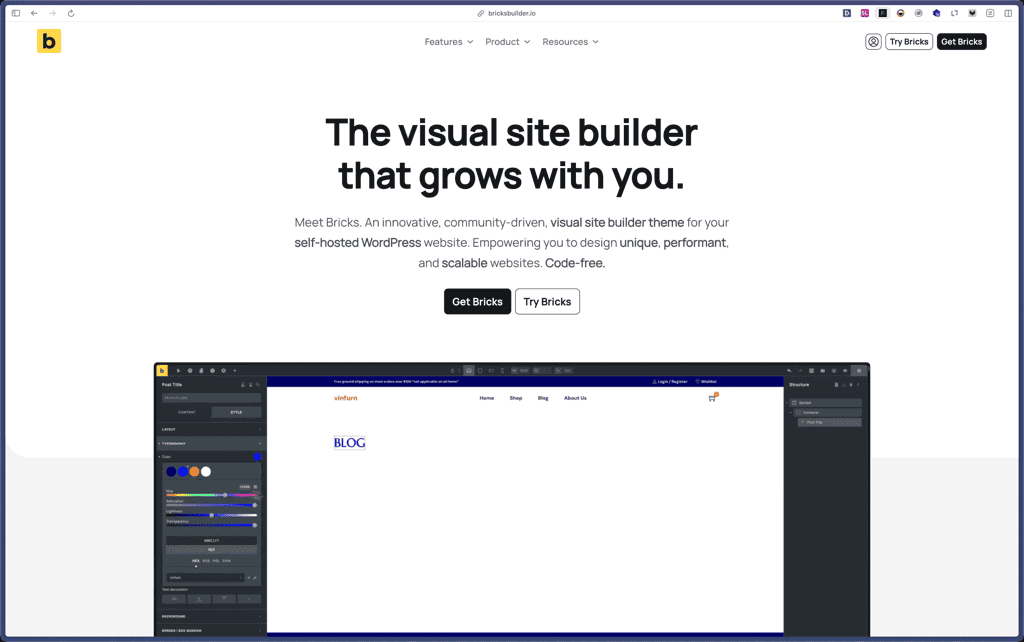
Bricks Builder
BlogVault

Amelia

Zynith SEO

wpDataTables

WP SimplePay

Support Candy

Qi Theme

Products With Lifetime Deals
Support Candy
New!
Bit Integrations

Amelia
Bricks Builder
BitFlows

Crocoblock
You Recently Viewed These
Recently Viewed
Deel

Recently Viewed
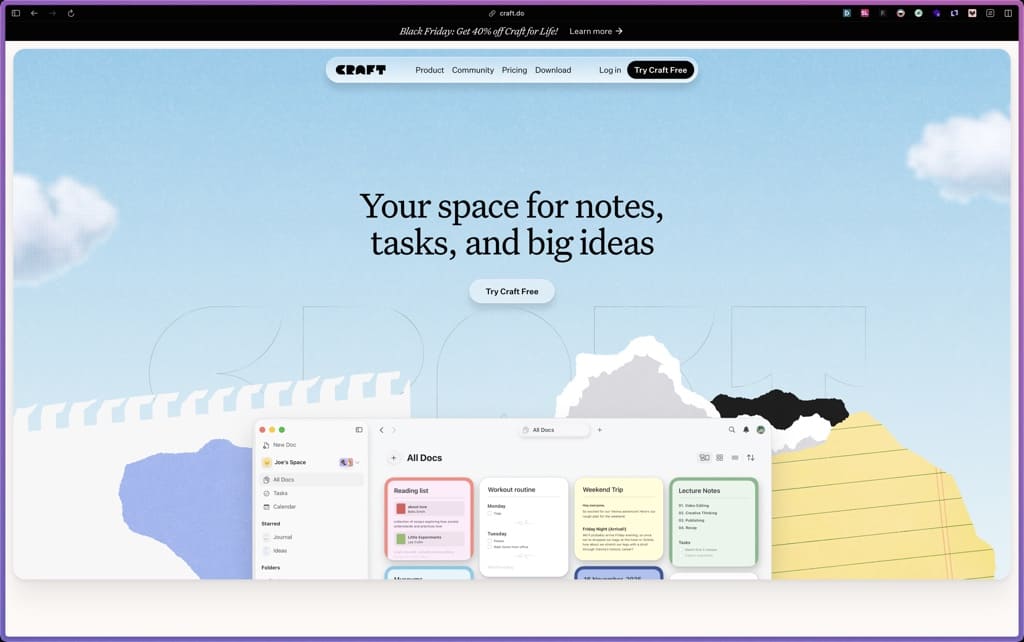
Craft
Recently Viewed
Cello

Recently Viewed
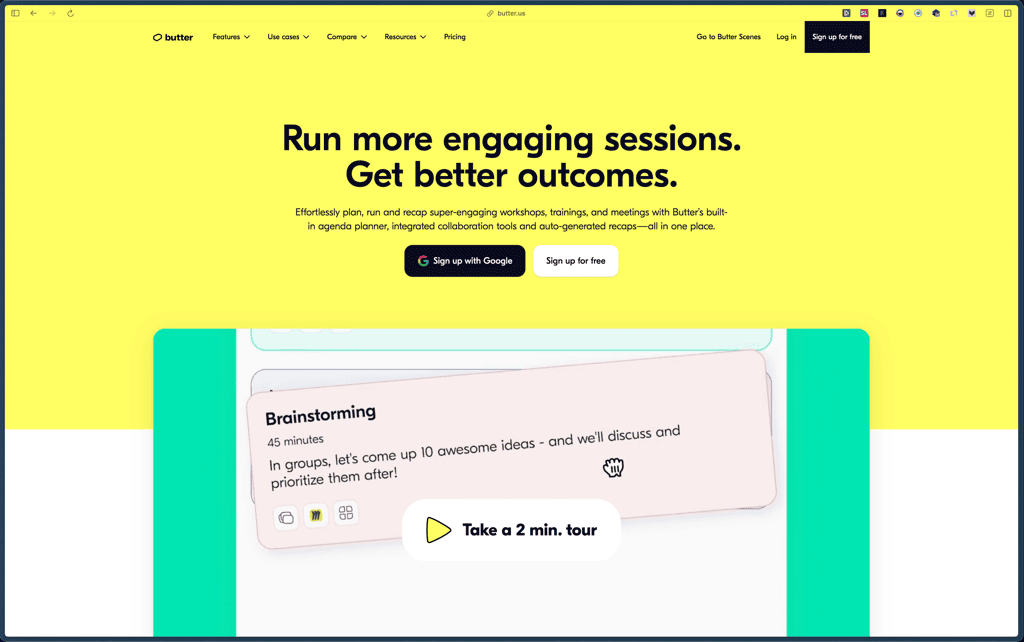
Butter
Recently Viewed
Bricks Builder
Recently Viewed
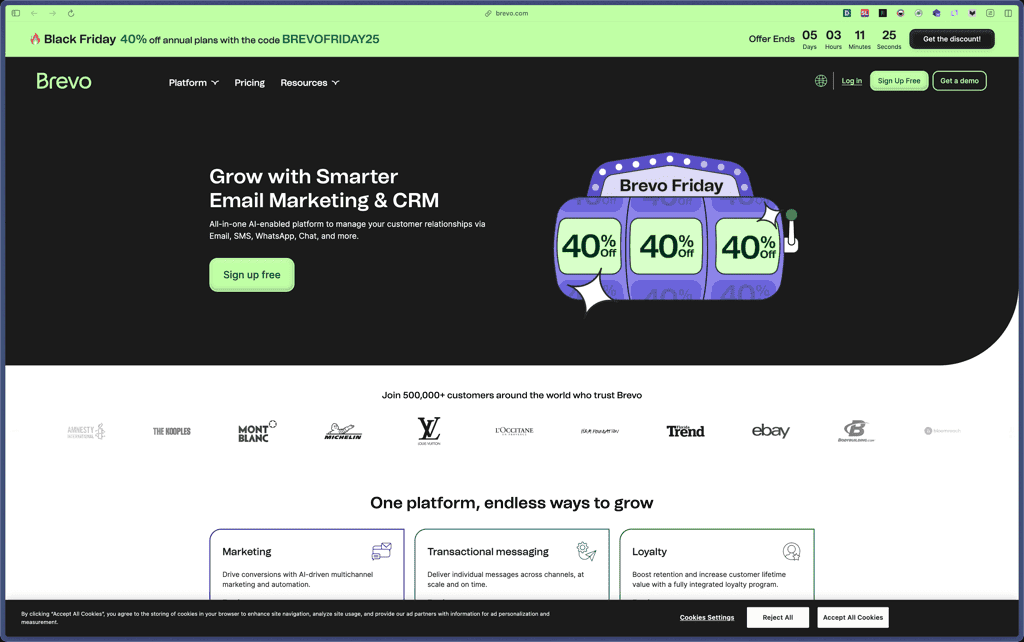
Brevo
Recently Viewed
Umso - Website Builder
Recently Viewed
Amelia
Recently Viewed
Zynith SEO
Recently Viewed
Wrike

Recently Viewed
wpDataTables
Recently Viewed
Webflow
