
Bit Integrations


Bit Integrations runs entirely inside WordPress, so your automation happens on your server rather than through external SaaS platforms, which lowers ongoing costs and keeps your data local. The free version includes unlimited workflows and access to popular actions like Zapier, Google Sheets, and major CRMs, giving teams room to test before upgrading. With active development, frequent updates, and strong user feedback, the plugin signals reliable long-term support.
Freemium model with a free version offering 5 triggers and 161+ actions with unlimited workflows. Pro version unlocks all 300+ triggers and actions with annual licensing.
60-day money-back guarantee on the Pro version according to user reviews on AppSumo. Free version available with no credit card required for testing core features.
Bit Integrations appears to be a growing and stable product with frequent feature releases and regular version updates documented in detailed changelogs. The plugin is actively maintained with new triggers and actions added monthly, along with bug fixes and improvements responding to user feedback. Based on the extensive integration library and community adoption visible through reviews and tutorials, the tool has moved beyond early-stage experimentation into reliable production use.
- Listed on WordPress.org with active installations and regular updates, showing ongoing maintenance and community trust.
- Rated 4.4 out of 5 on AppSumo with 79 verified user reviews praising ease of use and value compared to Zapier alternatives.
- Positive user testimonials on WordPress.org support forums highlight reliability, clean UI, and strong integration coverage.
- Featured in YouTube tutorials from WordPress education channels like WPTuts, SaaS Master, and Quick Tips, demonstrating real-world usage.
- Active community engagement with detailed documentation, video walkthroughs, and responsive support channels.
- Connects WordPress to 300+ external platforms using a trigger-and-action model, so when something happens on your site, data automatically flows to your chosen destination.
- Offers 5 free triggers including Contact Form 7, WPForms, Elementor Forms, WooCommerce, and Bit Form, covering common WordPress use cases without a paid plan.
- Supports 161+ actions in the free version, including Zapier, Google Sheets, Mailchimp, HubSpot, ActiveCampaign, and major CRMs, giving broad connectivity out of the box.
- Provides unlimited workflows even on the free plan, so you can create as many automations as needed without hitting artificial caps.
- Integrates with popular form builders like Contact Form 7, WPForms, Gravity Forms, Fluent Forms, Ninja Forms, and Elementor Forms to capture submissions and route them automatically.
- Connects to CRM platforms including HubSpot, Salesforce, Zoho CRM, Pipedrive, Freshsales, and Copper CRM for automated lead management and customer data syncing.
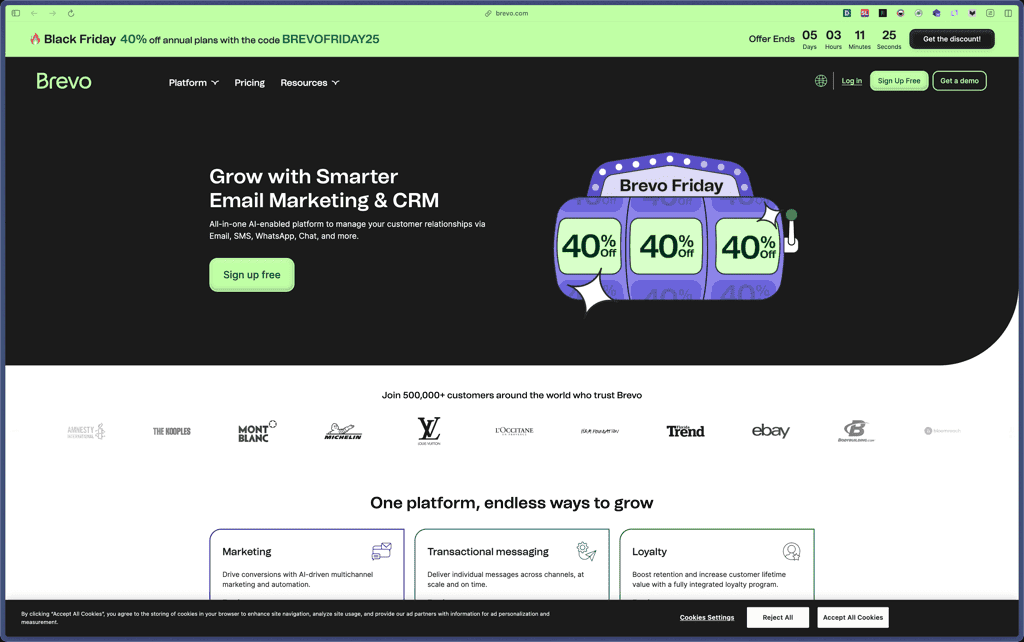
- Links to email marketing tools like Mailchimp, ActiveCampaign, SendinBlue (Brevo), MailerLite, Klaviyo, and Drip for automated subscriber management and campaign triggers.
- Works with WooCommerce, WooCommerce Subscriptions, WooCommerce Bookings, and WooCommerce Memberships to automate order processing, customer updates, and subscription workflows.
- Supports LMS platforms including LearnDash, Tutor LMS, MasterStudy LMS, and Academy LMS for automating course enrollments and student data syncing.
- Connects to project management and productivity tools like Asana, Trello, ClickUp, Notion, Airtable, Slack, Discord, and Telegram for team notifications and task creation.
- Integrates with cloud storage services including Google Drive, Dropbox, and OneDrive for automated file management and backups.
- Links to Zapier, Make (Integromat), Uncanny Automator, SureTriggers, AutomatorWP, and FlowMattic, extending automation beyond native integrations through webhooks and connectors.
- Offers conditional logic that lets you set rules for when data should trigger actions, so you can filter submissions by criteria like email validity or order status.
- Provides field mapping with a visual interface that connects form fields to CRM or email marketing fields, ensuring data lands in the right place without custom code.
- Supports webhooks for sending and receiving data to any platform with an API, giving flexibility when native integrations aren't available.
- Includes real-time data syncing across connected platforms so updates happen immediately when triggers fire.
- Maintains a detailed activity log that records every automation execution with timestamps and status, helping you track successful flows and troubleshoot failures.
- Provides a timeline view showing each integration's execution history and detailed results for auditing and debugging workflows.
- Allows custom triggers and custom actions for advanced users who need workflows beyond the pre-built options.
- Supports multiple integrations per form or trigger, so one event can send data to several destinations simultaneously.
- Offers error handling with logs to identify and fix issues when integrations fail or return unexpected results.
- Stores automation credentials and API keys locally within your WordPress database rather than on third-party servers, giving you direct control over sensitive integration data.
- Supports encrypted connections (HTTPS) for webhook and API communications to external platforms when properly configured on your hosting environment.
- Activity logs track all automation executions with timestamps and status codes, providing an audit trail for monitoring data transfers and identifying unauthorized access attempts.
- Security practices and data handling specifics are not extensively detailed on public documentation, so reviewing with your hosting security configuration is recommended for production use.
- Small business owners running WordPress sites who need to connect contact forms to CRMs or email marketing tools without paying for Zapier subscriptions.
- WordPress agencies managing multiple client sites that want a single automation solution they can deploy across projects with different integration needs.
- WooCommerce store operators who need to sync orders, customer data, and subscriptions to accounting software, CRMs, or fulfillment platforms automatically.
- Course creators and membership site owners using LearnDash, Tutor LMS, or MemberPress who want to automate enrollment notifications and student management.
- Digital marketers building automated lead generation funnels where form submissions trigger sequences across email marketing, CRM, and project management tools.
- Use it for form-to-CRM automation when you want contact form submissions from Contact Form 7 or WPForms to create leads in HubSpot, Salesforce, or Zoho CRM automatically.
- Use it for WooCommerce order syncing when you need new orders, customer details, or subscription changes to appear in Google Sheets, email marketing platforms, or accounting software in real time.
- Use it for email list building when form submissions or WooCommerce purchases should add contacts to Mailchimp, ActiveCampaign, or SendinBlue without manual imports.
- Use it for LMS enrollment automation when new LearnDash or Tutor LMS course registrations should trigger welcome emails, CRM updates, or Slack notifications.
- Use it for lead qualification workflows when you want conditional logic to route high-value form submissions to your sales CRM while sending others to nurture sequences.
- Use it for project management integration when WooCommerce orders or form submissions should create cards in Trello, tasks in Asana, or database entries in Notion automatically.
- WordPress plugin installed and activated through the WordPress dashboard, either from the plugin repository or by uploading the zip file manually.
- Requires a WordPress installation with version compatibility detailed on the WordPress.org plugin page; works with standard WordPress hosting environments.
- Compatible with WordPress multisite setups for agencies managing automation across multiple sites from a single network.
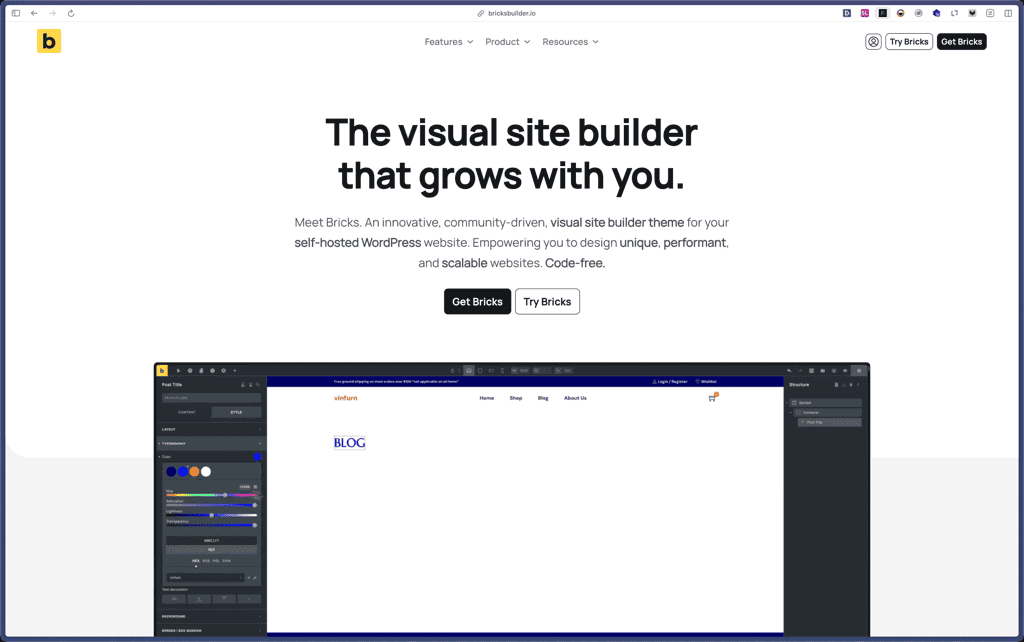
- Integrates with page builders including Elementor, Divi, Beaver Builder, and Bricks through their native form modules for triggering workflows.
- Supports webhook-based connections for platforms without direct integrations, allowing REST API and custom endpoint automation.
Bit Integrations differentiates itself by running automation entirely within WordPress rather than requiring external SaaS subscriptions like Zapier or Make, which reduces monthly costs and keeps data flows on your own server. Where Zapier charges per task and limits workflows on lower tiers, Bit Integrations offers unlimited workflows even in the free version, making it cost-effective for high-volume automation needs. The plugin positions as a WordPress-native alternative to multi-platform automation tools, ideal for users who want to consolidate integrations without adding another service to their stack.
- Extensive documentation covering setup, trigger configuration, action mapping, and use cases for each integration available on the official site.
- Video tutorial library with step-by-step guides for popular workflows like WooCommerce to CRM, form builders to email marketing, and webhook configurations.
- Active community support through WordPress.org forums where users share solutions and the development team responds to questions.
- Pro version includes dedicated support channels with faster response times compared to community-only assistance on the free tier.
- Free version limits triggers to 5 popular options (Contact Form 7, WPForms, Elementor Forms, WooCommerce, Bit Form), requiring Pro for additional form builders and LMS platforms.
- Does not support multi-step workflows or complex branching logic found in dedicated automation platforms like Zapier or Make.
- Runs automation on your WordPress server, so high-volume workflows may impact site performance depending on hosting resources and configuration.
- Some integrations require Pro licensing, including many LMS triggers, advanced CRM features, and specialized WordPress plugins.
Related Products
Crocoblock

Bricks Builder
BlogVault

Amelia

Zynith SEO

wpDataTables

WP SimplePay

Support Candy

Qi Theme

Products With Lifetime Deals
Support Candy
New!
Bit Integrations
Amelia
Bricks Builder
BitFlows

Crocoblock
You Recently Viewed These
Recently Viewed
Deel
Recently Viewed
Craft
Recently Viewed
Cello

Recently Viewed
Butter
Recently Viewed
Bricks Builder
Recently Viewed
Brevo
Recently Viewed
Umso - Website Builder
Recently Viewed
Amelia
Recently Viewed
Zynith SEO
Recently Viewed
Wrike

Recently Viewed
wpDataTables
Recently Viewed
Webflow
